
This on r/programming today: What’s New in PHP 8.
Category Archives: Programming
The state of leetcode in 2020
A video which popped up on r/programming today: The state of leetcode in 2020. I wish I had more time for leetcode.com.
Low Hanging Fruits in Frontend Performance Optimization
Today I discovered Low Hanging Fruits in Frontend Performance Optimization which is chock full of performance tips for websites.
This is how I git
Bumped into This is how I git which is full of tips about working with git.
Codd’s 12 rules
Today in my travels I came across Codd’s 12 rules. They are rules for what qualifies as a relational database. Apparently these rules are discussed in RELATIONAL MODEL DATABASE MANAGEMENT 2 but as that is $486 I will not have a copy any time soon…
Stop checking for NULL pointers!
Read this great article Stop checking for NULL pointers! It mentions that there are many other invalid pointers than NULL, which is the same idea I had recently with regard to foreign keys in databases.
Technical debt as a lack of understanding
Technical debt as a lack of understanding popped up on lobste.rs today, and I thought it was pretty good. An interesting admonition of a corporate wiki that I’m not sure I agree with… also a brief YouTube video of Ward Cunningham who invented the term “technical debt” after reading, of all people, Lakoff and Johnson, my heroes! :)
Math keeps changing
An interesting article on lobste.rs today on the JavaScript Math implementation: Math keeps changing. The comic really resonated with me: 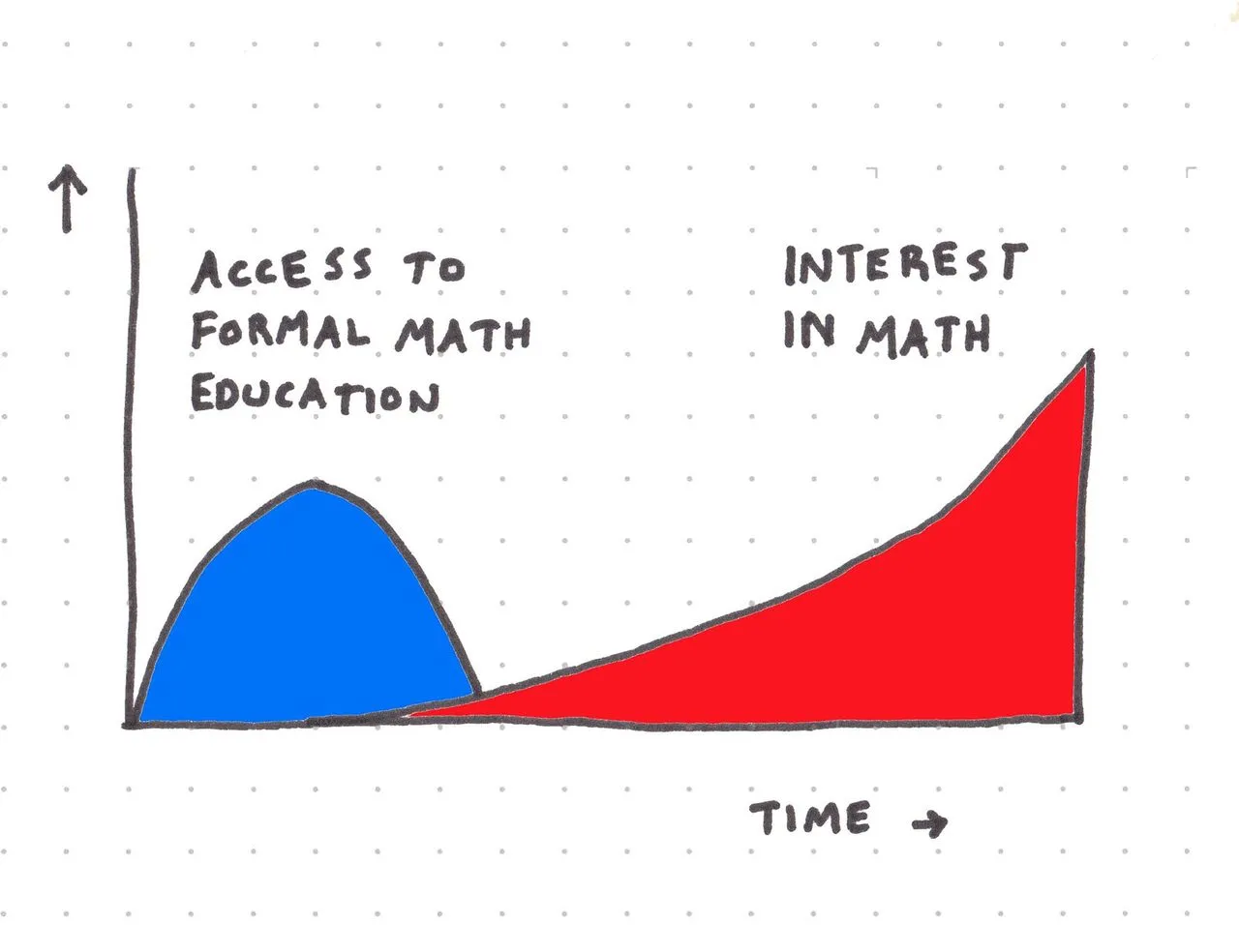
CSS Box Sizing
Read a good article about Box Sizing over on CSS Tricks.
In summary:
html {
  box-sizing: border-box;
}
*, *:before, *:after {
  box-sizing: inherit;
}
How Did Things Ever Get This Good?
I read How Did Things Ever Get This Good? today. Nice, short, optimistic piece.