You can support this channel on Patreon: patreon.com/JohnElliotV
This post is part of my video blog and you can find more information about this video.
Silly Job Title: Science Officer. I am the Science Officer!
In this video we wish you a Merry Christmas and a Happy New Year!
To begin with I explain the cosplay costume I wear on the show. It’s me dressed up as Egon Stetmann the Chief Scientist from StarCraft II.
We take stock of the aspirational video release cadence which at the moment is one video per day:
- Monday: Module Monday
- Tuesday: Learning the Art of Electronics
- Wednesday: Mail Call, Unboxing, Demo, Interlude, or Channel News
- Thursday: Maxitronix kit
- Friday: Old Book Teardown or New Book Teardown
- Saturday: Electronics Project or Mini Project
- Sunday: Cheatsheet Review
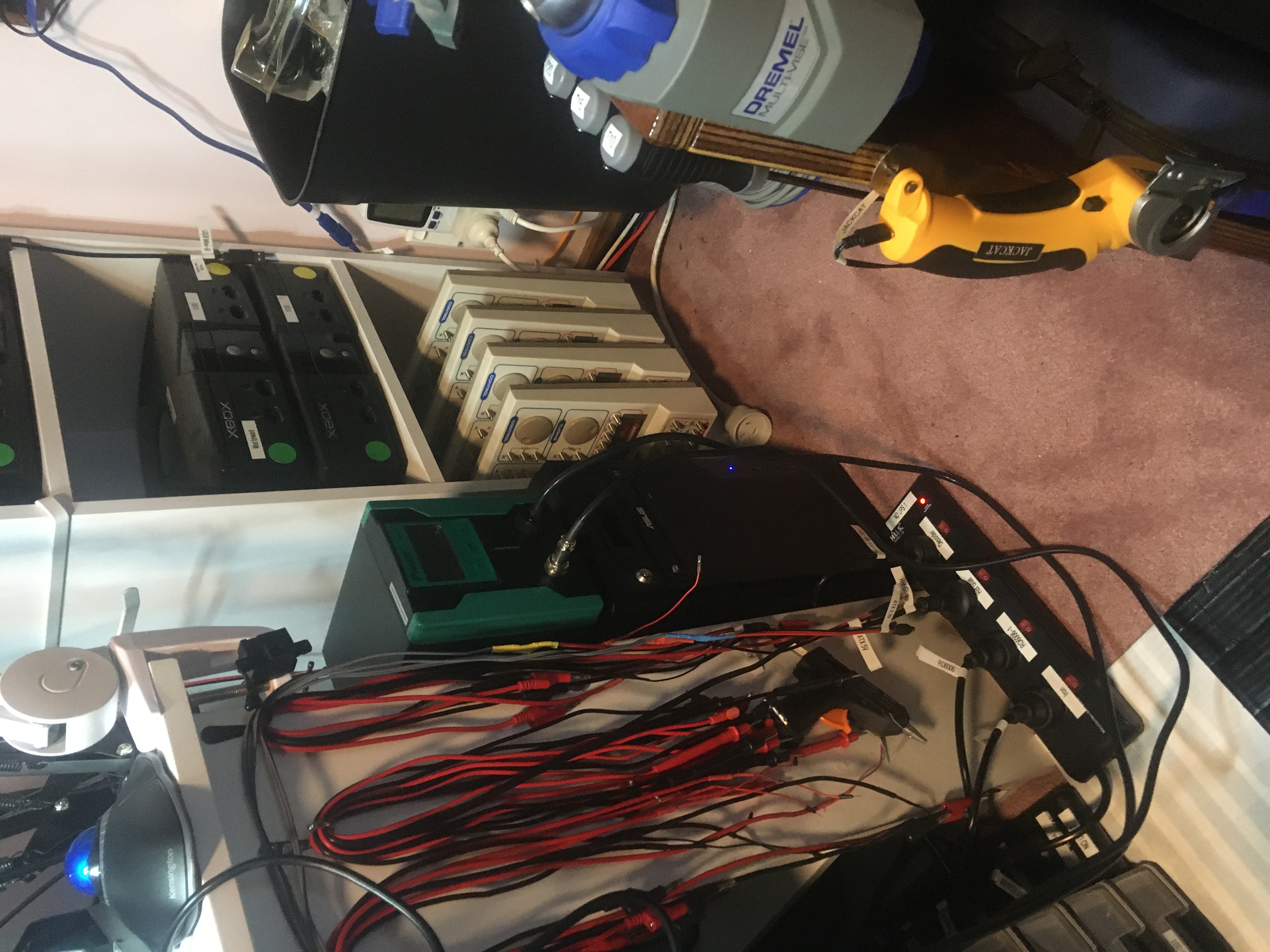
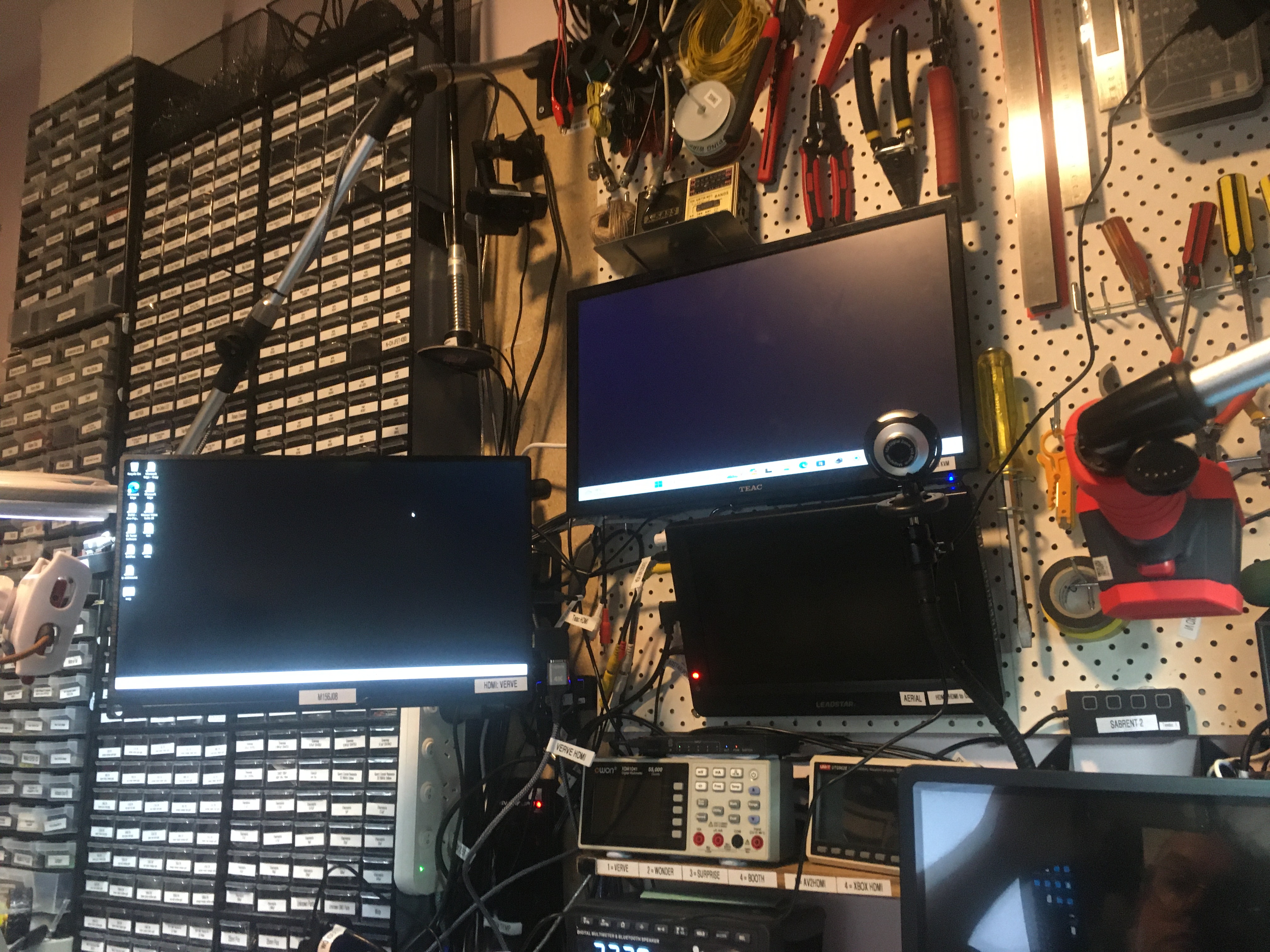
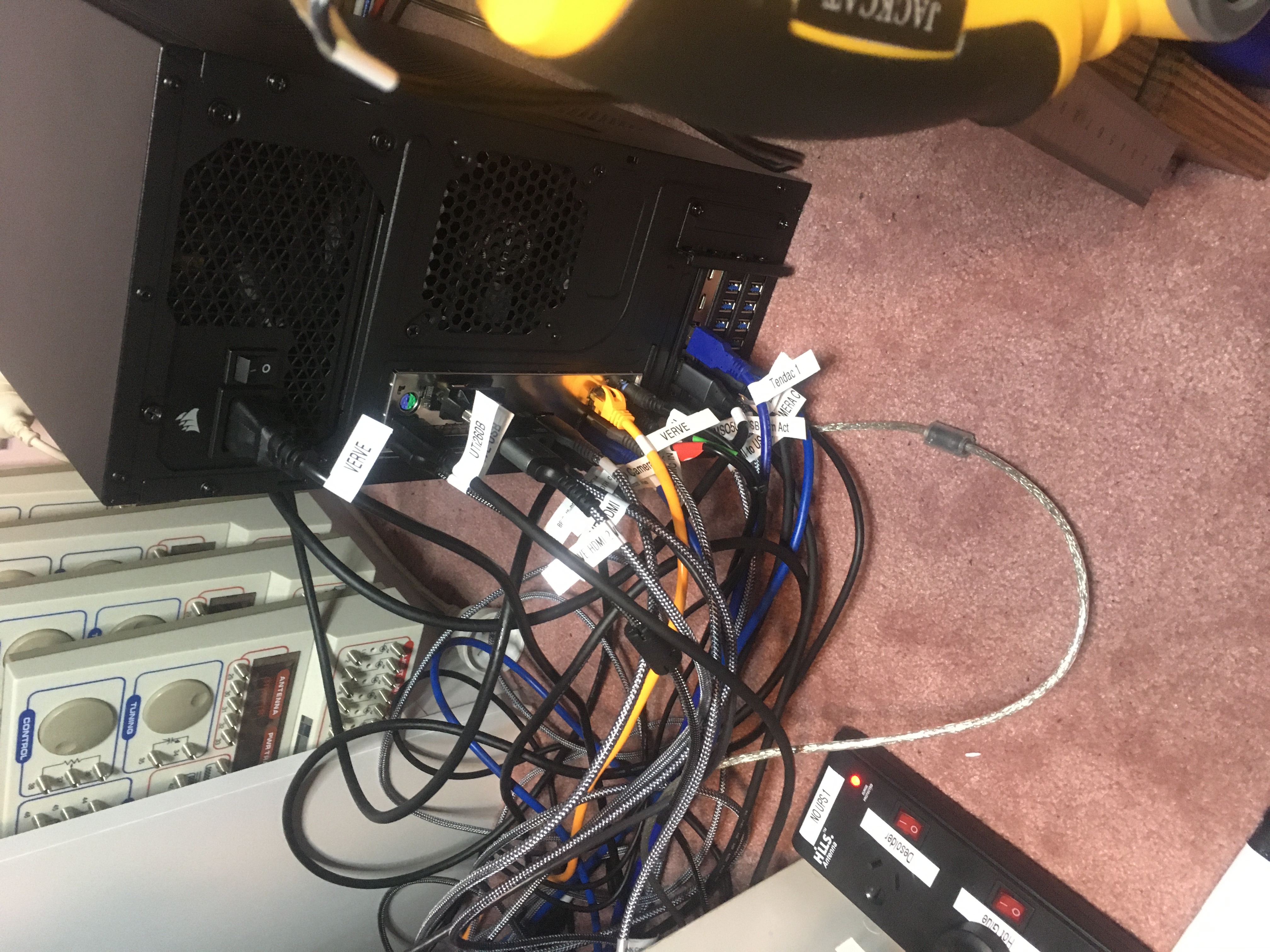
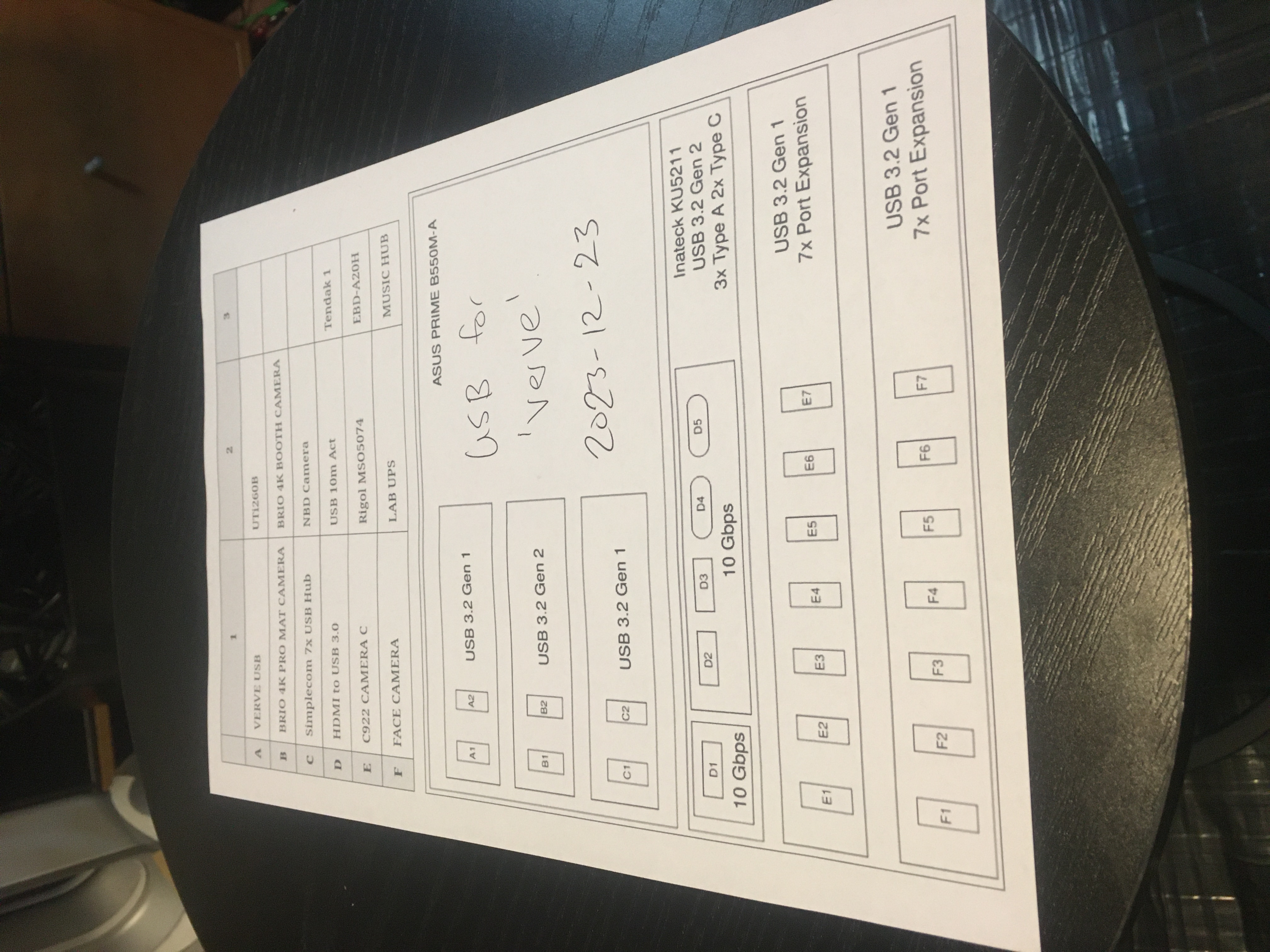
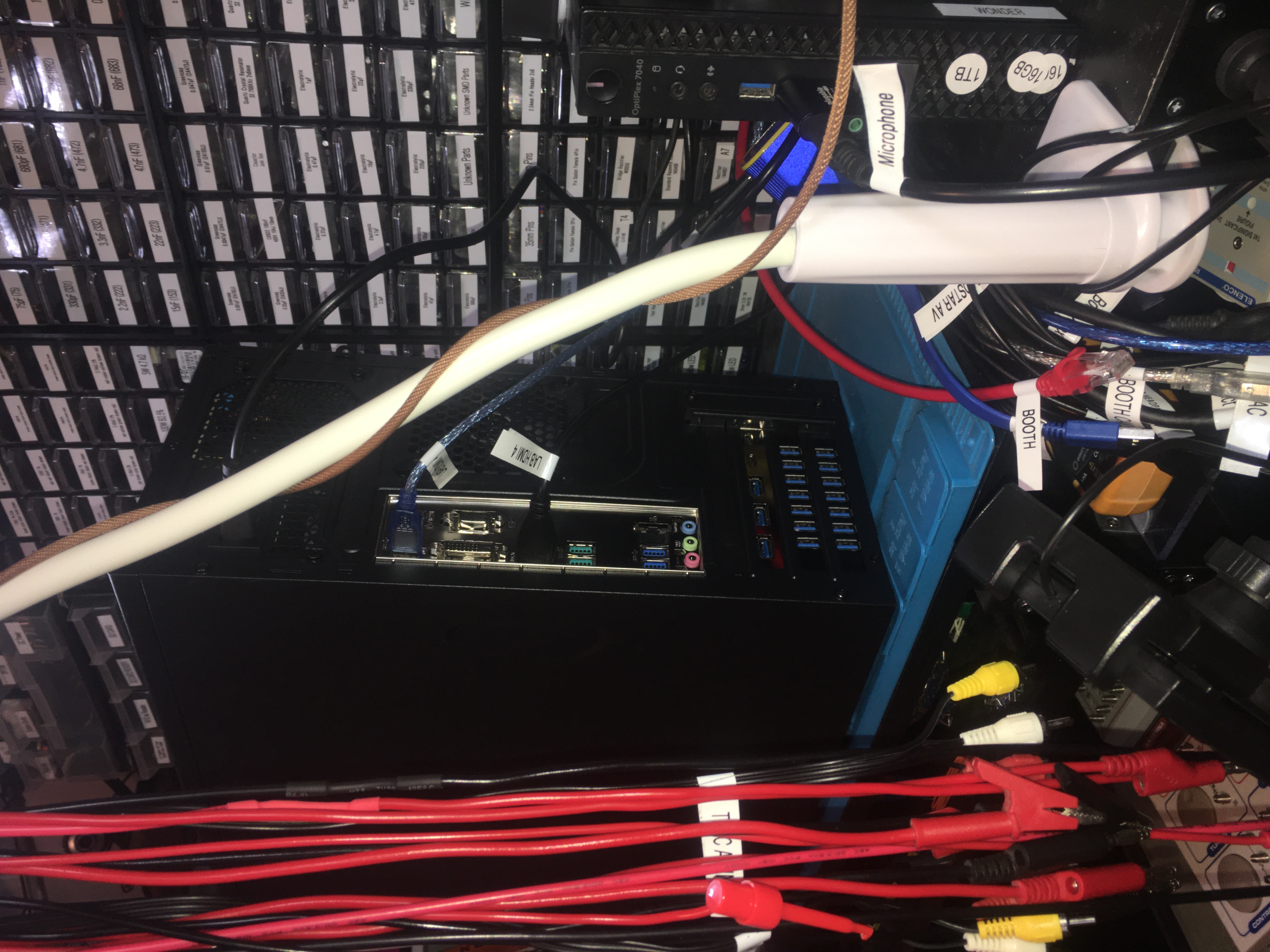
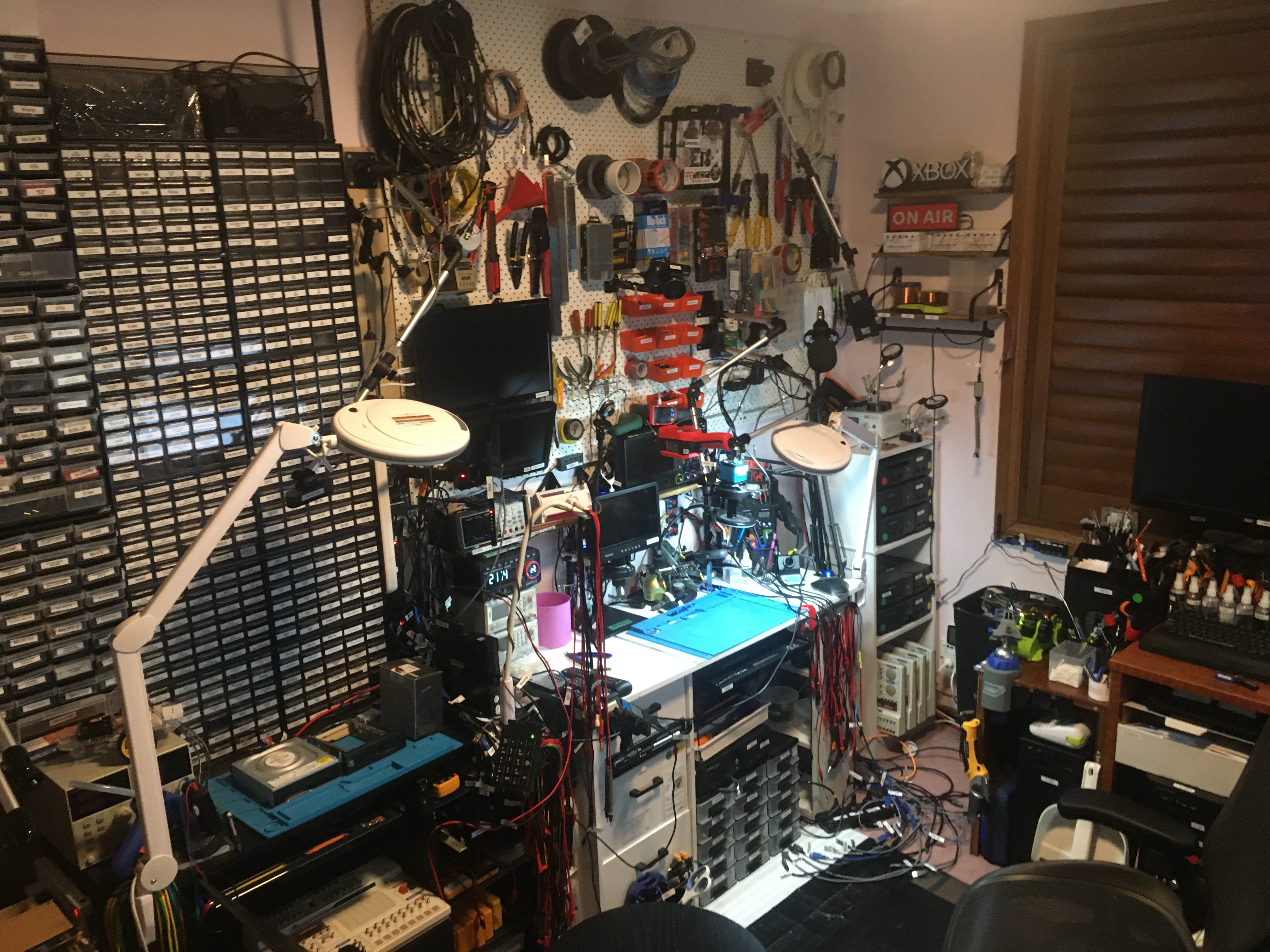
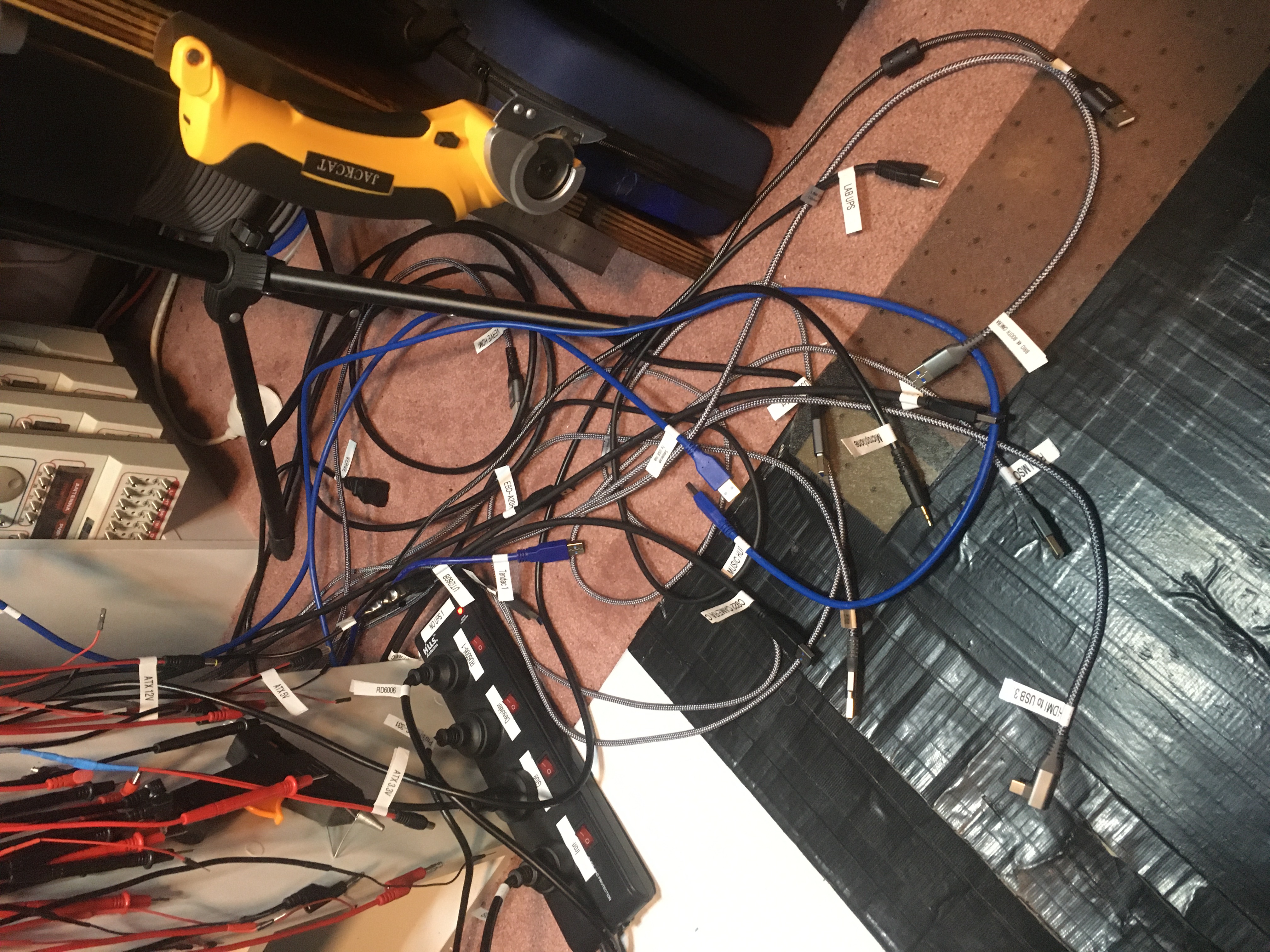
We have a look at the video cameras we currently have deployed in the studio. We have OBS Studio running on four different computers with camera inputs like this:
- treat (Windows 11 Home)
- Welcome Cam / Farewell Cam
- charisma (Debian 12 Bookworm)
- Face Cam
- Stand Cam
- charisma Desktop (also proviso Desktop)
- trail (Windows 11 Pro)
- Booth Cam
- verve (Windows 11 Pro)
- Lab Cam
- Mat Cam
- Wide Cam
- Power Cam
- Thermal Cam
- OWON Cam
- verve Desktop
- HDMI Cam
- Rigol MSO5074
- Yizhan Microscope
- TOMLOV DM602 Pro Microscope
- Xbox to HDMI
- AV RCA to HDMI
- Game System
- Test Xbox
- Bench Xbox
I also mention about my JCID Aixun H314 Intelligent Hot Air Gun Soldering Station 1400W Digital High Power BGA Rework Heating Station For SMD BGA Repair which I have ordered and is due to arrive by the new year. I heard about this hot air gun from @nanofix over here: Testing a 1400W Hot Air Station & Remote? – AiXun H314 Review.
And I mention about the plan to work through the The Pi Hut – Maker Advent Calendar – The 12 Projects of Codemas (inc. Raspberry Pi Pico H) over the tail end of this year.
Thanks very much for watching! And please remember to hit like and subscribe! :)
Following is a product I use picked at random from my collection which may appear in my videos. Clicking through on this to find and click on the green affiliate links before purchasing from eBay or AliExpress is a great way to support the channel at no cost to you. Thanks!
Yum Cha Bench Vise 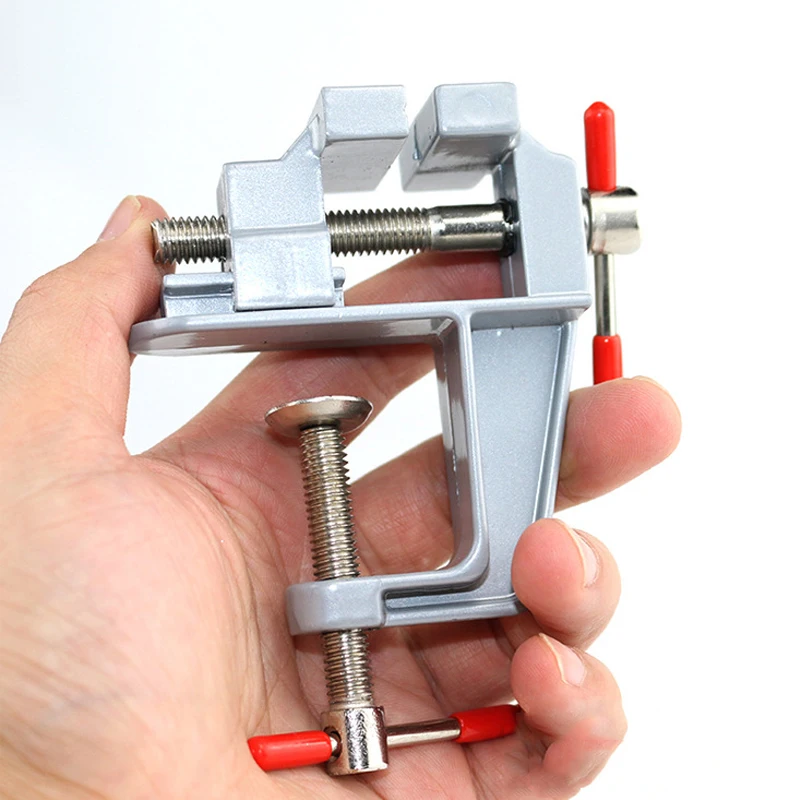 notes
notesLet’s go shopping!