Unboxing #11: Unboxing and Installation of Horusdy 39-Drawer Component Drawers | In The Lab

This post is part of my video blog and you can find more information about this video over here.

You can support this channel on Patreon: patreon.com/JohnElliotV

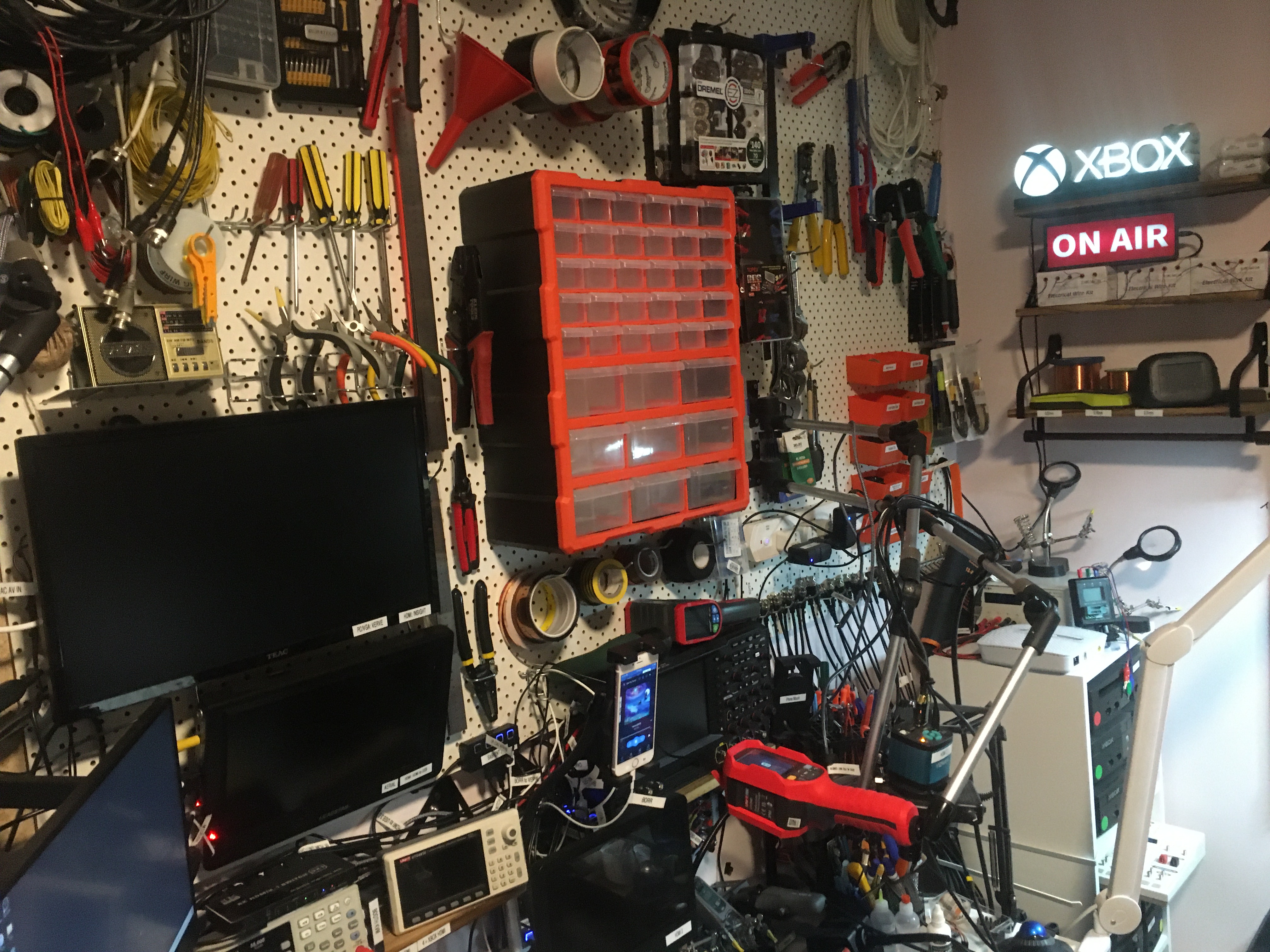
In this video I unbox and install my new Horusdy 39-drawer component drawers.

Unfortunately I missed a little bit of footage near the end of the installation because my camera locked up.

Thanks very much for watching! And please remember to hit like and subscribe! :)


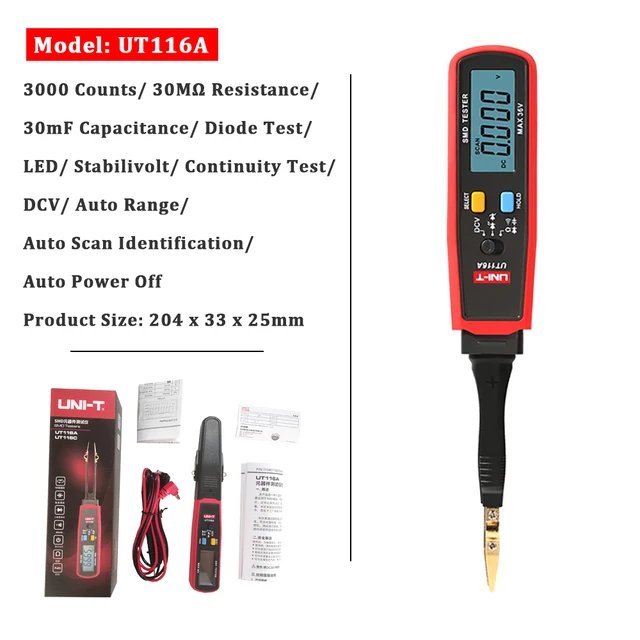
Following is a product I use picked at random from my collection which may appear in my videos. Clicking through on this to find and click on the green affiliate links before purchasing from eBay or AliExpress is a great way to support the channel at no cost to you. Thanks!

Maxitronix Electronic Metal Detector Kit Electronics ProjectThis is an image of the product.notes

Let’s go shopping!

Fixing duplication in HTML title element for WordPress with Yoast SEO installed

I was having a problem in WordPress for my blog where the title contained duplicate values, like “John’s blogJohn’s blog”.

The fix for me was to edit wp-content/themes/twentyeleven/header.php and disable a bit of the output, as shown below. I basically just added an if ( false ) to disable the code which caused the duplicate content.

This seems to effectively mean that Yoast SEO is in charge of the titles now. You can configure separately the homepage, posts, and pages titles in the Yoast SEO settings. I configure mine in Yoast SEO Settings / Content Types like this:

Homepage
Site title Separator Tagline
Posts
Title Separator Site title
Pages
Title Separator Site title
<title>
<?php
  // Print the <title> tag based on what is being viewed.
  global $page, $paged;

  wp_title( '|', true, 'right' );

// 2024-07-14 jj5 - OLD: I removed this because wp_title() (above) does everything that needs to be done.
if ( false ) {
  // Add the site name.
  bloginfo( 'name' );

  // Add the site description for the home/front page.
  $site_description = get_bloginfo( 'description', 'display' );
  if ( $site_description && ( is_home() || is_front_page() ) ) {
    echo " | $site_description";
  }

  // Add a page number if necessary:
  if ( ( $paged >= 2 || $page >= 2 ) && ! is_404() ) {
    /* translators: %s: Page number. */
    echo esc_html( ' | ' . sprintf( __( 'Page %s', 'twentyeleven' ), max( $paged, $page ) ) );
  }
}
?>
</title>

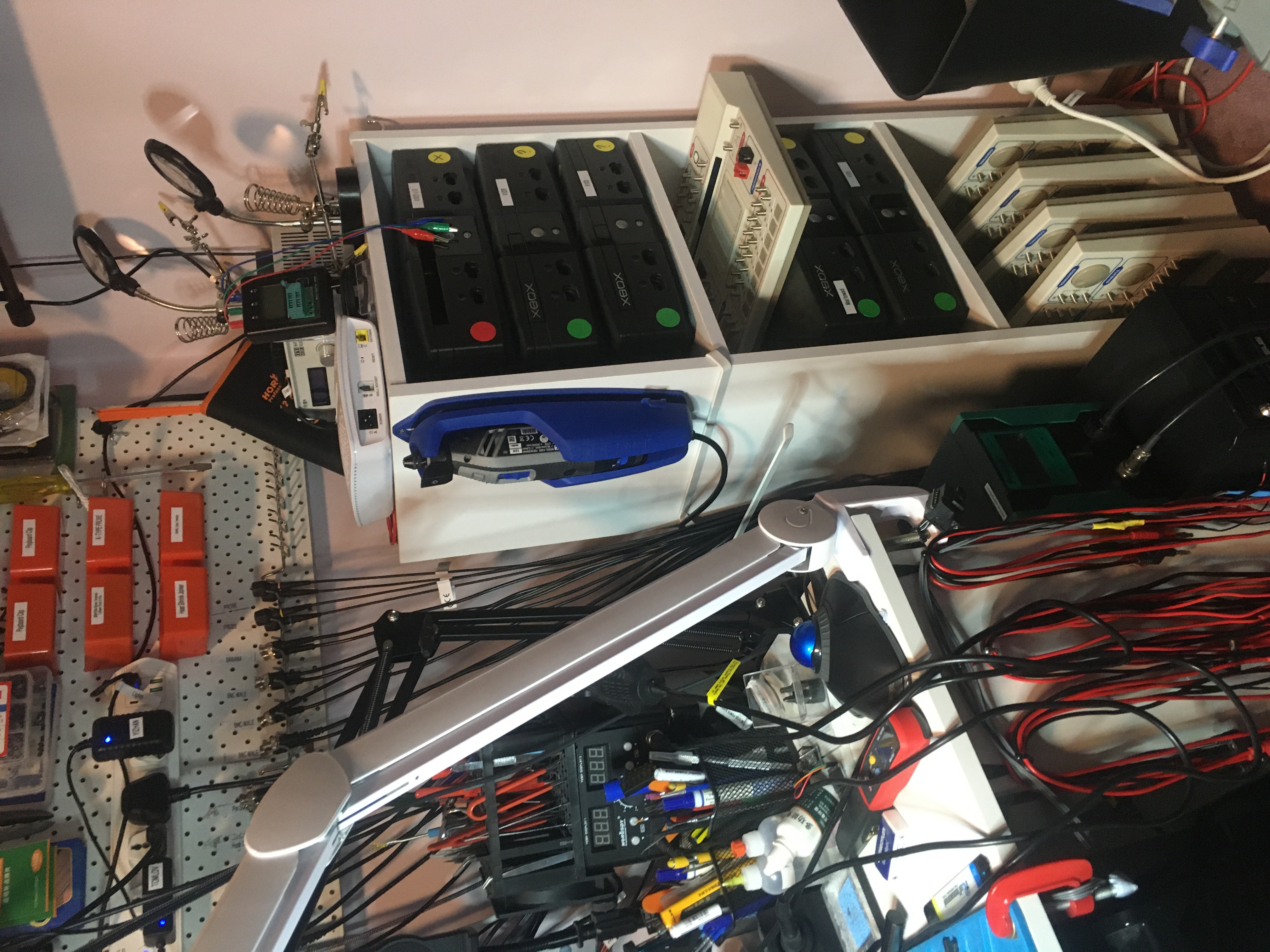
Super gluing number pad holder together

Over time the joint on this holder comes a bit loose and I have to tighten it back up again. This time when I tightened it I dumped a whole tube of superglue in there. Hopefully that holds it!

I do put it under quite a bit of strain. In addition to holding the number pad for the booth, it also holds a bunch of my cables which I hang over it.

That red tape you can see I put there to stop the glue from leaking too much. I will remove that once the glue is dry.

A photo of the arm which holds the number pad to the table

Unboxing #10: Unboxing of Ampcom Automatic Network Cable Tester | In The Lab With Jay Jay

This post is part of my video blog and you can find more information about this video over here.

You can support this channel on Patreon: patreon.com/JohnElliotV

In this video I unbox an Ampcom Automatic Network Cable Tester from AliExpress. It was a bit confusing because the AliExpress page says this is an ANENG M469D. But actually it’s not. It’s an Ampcom Automatic Network Cable Tester, which is a similar bit of kit. In the video I test this equipment with both a normal patch cable and a crossover cable and it seems to work okay, so for five bucks I’m a happy customer.

Thanks very much for watching! And please remember to hit like and subscribe! :)


Following is a product I use picked at random from my collection which may appear in my videos. Clicking through on this to find and click on the green affiliate links before purchasing from eBay or AliExpress is a great way to support the channel at no cost to you. Thanks!

JST XH2.54 6pin Pre-crimped ConnectorThis is an image of the product.

Let’s go shopping!

Disable HTTP gzip compression in W3 Total Cache

This is a note for Future John.

I recently installed W3 Total Cache for WordPress for my blog.

Then I started having this weird problem where sometimes when I loaded the blog home page I would see binary garbage rendered as text in my browser. I think the problem was either that the Content-Type header was being set incorrectly or that the data was being double gzipped.

On the second assumption I found this setting:

W3 Total Cache > General Settings > Browser Cache > Enable HTTP (gzip) compression.

I disabled HTTP (gzip) compression and now my page seems to be working correctly again. But I will need to keep an eye on it. If you have a problem accessing my blog, please let me know!