I went hunting in the BIOS for ‘verve‘ which has a ASUS PRIME B550M-A motherboard and I found I needed to change two settings.
The first setting was Advanced -> CPU Configuration -> SVM Mode = Enabled. This enables AMD-V and allows the CPU to function in a hypervisor.
The second setting was Advanced -> Onboard Devices Configuration -> USB power delivery in Soft Off state (SS) = Disabled. This fixes the problem with the power button not working as discussed here: Earth leakage hack.
Happy New Year! Best wishes to all my friends for 2024.
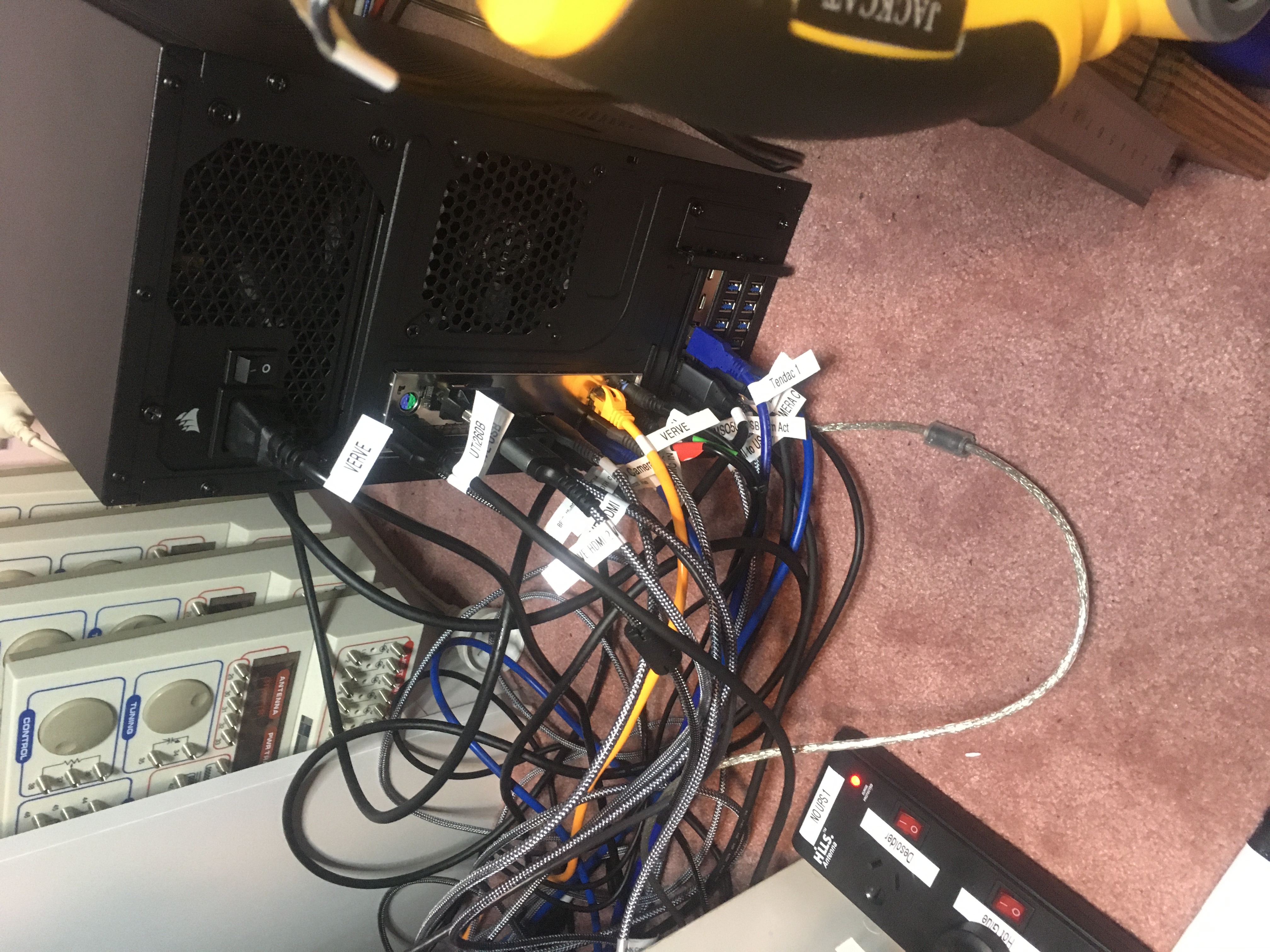
I have this weird problem with my new studio computer ‘verve‘. When I press the power button, it doesn’t turn on. It does have 15 USB cables plugged into it, and quite a number of those are powered, which seems to affect the system.
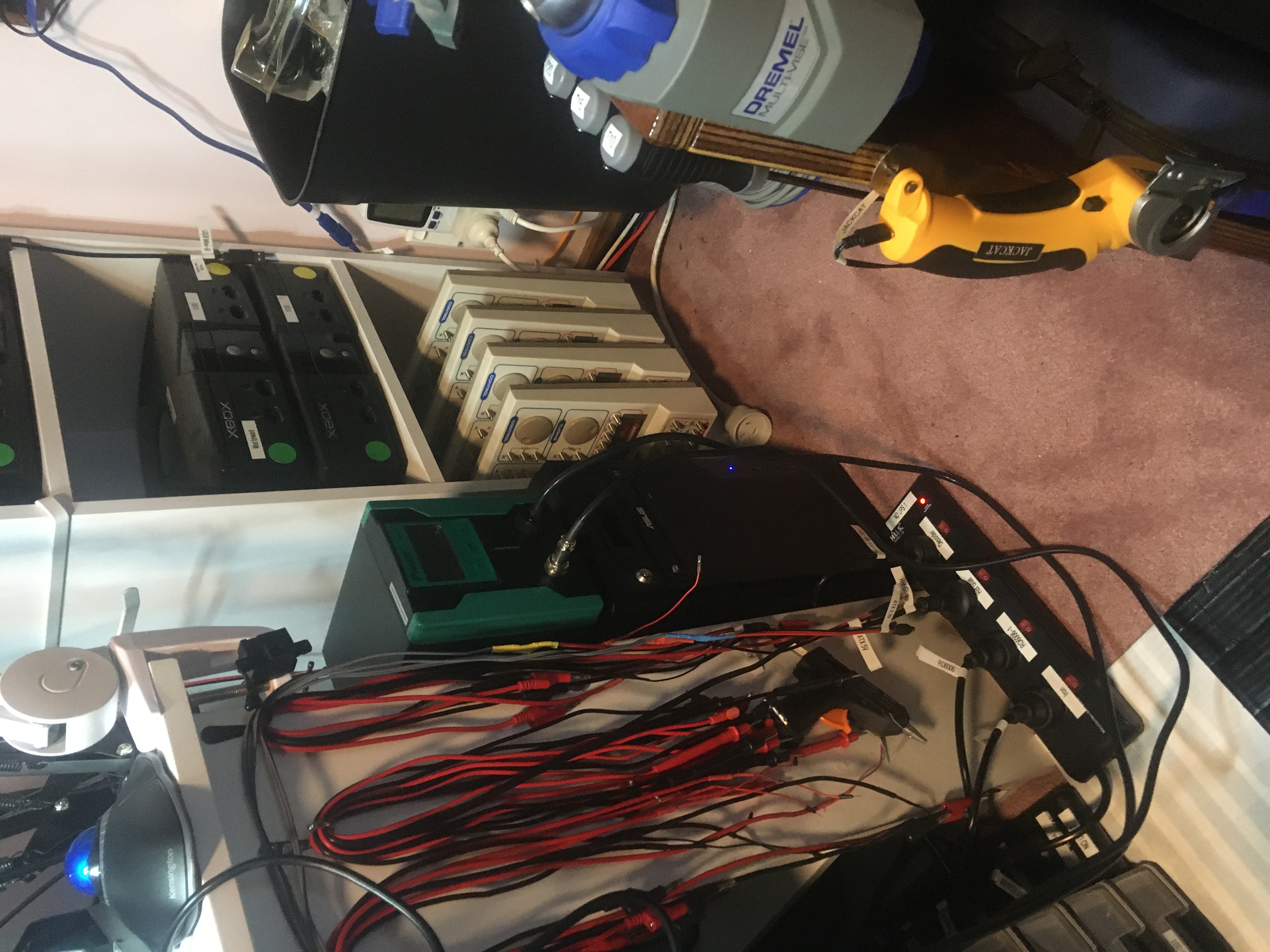
The power for most of the devices on my bench goes through a PowerShield Defender 1600VA UPS battery, and then through an Arlec PB91 Residual Current Device (RCD).
The RCD has a test feature so you can press the button on the RCD and it will trip the safety which will disconnect the power. If I do this most of the equipment on my bench will turn off (but, importantly, not my workstation ‘verve’) including all the powered USB devices which are interfering with my computer.
After I trip the RCD I can power on my computer, and then once it’s powered on I can reset the RCD and bench power is restored. It’s a bit fiddly but at least it works!
My good friend Dubz shouted me another round of Silicon Chip books as can be seen here. I now own all the books which have been marked and I’ve pretty much purchased everything that was left.
Today is just a quick video to demo my new camera setup made possible by my new studio workstation ‘verve‘.
In the video I demo the new mat/bench camera which supports various zoom levels. Then I demo the iPod touch camera for showing some of the bench equipment. Then I demo the HDMI system which supports two microscopes, the MSO5074 oscilloscope, and the AV switch which usually would show the Xbox among other things (but I couldn’t get the Xbox to work in this video, drats). Finally I demo the thermal cam.
Sorry for the dodgy audio in this video. I will try to make sure that doesn’t happen in future videos.
Thanks very much for watching! And please remember to hit like and subscribe!
Following is a product I use picked at random from my collection which may appear in my videos. Clicking through on this to find and click on the green affiliate links before purchasing from eBay or AliExpress is a great way to support the channel at no cost to you. Thanks!
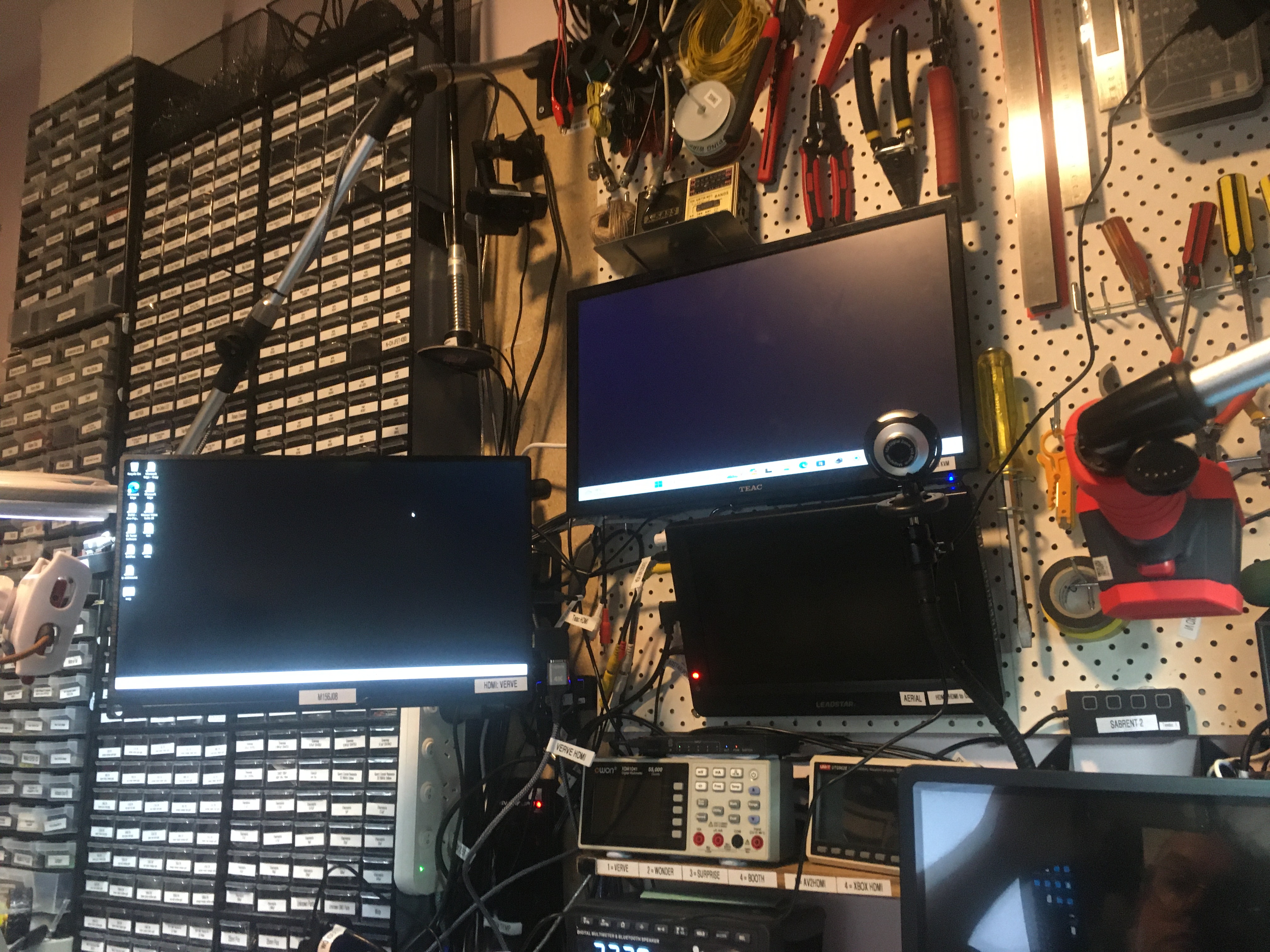
My new computer ‘verve‘ has been installed. You can see it driving its two monitors. So far so good. Up next: I install OBS Studio and see which of my cameras work. Fingers crossed!
Cables for ‘verve‘ are all in. Just gonna do one boot to make sure it’s all working and then I will put the new tower in its place (to its left, on the right of the bench).
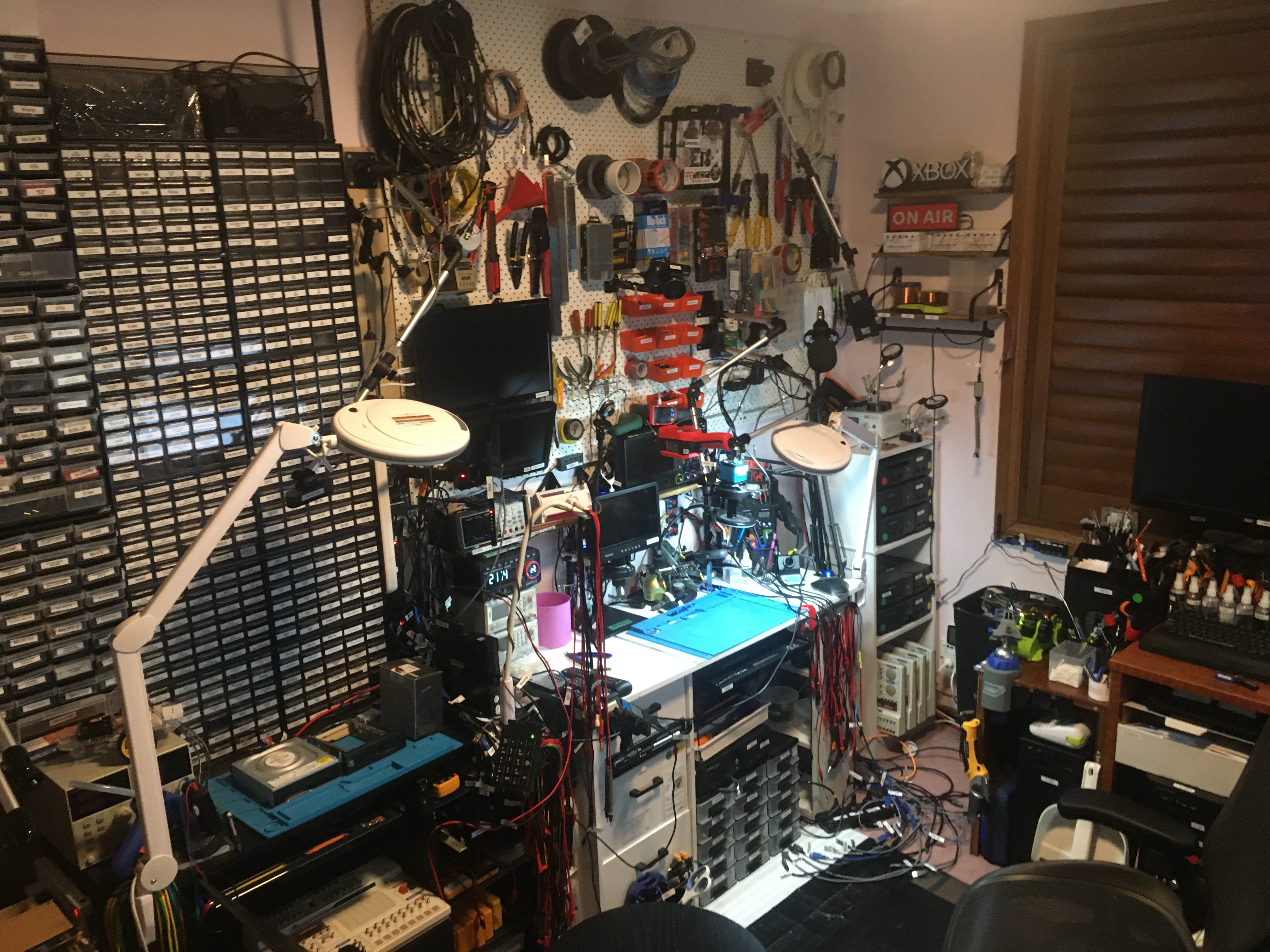
The lab upgrade is going fairly well. I have to say I’m a bit impatient for my ‘verve‘ hardware to arrive. The CPU is here, just waiting for the case, PSU, and RAM. And one of the PCIe adapters.
That bunch of cables on the floor is roughly where ‘verve’ will go when it gets here and has been assembled.