I was just poking about with my new thermal imagers and I found one of my power bricks was warm, while the one next to it, on the right, was not. Turned out the one on the right wasn’t plugged in properly! It was supposed to be powering a USB hub, but the hub was bus powered, not mains powered, and I couldn’t tell. I mean, all of the lights were on, and the power brick was plugged in, so I hadn’t suspected anything. If I hadn’t made this discovery with my thermal camera I would probably never have learned that my USB hub was unpowered. I could very well have run into problems with devices plugged into it being under powered, and I would never have known why.
I made a few mistakes with the production of this video, sorry about that. I made a mess of the side branding, I will have that fixed in future. And I managed to get my toes on camera. The height of professionalism!
Note: in the video I’m not sure what “ROI” means, but it turns out it means “region of interest”. The region of interest is a box in the middle of the display, and some settings apply to this area.
Thanks very much for watching! And please remember to hit like and subscribe!
Following is a product I use picked at random from my collection which may appear in my videos. Clicking through on this to find and click on the green affiliate links before purchasing from eBay or AliExpress is a great way to support the channel at no cost to you. Thanks!
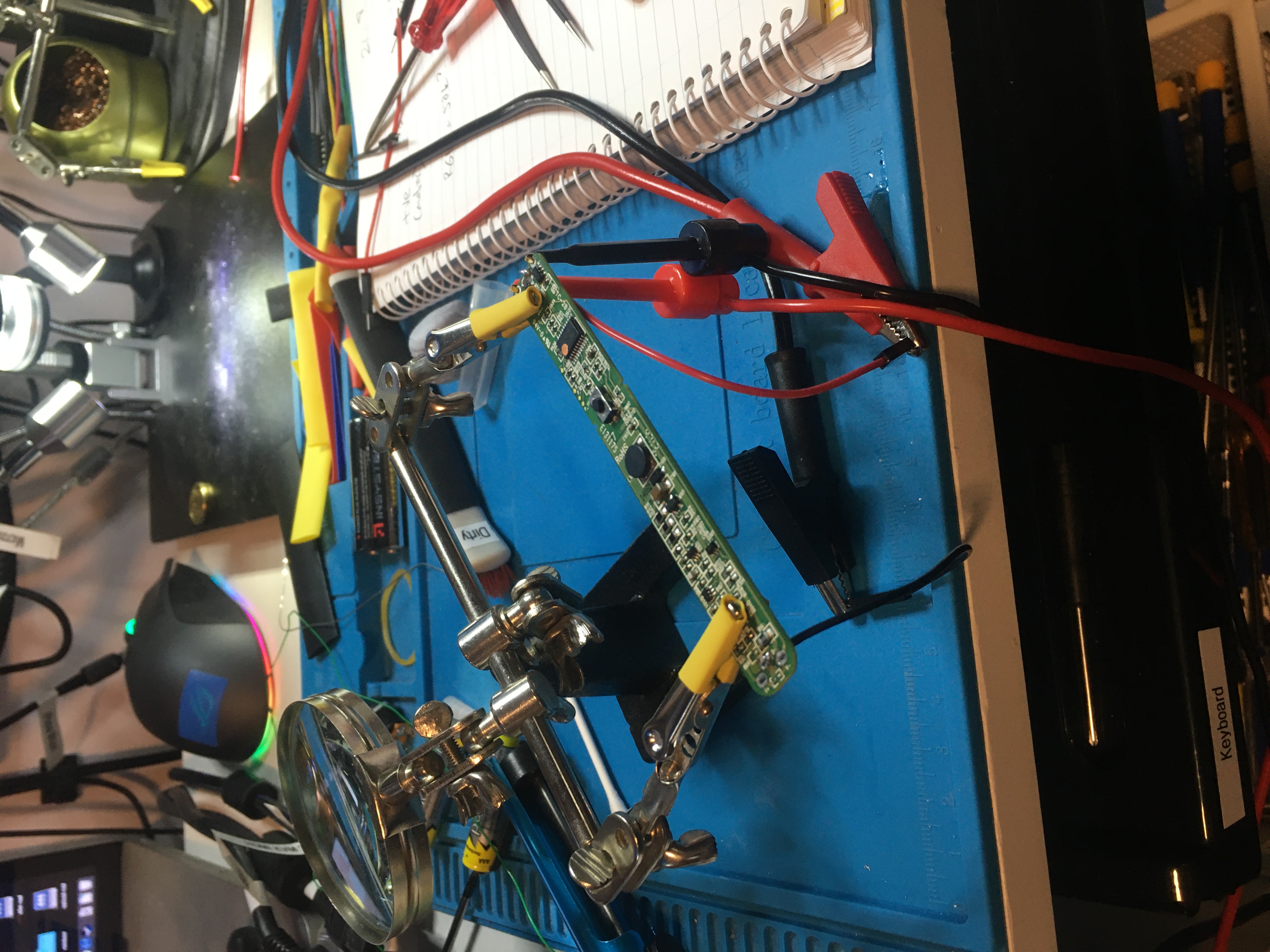
This evening I was working on a battery replacement for a Philips QT4022 hair trimmer for my friend. They don’t seem to make this model any more, it was hard to find useful info about them. I made some notes over here. In the end I accidentally released the magic smoke, but at least I got some practice using my soldering iron and my microscope (this evening I learned how to take photos with my microscope and transfer them to my computer, haven’t done that before).
I did start off making a video about this, but it all went very badly, so I’m not gonna be publishing that one. :P
I learned a few lessons:
take photos of the circuit board before you take to it with a soldering iron. This is so that if you damage the circuit board or the silk screen you can still read the component markings on the photo even if you damage the board.
use the max current and max voltage settings on the power supply and don’t exceed sensible values for those. (200mA for DC motor is a sensible limit, 6A is not.)
if you’re dealing with a circuit that has batteries soldered in, and you’re attempting to desolder the batteries, you need to be careful the solder doesn’t melt and create a short circuit, because it can, and it will.
My soldering skills are pretty poor at the moment. What I need is lots of practice. I’m not sure what the best tips or the best temperatures are yet. I accidentally lifted some SMD components because I used too much heat too close to them.
Over on How To Repair Damaged / Broken PCB Traces – 2 Great Methods, Mr SolderFix says that Loctite Tak Pak is good PCB glue. He recommends the Loctite SF 7455 activator, and the Loctite 382 instant adhesive. I tried to find some for purchase but it’s only available via international shipping and costs a fortune.
A CPLD (Complex Programmable Logic Device) is a type of digital integrated circuit that is used for creating custom digital logic designs. It’s a step between simple PLDs (Programmable Logic Devices) and more complex FPGAs (Field-Programmable Gate Arrays).
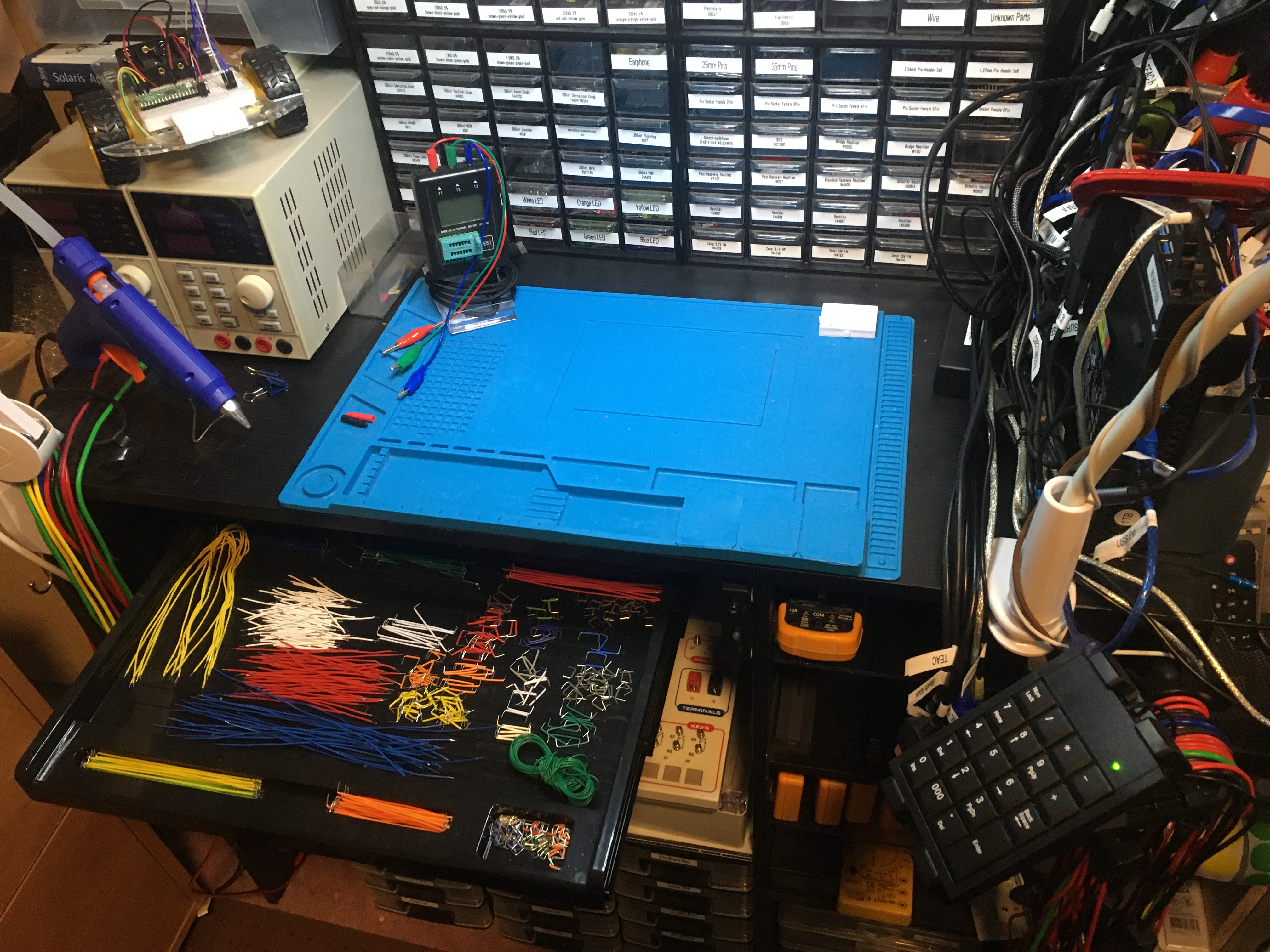
I have various workspaces in my lab, and I call one of them my “booth”. It’s called the booth because I use it when I need to take photos of things which I’m selling on eBay, usually Xbox consoles or games.
Anyway the booth is also setup with two video cameras, one for a view of the booth bench and the other for a view of my face while I am working in the booth. There’s a retractable drawer bolted under the booth bench too which is full of breadboard jumper wires, so this is the place where I do some of my electronics projects, particularly my Maxitronix X in 1 projects. It’s also a convenient workspace when I’m breadboarding something, as I have ready access to my component drawers above.
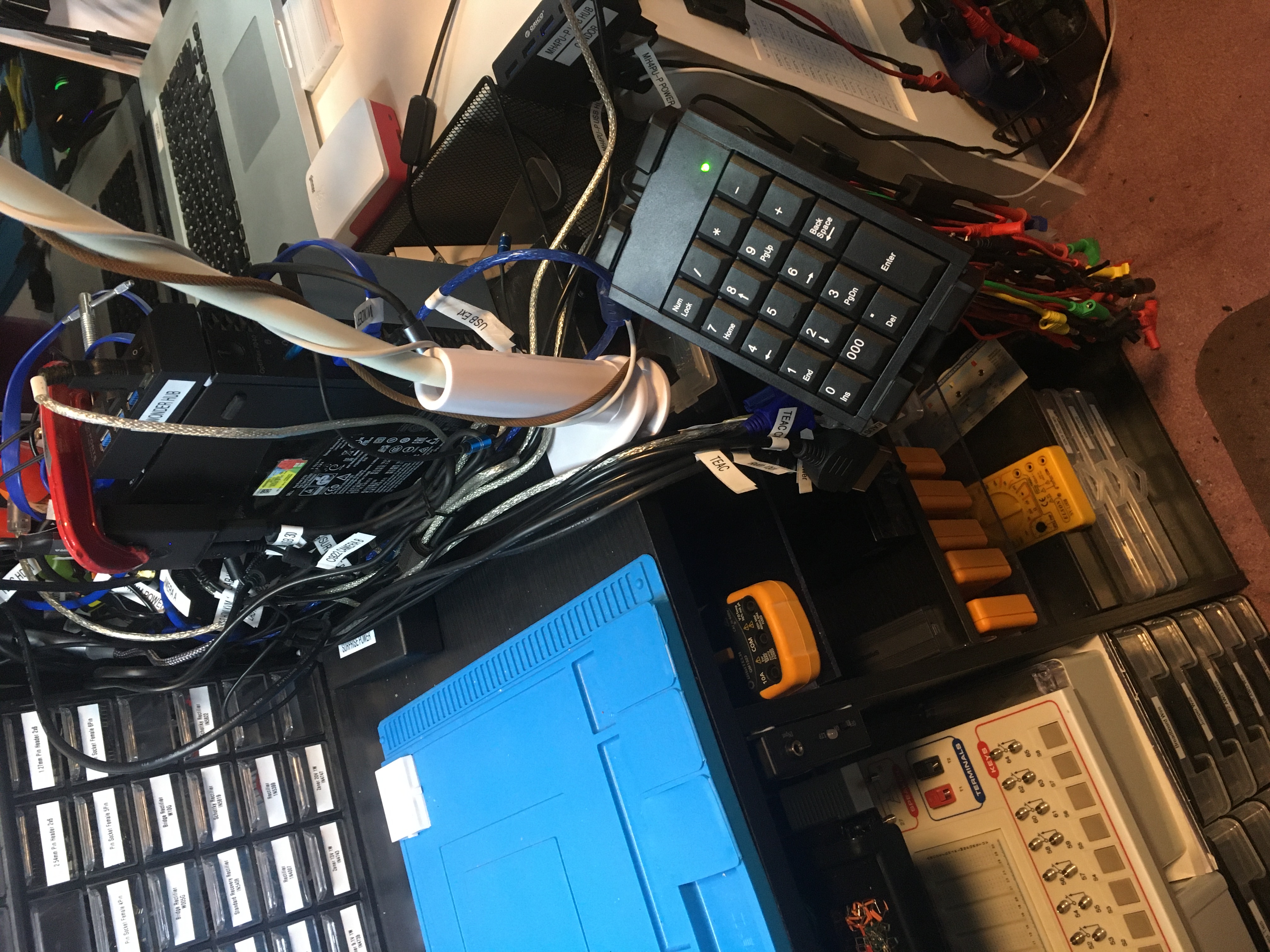
Today I’ve installed a number pad in the booth so that I can control my cameras in OBS Studio while I’m working at that bench: