This guy, Cathode Ray Dude [CRD], does some fun stuff. He’s on the web via HTTPS at gekk.info and HTTP at www.cathoderaydude.com.
cathode ray dude dot com
Reply

This guy, Cathode Ray Dude [CRD], does some fun stuff. He’s on the web via HTTPS at gekk.info and HTTP at www.cathoderaydude.com.
I’ve been meaning to make this change for a while now, and finally got around to it this evening.
I started blogging at blog.jj5.net back in November 2003 and continued through to May 2005. After that I stopped blogging for a while, but I started again at progclub.org in August 2011.
The ProgClub blog was imagined to be a group blog, my plan when I set it up was to have all the ProgClub members have an account on the blog, but that turned out to be a pretty poorly received idea. Eventually, and for a long time now, it has just been me (your host, jj5) over on the ProgClub blog.
Since this has become a personal blog, I figured it was time to move it from ProgClub back to blog.jj5.net, where it all began.
The transition should be seamless, old links should be properly redirected, old logins should continue to work, but if you run into any problems please let me know.
For a long while now I have been having intermittent problems with the audio in my lab. I stream the GoaPsy channel from di.fm, and I really love it, but not when there’s skipping! I figured the problem was related to latency and jitter on my broadband connection, and if so, there was little to be done, except to wait for network conditions at my ISP to change.
But this evening I noticed that when I sat close in to my workstation to type the skipping would start. Then if I moved back in my chair, it would stop. I found I could actually cause the skipping to start or stop just by moving around in my chair!
Turns out the problem wasn’t my internet connection, the problem was the bluetooth connection between my laptop and my speakers! To fix the problem I got underneath my desk and moved my sub woofer about one foot to the left. Now when I move around in my chair my music doesn’t skip anymore! Happy days!
I found Google’s video streaming quality report. It seems to be context sensitive, so for me it reports results for my ISP (Dodo) in the Sydney region.
This post is part of my video blog and you can find more information about this video on this show’s homepage which is here.
You can support this channel on Patreon: patreon.com/JohnElliotV
Just preparing my lab cameras. This video is a bit sketchy because I made some mistakes during recording. But it is what it is. Hi! :)
Thanks very much for watching! And please remember to hit like and subscribe!
Following is a product I use picked at random from my collection which may appear in my videos. Clicking through on this to find and click on the green affiliate links before purchasing from eBay or AliExpress is a great way to support the channel at no cost to you. Thanks!
Logitech Brio USB Camera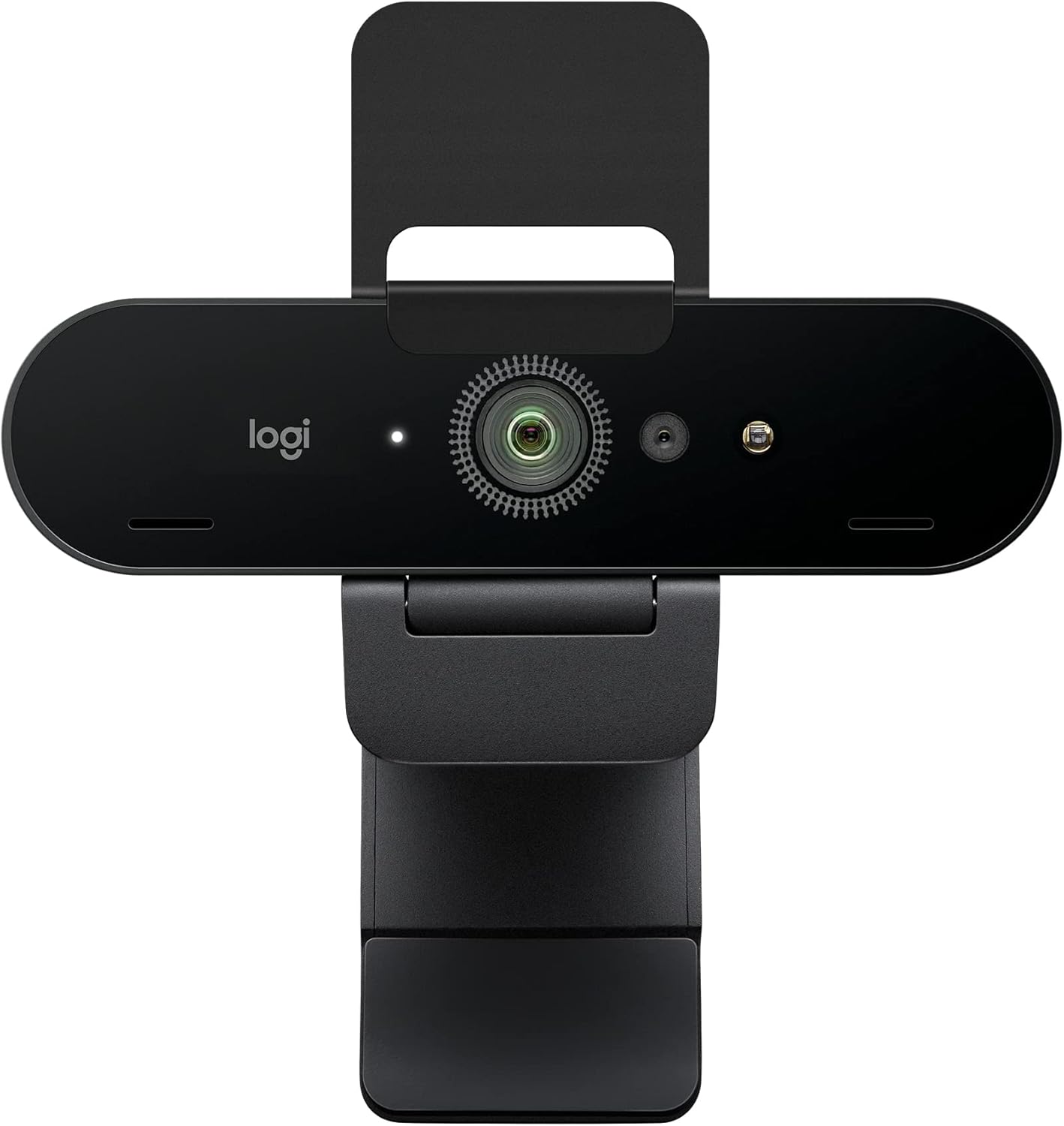 |
Let’s go shopping!
I have redone my computer network in its fourth (and final?) incarnation. Everything got redesigned from the ground up. You can see some of the (color coded!) cabling here:

The two switches on top (GREEN and ORANGE) support speeds up to 2.5 Gbps, whereas the bottom two switches (RED and BLUE) only support up to 1 Gbps. The white cables on the right are spares, they’re just auxiliary cables which have already been installed and are available if I need them in an emergency.
The default toolbar links which ship with Chromium on Debian are:
Hell yeah! ChatGPT Shared Links FAQ. I see many links in your future.
Note to self: the default links provided by Firefox after install are:
So it turns out when they’re talking about the AT Protocol (the Authenticated Transfer Protocol) they are *not* talking about the Hayes AT command set. Just FYI for any old timers around here. :)