I’m surprised they’re still working on this. I thought someone would have explained to them by now that their plan is not feasible. They will only be able to send in negligible levels of power…
Tag Archives: power
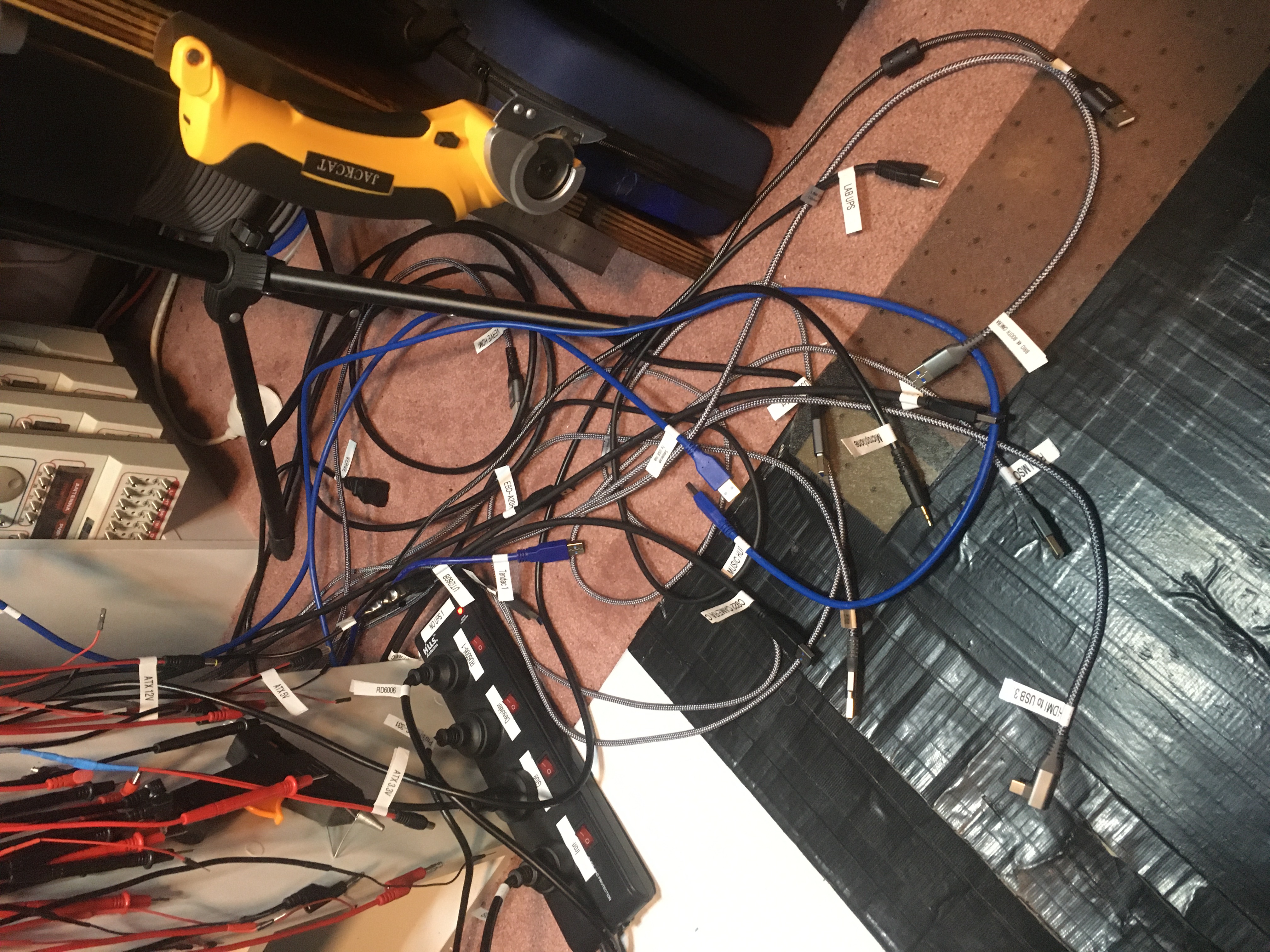
Cabling for ‘verve’ done
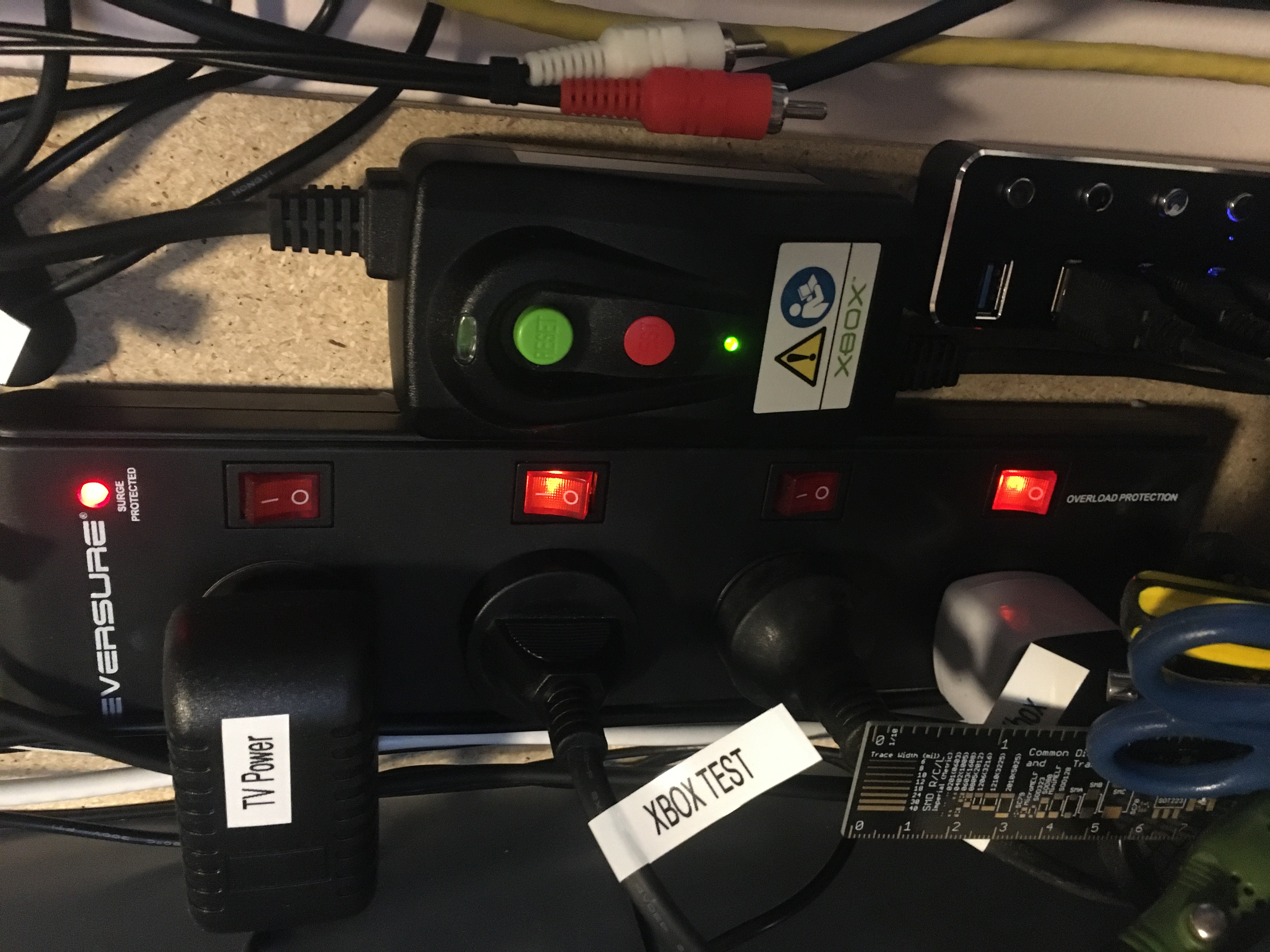
Power for test Xbox
On my bench I have a test mains power input for testing Xboxes along with a test AV cable connected to a TV.
Today I wired an Xbox power safety device into the mix. There’s a tear down of this highly over-engineered device on the EEVBlog video: EEVblog #1164 – Xbox Engineering Baptism Of Fire.
Microsoft made this to cover for defective mains power connector in their earliest hardware versions. The problem was that the socket was only soldered into the board and didn’t have sufficient mechanical support. The solder joints could wiggle around, become loose, get hot, and then let go the magic smoke.
Anyway this device is both a fuse and an earth leakage detector, so very happy to have it as part of my setup.
Picking a 16-channel external power connection
So I’m planning to put an Xbox power supply,
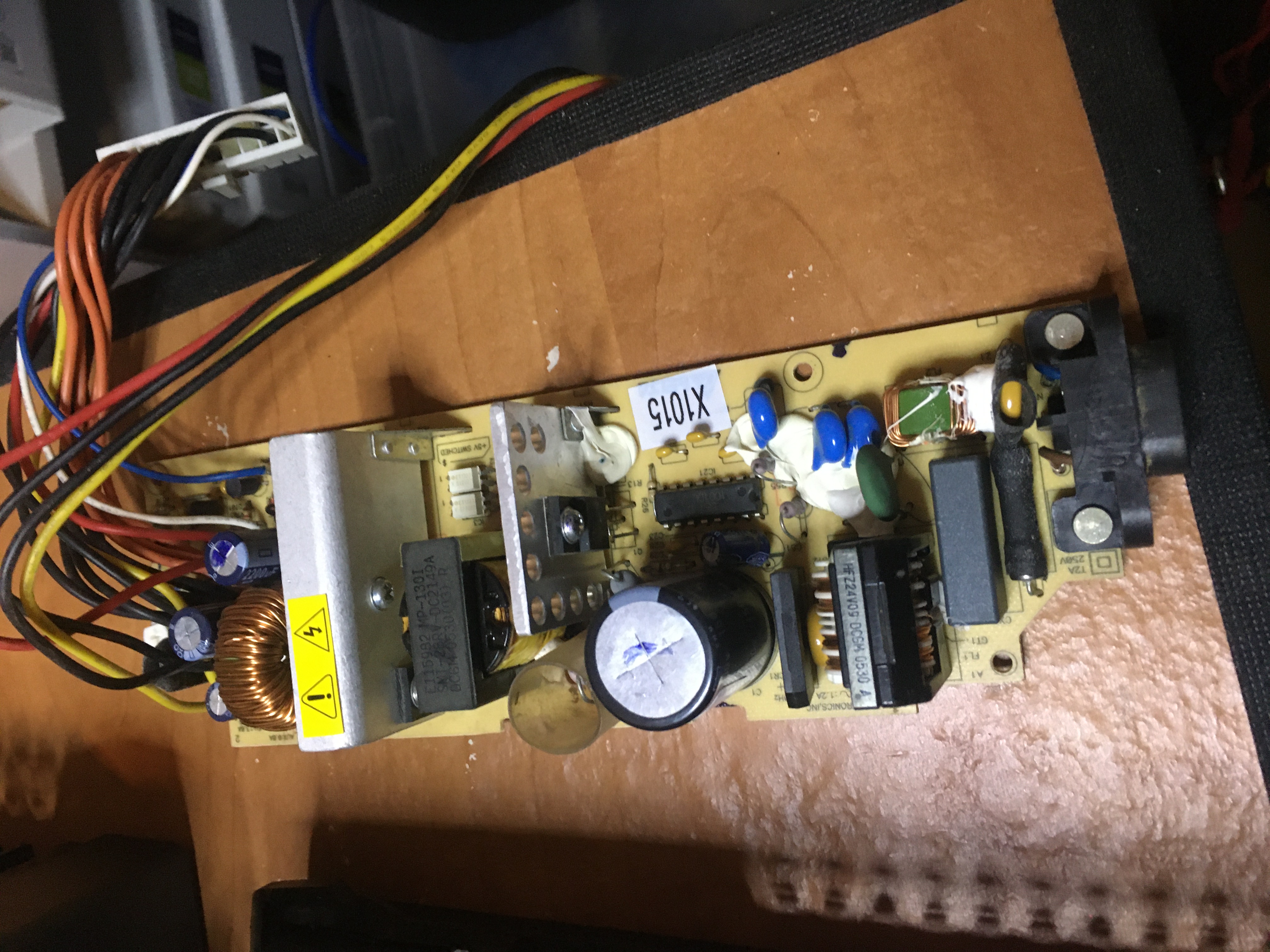
in a box,
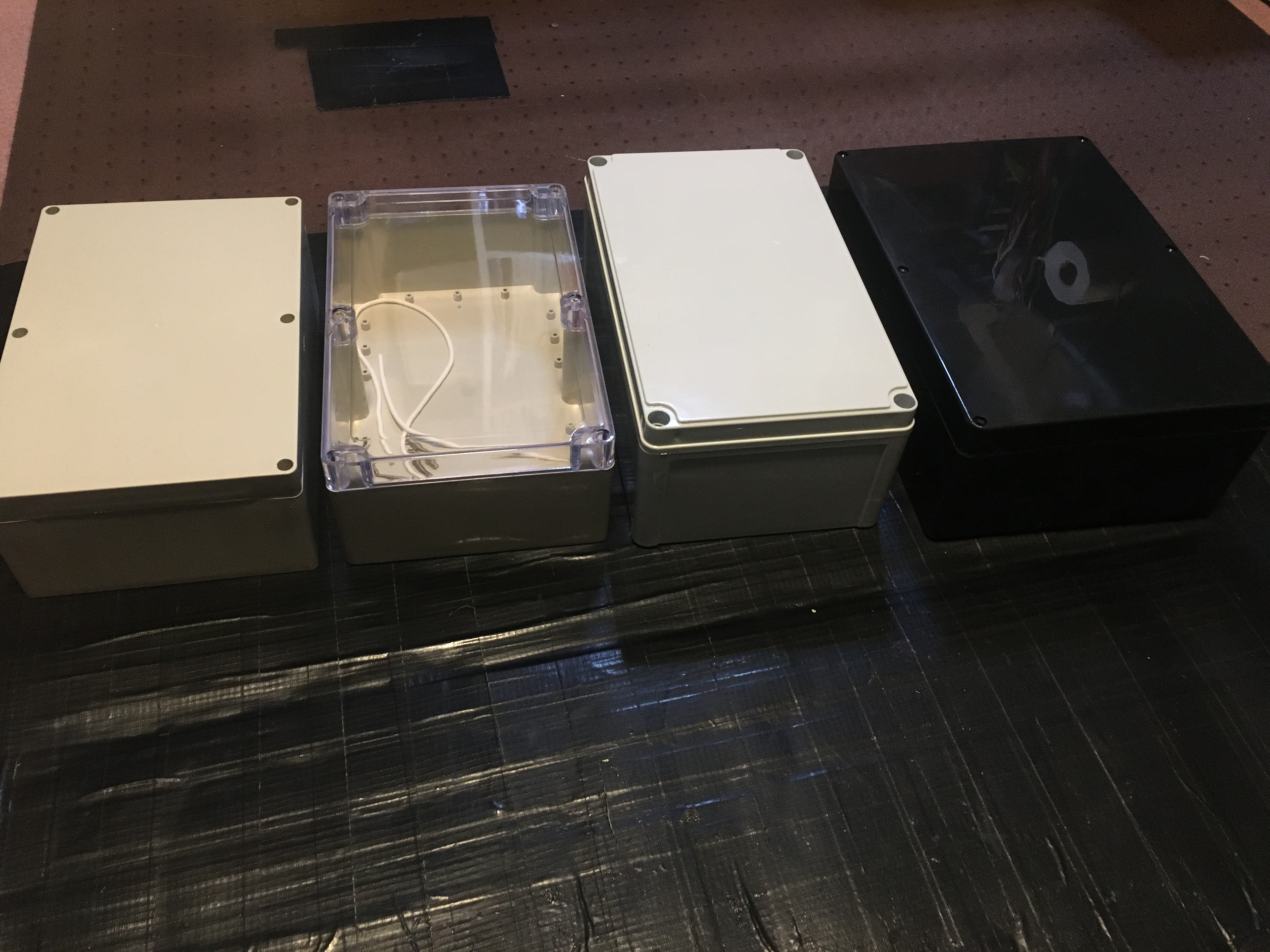
I wasn’t sure exactly which box, so I got four, hoping one would work.
The sockets and pinouts vary,

So I will need to make three different types of cables, one for each version range: v1.0-v1.1, v1.2-v1.5, v1.6. But those vary only on the “motherboard side”, the connector that connects to a power supply in a box can be anything, and I can pick it. By my count the maximum cable requirement is 16 cables. So I’m looking for a recommendation for what power connector to install the on the box. Ideally something I can bolt into the box that can handle a couple of amps of DC and into which I can plug my custom cable. Craig? :)
Update: from here maximum observed current 8.6A. I would like to use D Sub Connector Housing, 25 Ways, D Sub, 3, AMPLIMITE HDP-20, Receptacle, Steel Body but I’m not sure if they’re rated high enough for the current.

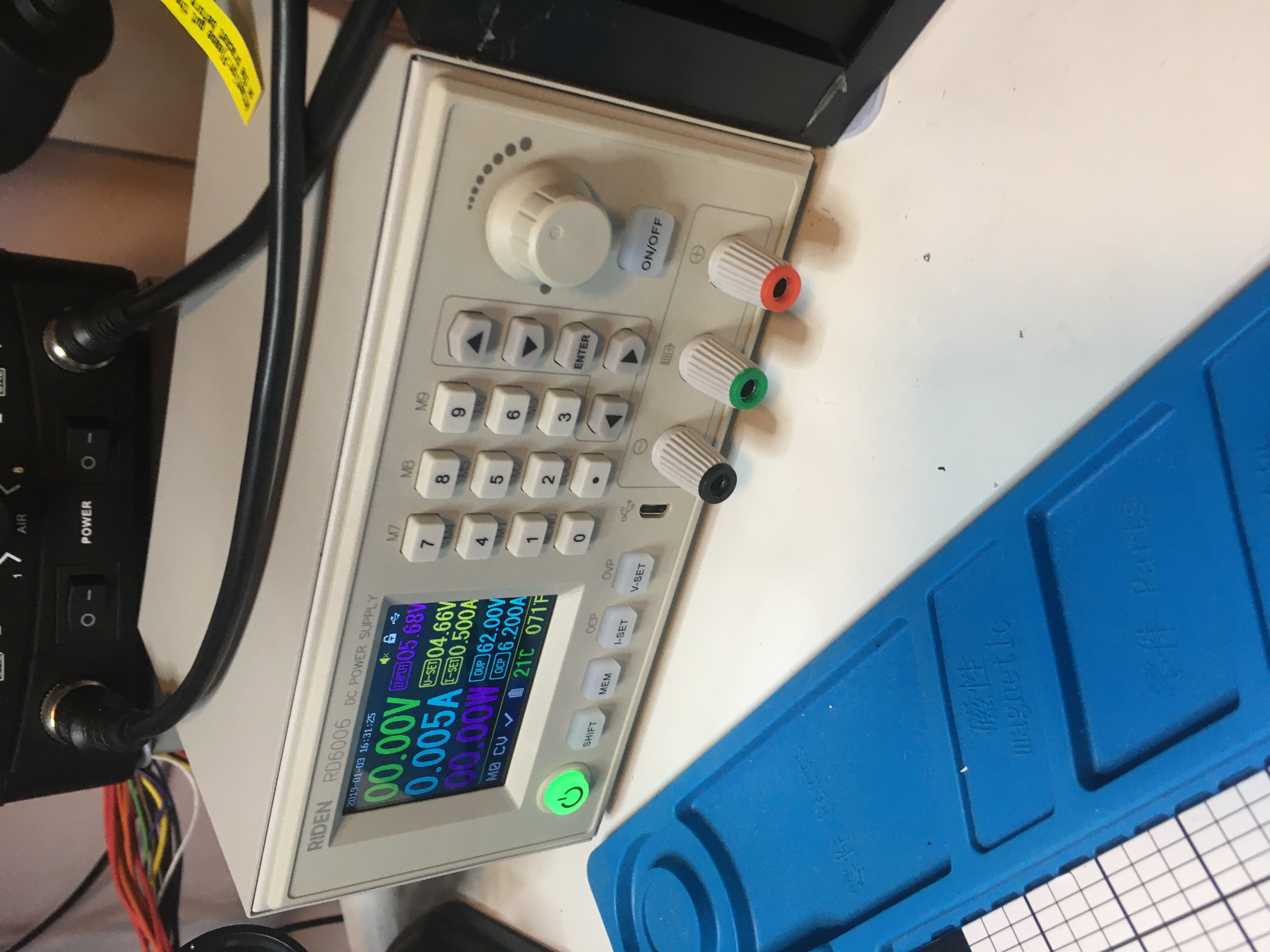
Diagnosing non-functional RD6006W
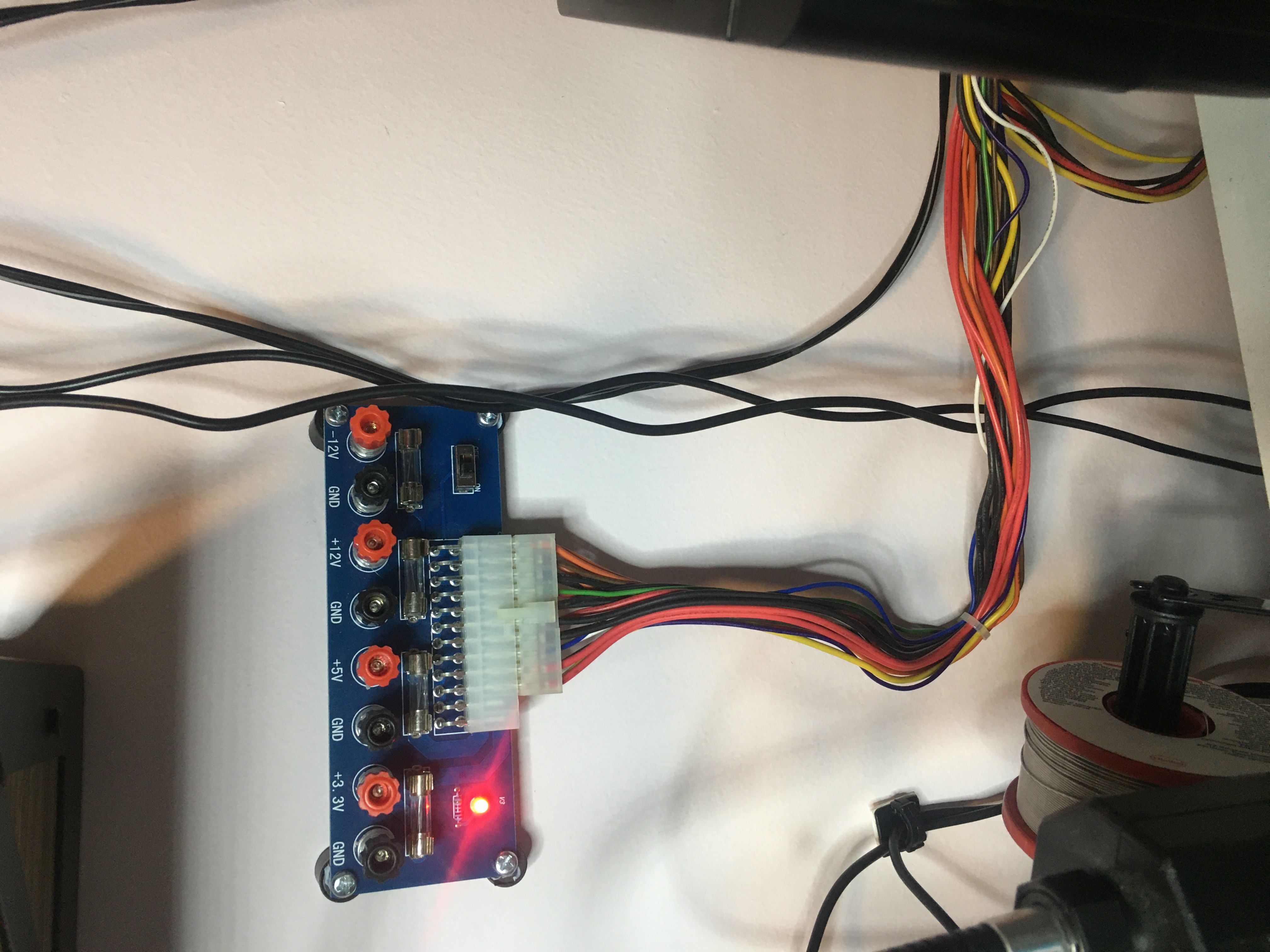
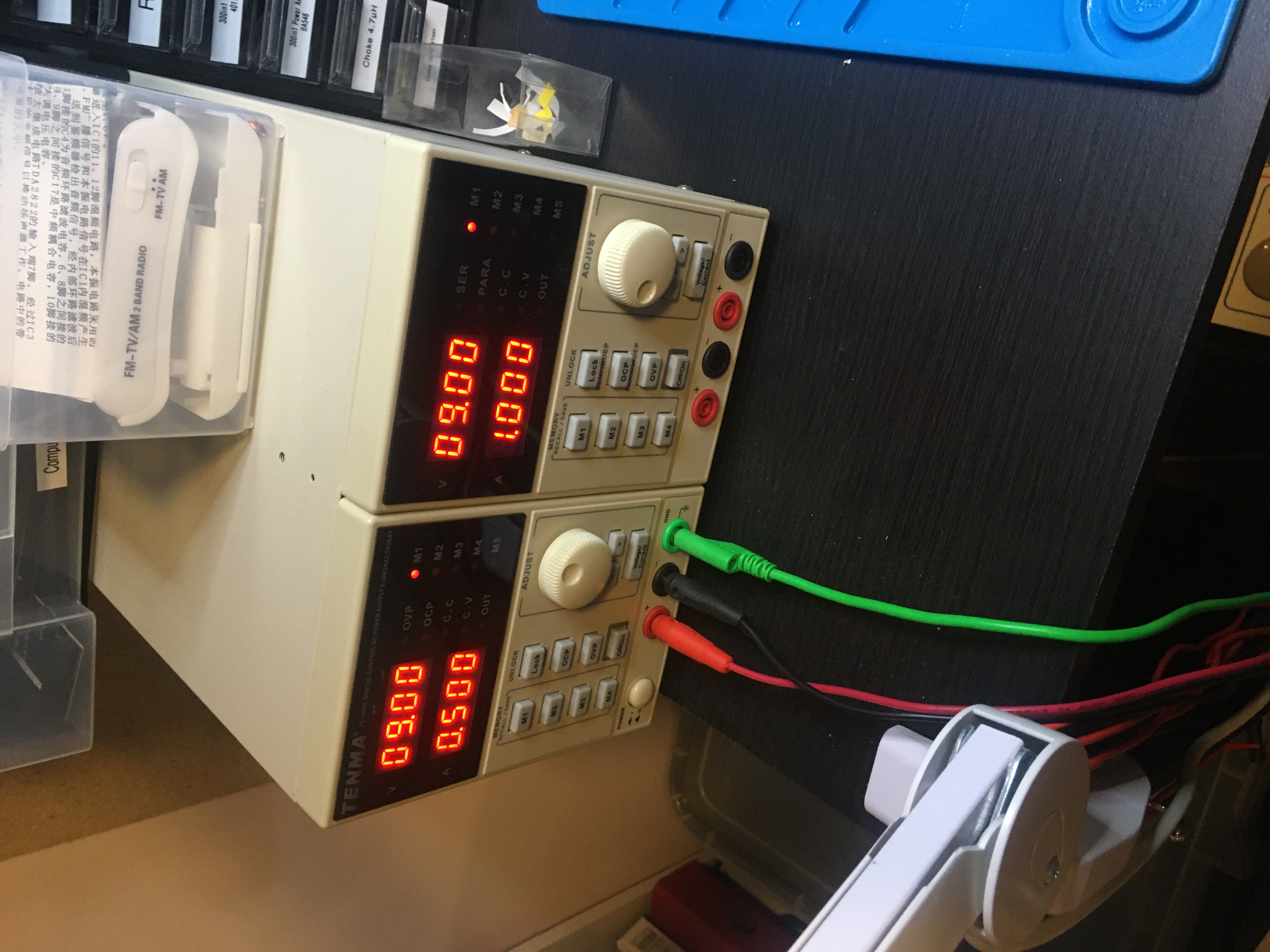
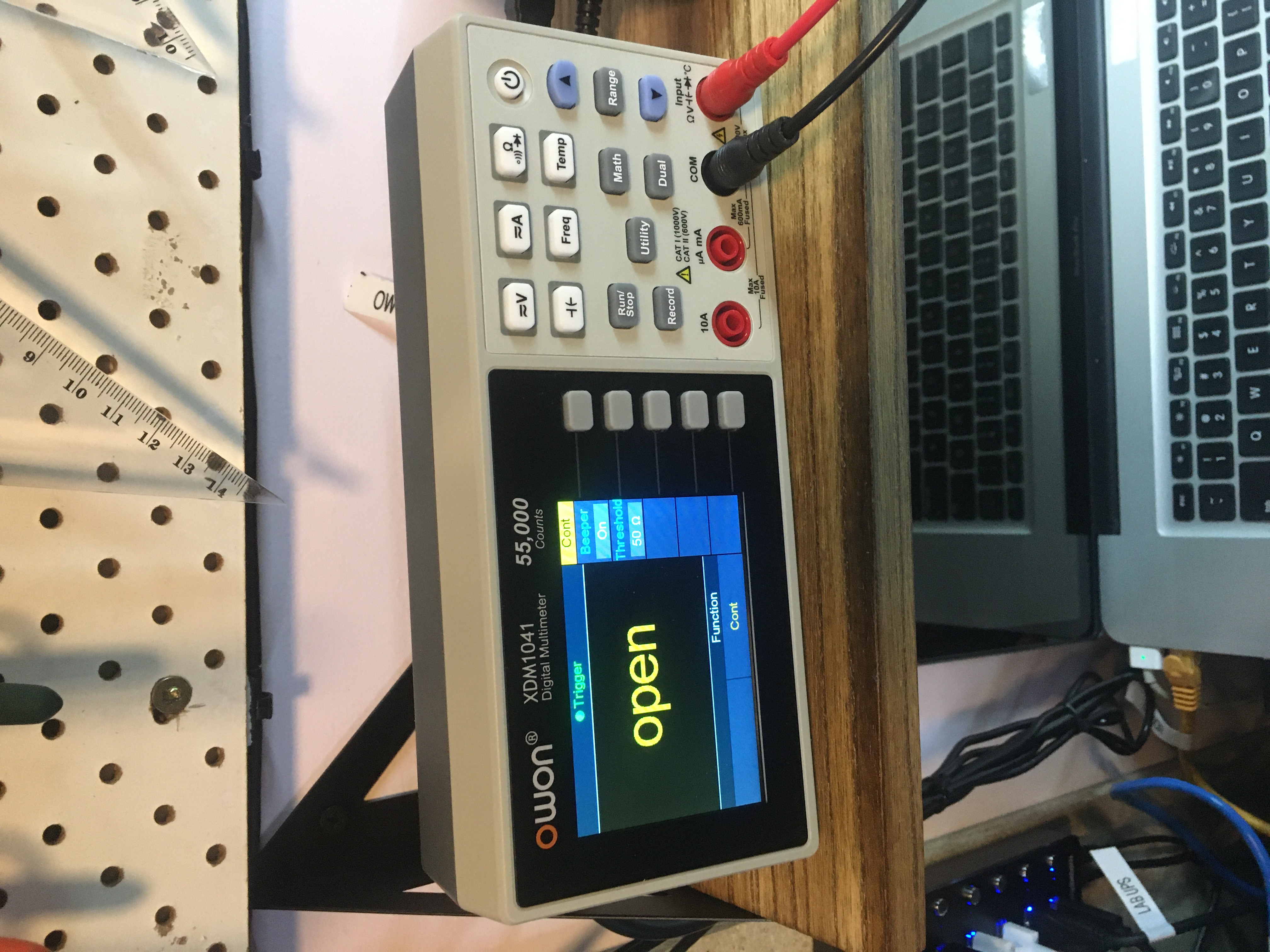
So I have a Geekcreit® XH-M229 Desktop Computer Chassis Power Supply Module ATX Transfer Board Power Output Terminal Module which I’ve plugged into an old ATX power supply. I’m using that to power a RD RD6006 RD6006W USB WiFi DC DC Voltage current Step-down bench Power Supply module buck adjustable converter multimeter 60V 6A. When I assembled my RD6006W and powered it up, “nothing happened”. I wasn’t sure where the fault was, but I used my new OWON XDM1041 Digital Multimeter and my TENMA 72-10505 Bench Power Supply to narrow down the problem: I’ve blown the fuse for the 12 volt line on my ATX power supply. So gonna replace that soon. In the mean time I’ve been testing my RD6006W by powering it off the 5 volt line. So far so good.
Molex power cable
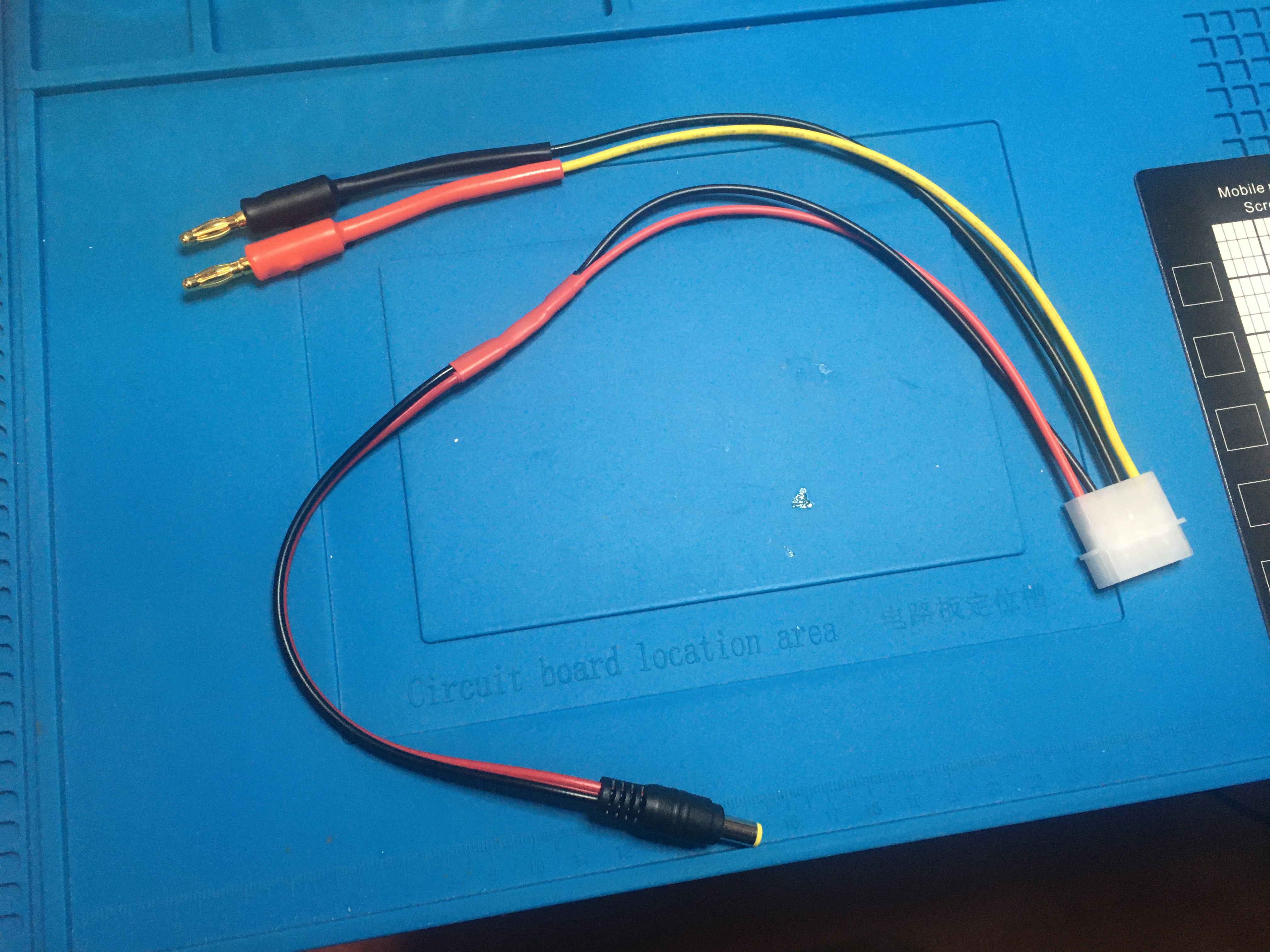
I’m getting a RD6006W USB/WiFi DC voltage bench power supply with the S12D case. I’m gonna power it off an old ATX power supply. So I needed a molex to banana plugs cable, and I made one:
I threw a DC barrel power jack on the 5 volt line. Finished with heat shrink tubing, my new favourite thing.
Plain JavaScript can do a lot!
Today I saw on r/programming a post by Julia Evans titled A little bit of plain JavaScript can do a lot. She discusses some of JavaScript’s more powerful contemporary features.
Configuring PowerShield DEFENDER UPS batteries
So today I added a Power section to John’s Linux page.
Particularly some notes on using the ‘upsc’ and ‘upscmd’ commands in Reporting on PowerShield DEFENDER UPS status and Run commands on PowerShield DEFENDER UPS batteries sections.
Waiting for VirtualBox guests to close before reboot or shutdown
vim /etc/init.d/virtualbox chmod +x /etc/init.d/virtualbox update-rc.d virtualbox defaults
The /etc/init.d/virtualbox script should look like this:
#!/bin/sh
# 2017-08-07 jj5 - SEE: How make Debian wait for all VirtualBox guests to
# stop during shutdown/reboot?: https://superuser.com/a/929292/615689
### BEGIN INIT INFO
# Provides: virtualbox_start_and_stop
# Required-Start: $local_fs $network
# Required-Stop: $local_fs
# Default-Start: 2 3 4 5
# Default-Stop: 0 1 6
# Short-Description:
# Description: Start virtualbox on boot, and shutdown safely on shutdown/reboot.
### END INIT INFO
case "$1" in
start)
echo "Starting Virtualbox "
# Do whatever to start or resume your virtualbox instances.
# Perhaps look for a txt file someplace with VMs that need to be
# restarted or resumed... then start 'em.
;;
stop)
echo "Stopping Virtualbox"
# Do something to either shutdown or savestate your virtualbox instances.
# maybe also save the instances that should be resumed into a txt file
# someplace for the start method above.
# 2017-08-07 jj5 - SEE:
# https://askubuntu.com/a/457564
# 2017-08-07 jj5 - NOTE: You should make sure that ACPI Shutdown actually
# shuts down the guest...
# 2017-08-07 jj5 - SEE: Force Ubuntu Desktop to shutdown on power button:
# https://www.progclub.org/blog/2017/08/07/force-ubuntu-desktop-to-shutdown-on-power-button-keypress-acpi-shutdown/
while [ -n "$( sudo -u jj5 VBoxManage list runningvms )" ]; do
sudo -u jj5 VBoxManage list runningvms \
| sed -r 's/.*\{(.*)\}/\1/' \
| xargs -L1 -I {} sudo -u jj5 VBoxManage controlvm {} acpipowerbutton;
sleep 1;
done;
;;
*)
echo "Usage: /etc/init.d/virtualbox {start|stop}"
exit 1
;;
esac
exit 0
You may also need to Force Ubuntu Desktop to shutdown on power button keypress…
Force Ubuntu Desktop to shutdown on power button keypress (ACPI Shutdown)
See How to Shutdown Ubuntu with the PC Power Button. Basically edit /etc/acpi/powerbtn.sh and as the first command use e.g.:
shutdown -h now; exit 0;