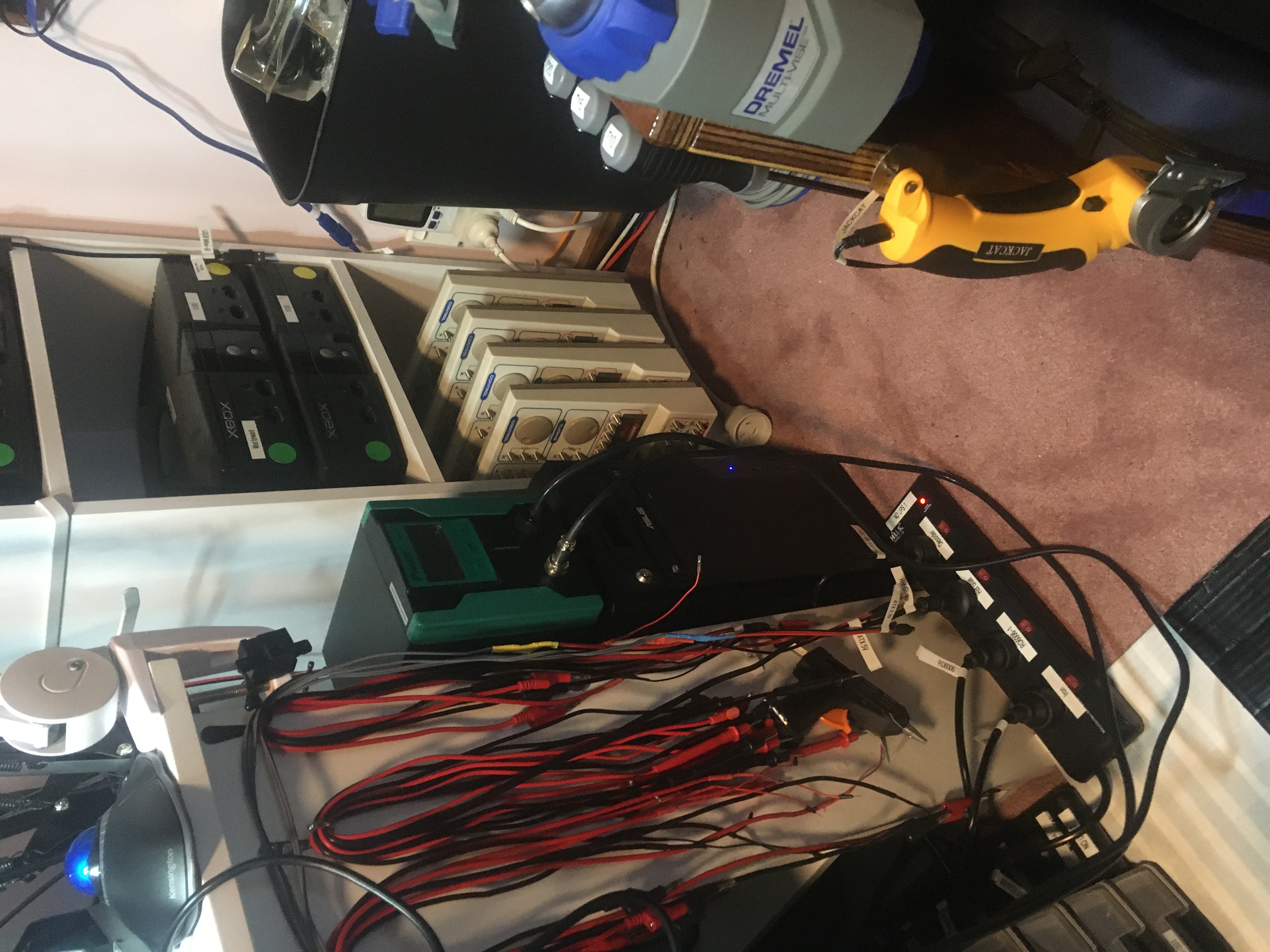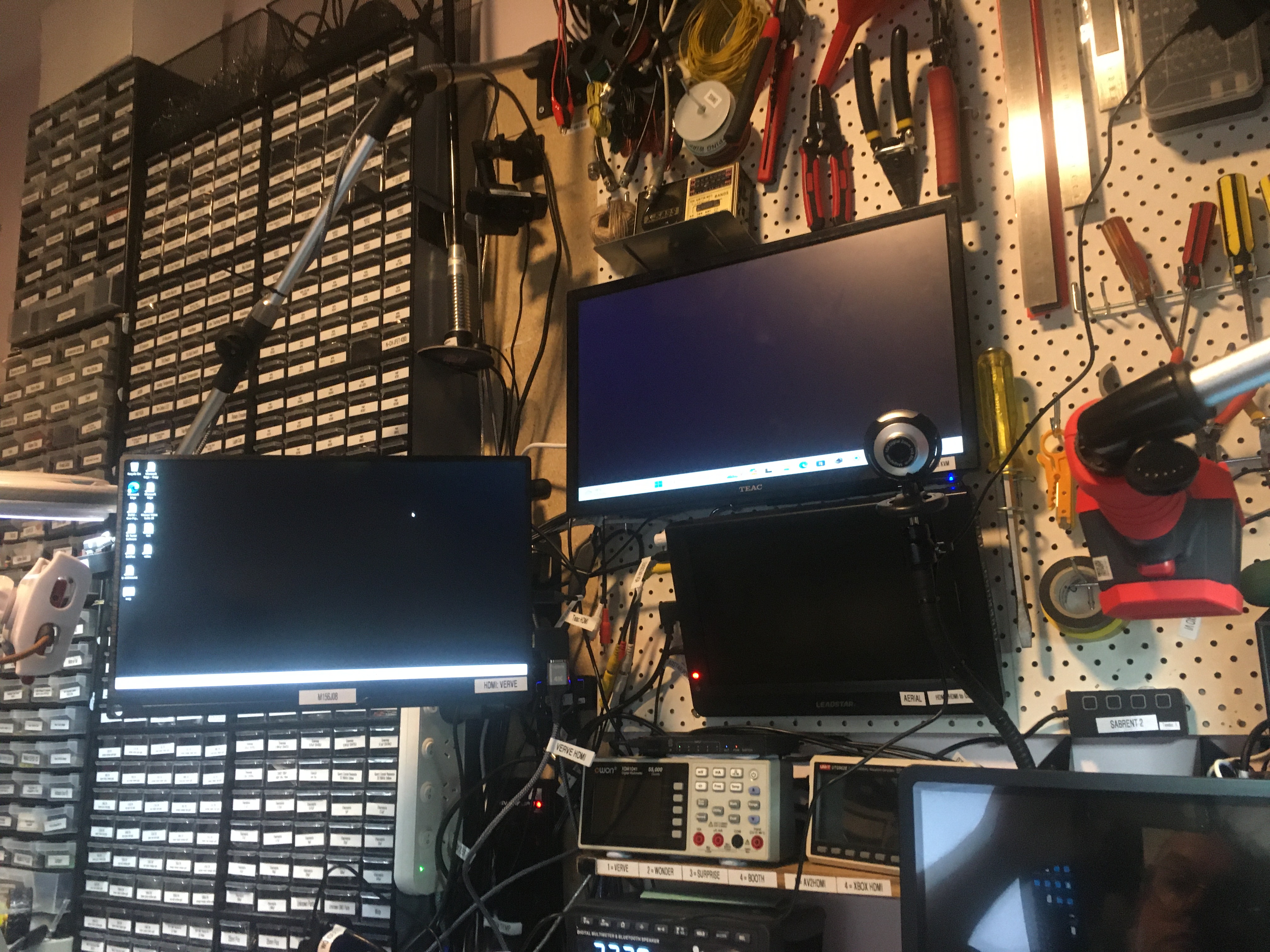
New computer ‘trail’

I have built a new computer ‘trail‘ out of my old workstation ‘tradition‘. I was able to do this because I migrated the VirtualBox VMs that were running on ‘tradition’ over to QEMU/KVM VMs now running on ‘lore‘.

My new computer ‘trail’ is setup as the recording workstation for the “booth” in my studio. This is good because now I can record at 4K in the booth!

I don’t use Windows much these days but this new studio workstation runs Windows 11 Pro. I haven’t used software RAID on Windows before but for this workstation I setup a RAID1 mirror using 2x 2TB NVMe drives. I was able to configure the block size for the NTFS file system so I picked 2MB (which was the maximum) as this RAID array will only be for storing video recordings (which are huge files).

Interlude #1: Mail Call! Cheap Stuff From China! | Learning Electronics In The Lab With Jay Jay

This post is part of my video blog and you can find more information about this video on this show’s homepage which is here.

You can support this channel on Patreon: patreon.com/JohnElliotV

Silly Job Title: Science Officer

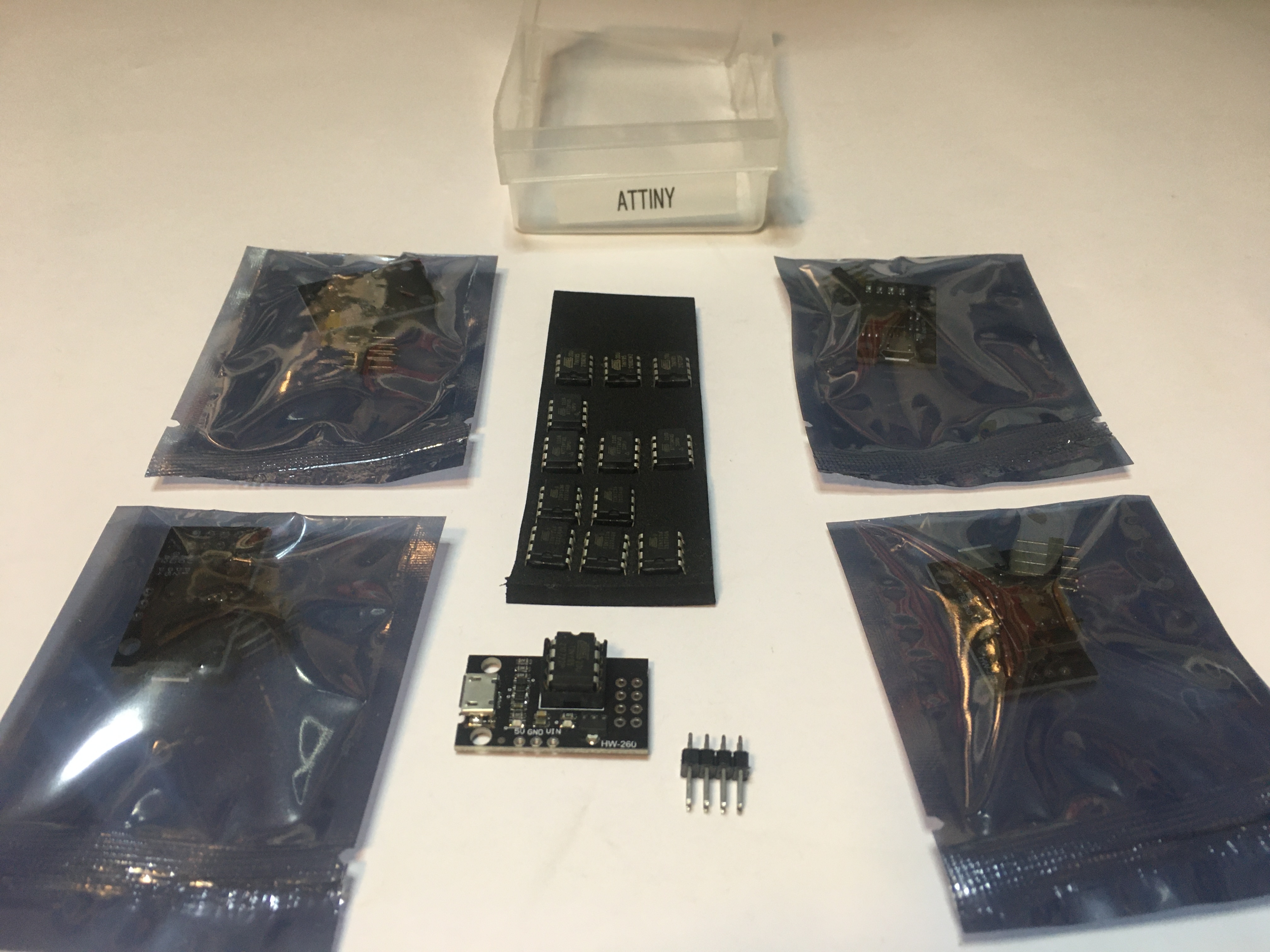
Today we’re gonna take a look at what arrived recently from AliExpress. They were having a sale so I purchased some natty tools and a few consumables. Details below. I made some notes at the time of purchase if you’re interested in what I paid for this stuff.

In the video I refer to the workstation I am planning to buy for the studio. When I get this new computer I should be able to improve the quality of my YouTube videos. If you’re interested in the details the new computer I’m planning is ‘victory‘. In the video I say this new computer will cost me AUD$6,000, but it’s looking like it will cost more like AUD$7,500 (roughly USD$5,000), so I will have to save my pennies! The Dell OptiPlex computer that I am presently using is ‘wonder‘.

In the video I refer to “box openers”. If you know what these things are actually called, please do let me know!

The spider who popped up on my bench during the recording of this video was found later. He, um, didn’t make it…

Thanks very much for watching! And please remember to hit like and subscribe!


Following is a product I use picked at random from my collection which may appear in my videos. Clicking through on this to find and click on the green affiliate links before purchasing from eBay or AliExpress is a great way to support the channel at no cost to you. Thanks!

Sudake SDK08 Test ClipsThis is an image of the product.notes

Let’s go shopping!

New motherboard: ASUS ProArt B550-CREATOR

Ordered myself a new motherboard today, the ASUS ProArt B550-CREATOR. This new board will replace my ASUS PRIME B550M-A in my new/upgraded computer ‘lore‘ (which is replacing ‘longing‘).

This new board has 2x M.2 PCIe 4.0 (as with the old motherboard), 2x 2.5Gbps Ethernet (compared to 1x 1Gbps Ethernet in my old motherboard), and 3x PCIe 16x slots (compared to 1x PCIe 16x slot in my old motherboard).

I will put in 2x M.2 PCIe 4x adapters and 2x M.2 PCIe 1x adapters which will mean I am able to install 6x M.2 drives: 2x Kioxia 256GB, 2x Samsung 990 Pro 2TB, and 2x PNY 1TB.

I will also put in a quad 2.5Gbps PCIe Ethernet adapter which will give me six 2.5Gbps Ethernet ports in total (two onboard and four on PCIe 16x).

When I’m done all four RAM slots will be full (4x Corsair Vengeance 32GB 3200MHz DDR4), both the M.2 slots will be full, all three of the PCIe 16x slots will be full, all four SATA ports will be full (3x Western Digital WD Ultrastar DC HC550 16TB and 1x ASUS BW-16D1HT PRO 16X Blu-ray burner), and both PCIe 1x slots will be full too. Also there will be a bunch of high speed USB ports available on both the front and the back of the case. I feel like I have really squeezed a lot of juice out of this system, it’s operating very close to capacity.

I’m kinda dreading plugging in the USB attachments to the front panel, but I guess if I RTFM and apply some thought I will be able to figure that out.