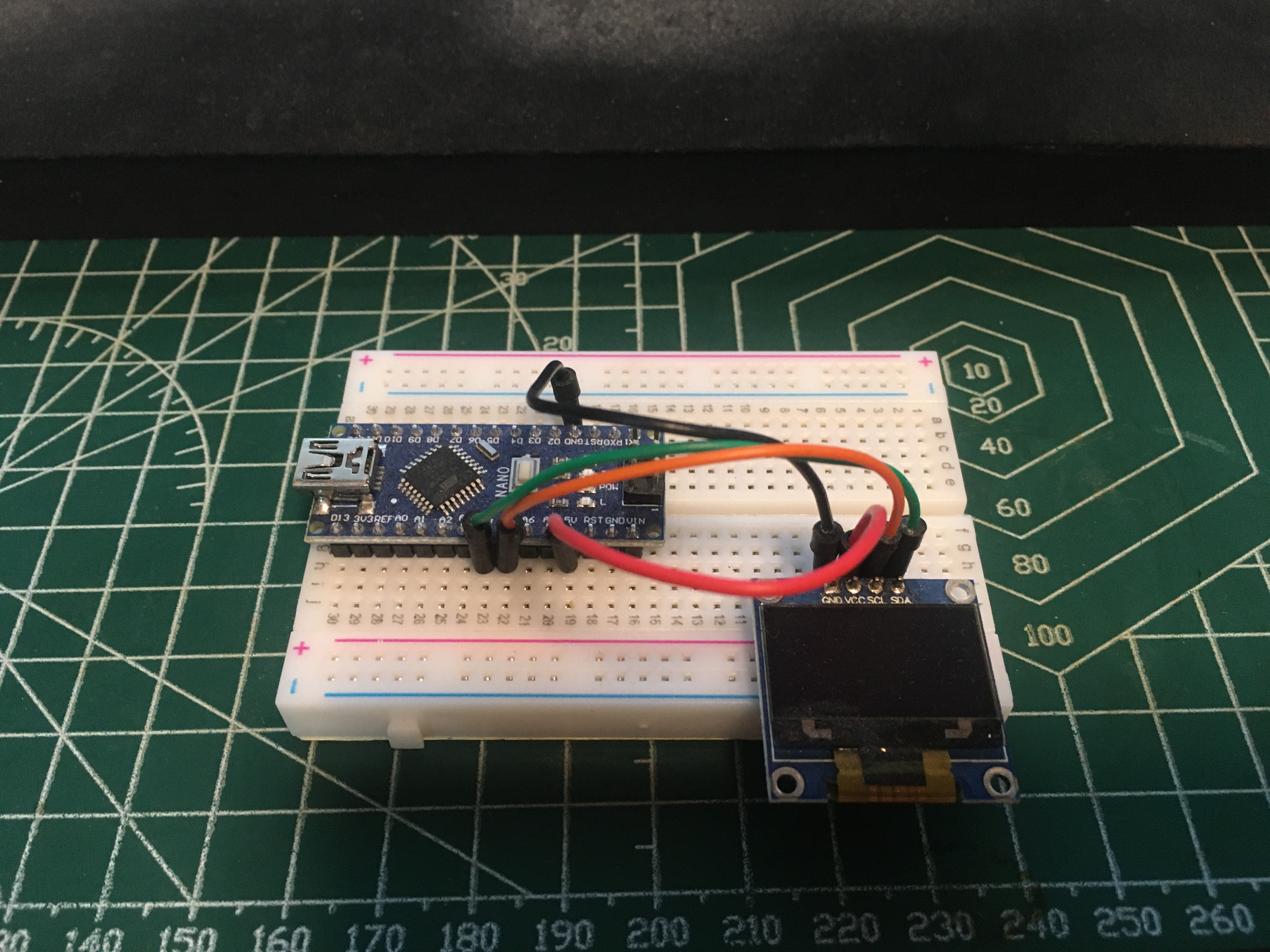
Electronics Project #29: STC15W204S series MCU LED Hourglass Project | In The Lab With Jay Jay

You can support this channel on Patreon: patreon.com/JohnElliotV

This post is part of my video blog and you can find more information about this video.

Silly Job Title: Phase Pharaoh. I am the Phase Pharaoh!

In this video we build our 5V Electronic Hourglass DIY Kit Funny Electric Production Kits Precise With LED Lamps Double Layer PCB Board 84*40mm.

If you’re interested in this project be sure to check out Program the STC15W201S MCU in an led Hourglass kit and its related resources. You can also read about the microcontroller over here: STC15W204S series.

We use the METCAL PS-900 Soldering Station for soldering.

We use the AiXun H314 Hot Air Gun for heat shrinking.

We use the Pro’sKit SS-331H Desoldering Pump for desoldering.

We use the MUIN Solder Fume Extractor to clear the air.

We use the Yizhan Digital Microscope to take a close look at our MCU.

We use the EEVblog BM2257 Digital Multimeter to test some diodes.

We use the Bysameyee Head-Mounted Magnifier to illuminate our workspace.

We use the nmsafety Nitrile Gloves for hand protection.

We use the Multicomp Pro MP701033 Resistor Decade Box as our variable resistor.

We use the Scotch Titanium Scissors for cutting.

We use the Carpenter Mechanical Pencil for notes.

We use the Hakko CHP 3C-SA Precision Tweezers for tweezering.

We use the Plato Model 170 Wire Cutter for lead trimming.

We use the Kaisi S-160 45x30cm Repair Mat as our workspace.

Thanks very much for watching! And please remember to hit like and subscribe! :)

p.s. today I added Yizhan, MCU, and DIY to my spell check.


Following is a product I use picked at random from my collection which may appear in my videos. Clicking through on this to find and click on the green affiliate links before purchasing from eBay or AliExpress is a great way to support the channel at no cost to you. Thanks!

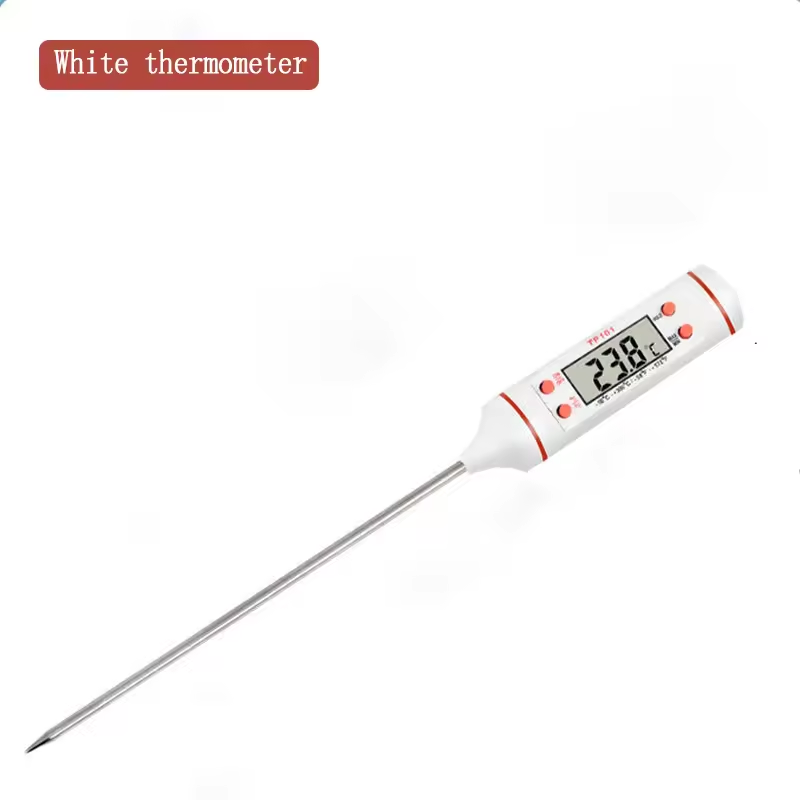
Yum Cha Baking Digital ThermometerThis is an image of the product.
Let’s go shopping!

John Teel explains microcontrollers to avoid

The microcontrollers to avoid and what to consider instead:

  1. ESP8266ESP32-C3
  2. PIC16ARM Cortex-M0+, STM32C0, TI’s MSPM0
  3. Ultra-Cheap No-Name MCUs → something with better doco and support, such as STM32C0 or TI’s MSPM0
  4. STM8STM32C0
  5. MSP430 → TI’s MSPM0
  6. ATmega328P → newer MCUs in AVR family
  7. Overpriced High-End MCUs → consider microprocessor instead

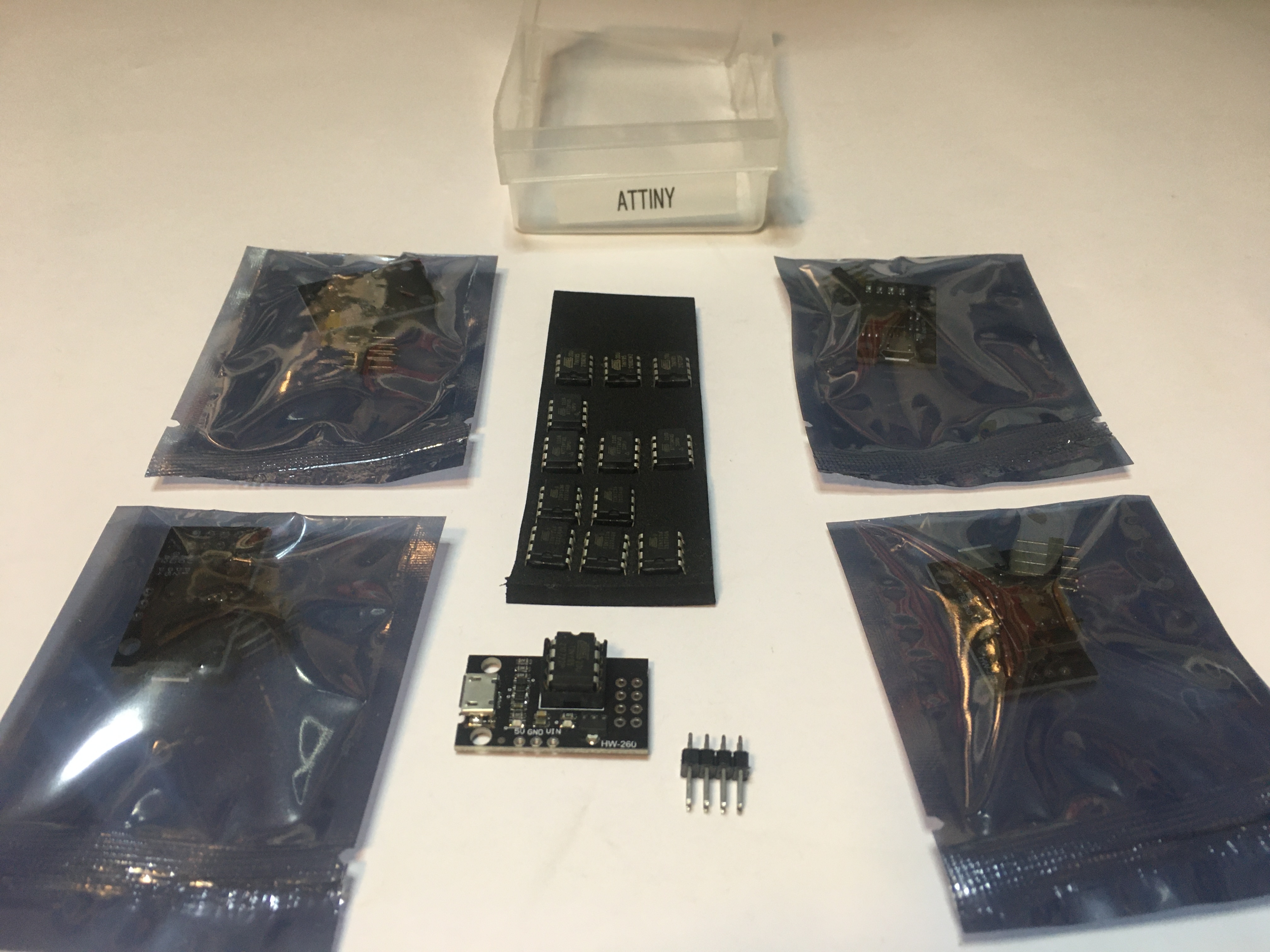
ATtiny85 in HW-260 board

I have my ATtiny85 microcontroller installed in a HW-260 development board (purchased from AliExpress). I program the ATtiny85 with the SparkFun Tiny AVR Programmer, the setup guide is here: Tiny AVR Programmer Hookup Guide.

On the SparkFun programmer the onboard LED is PB0. On the HW-260 the onboard LED is PB1. This is the code I used to flash the HW-260 LED:

#define LED_BUILTIN PB1

// the setup function runs once when you press reset or power the board
void setup() {
  // initialize digital pin LED_BUILTIN as an output.
  pinMode(LED_BUILTIN, OUTPUT);
}

// the loop function runs over and over again forever
void loop() {
  digitalWrite(LED_BUILTIN, HIGH);   // turn the LED on (HIGH is the voltage level)
  delay(1000);                       // wait for a second
  digitalWrite(LED_BUILTIN, LOW);    // turn the LED off by making the voltage LOW
  delay(1000);                       // wait for a second
}

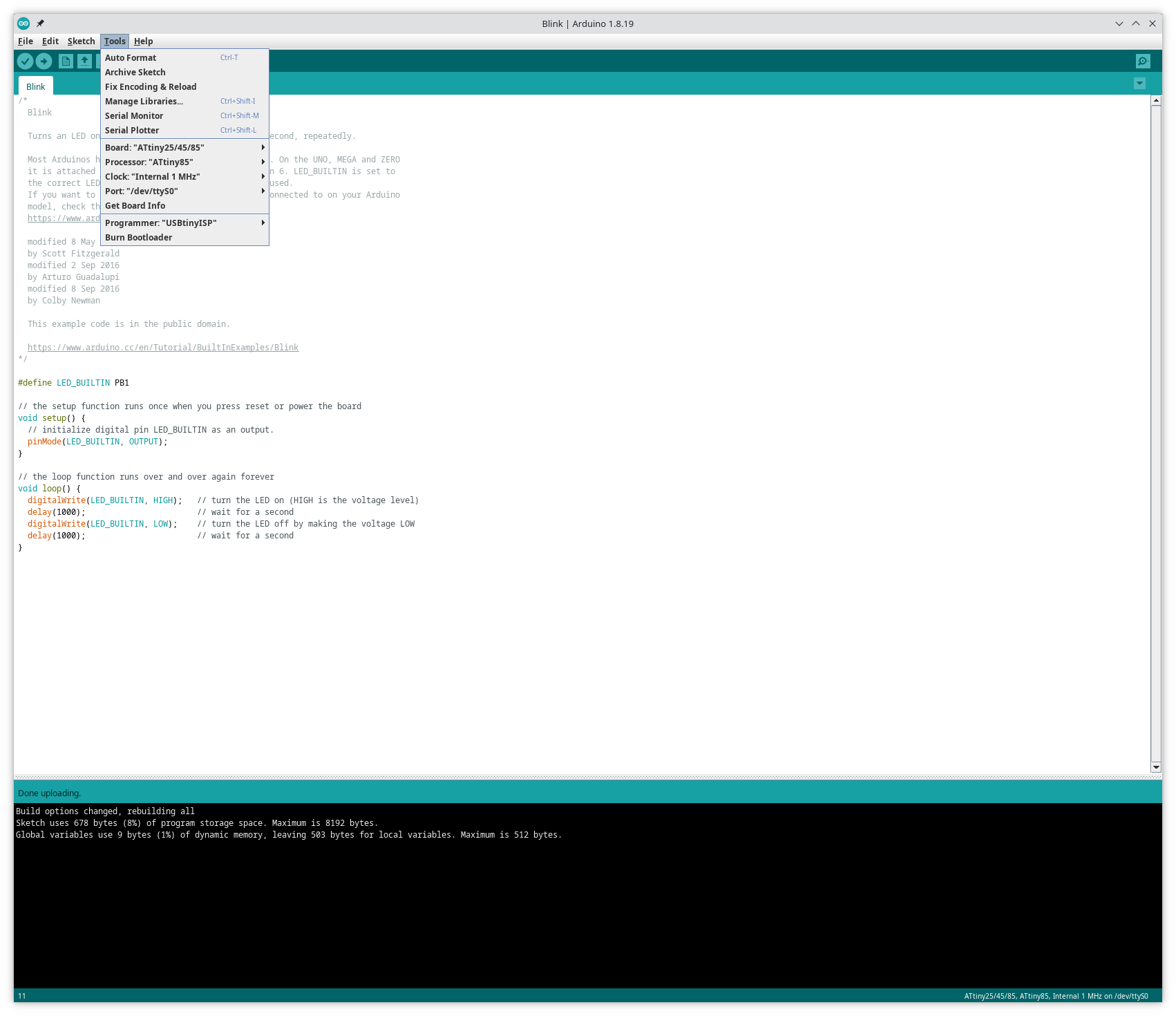
You can see the programmer settings I used in Arduino IDE in this screenshot:
Screenshot of Arduino settings

Interlude #11: Playing with WeAct Studio Epaper Modules on ESP32-C3 MCU | In The Lab With Jay Jay

This post is part of my video blog and you can find more information about this video over here.

You can support this channel on Patreon: patreon.com/JohnElliotV

In this video we play around with the 2.13″ and 2.9″ WeAct Studio Epaper Modules available here: WeAct 2.9” 2.13″ 2.9 2.13 Inch Epaper Module E-paper E-Ink EInk Display Screen SPI Black-White Black-White-Red.

As I mention in the video I was having a hard time getting good solder joints from my Horusdy Soldering Station. This was annoying me so much that I went and purchased a new soldering iron! My new iron is an Metcal PS-900 Soldering Station and I love it! This is what a soldering iron should be!

We use the Arduino IDE and the sample code from WeAct Studio but we don’t successfully load content into our Epaper Module.

We use the Rigol MSO5074 Mixed Signal Oscilloscope to and the Rigol PLA2216 Logic Probe to wire up a Logic Analyzer to instrument out circuit, but we don’t follow through with that in the end. We run out of time. We will try again another day.

Thanks very much for watching! And please remember to hit like and subscribe! :)


Following is a product I use picked at random from my collection which may appear in my videos. Clicking through on this to find and click on the green affiliate links before purchasing from eBay or AliExpress is a great way to support the channel at no cost to you. Thanks!

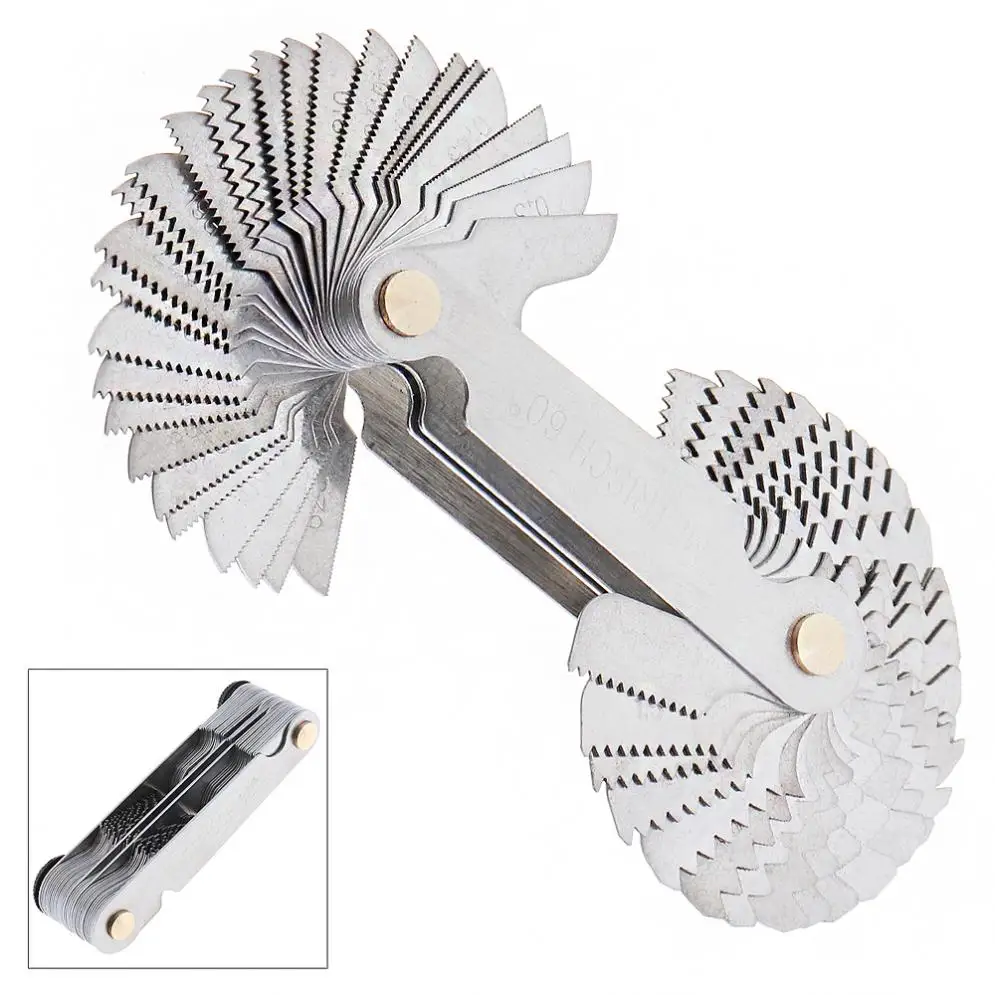
Yum Cha 58-pcs Stainless Steel Thread Pitch GaugeThis is an image of the product.notes

Let’s go shopping!