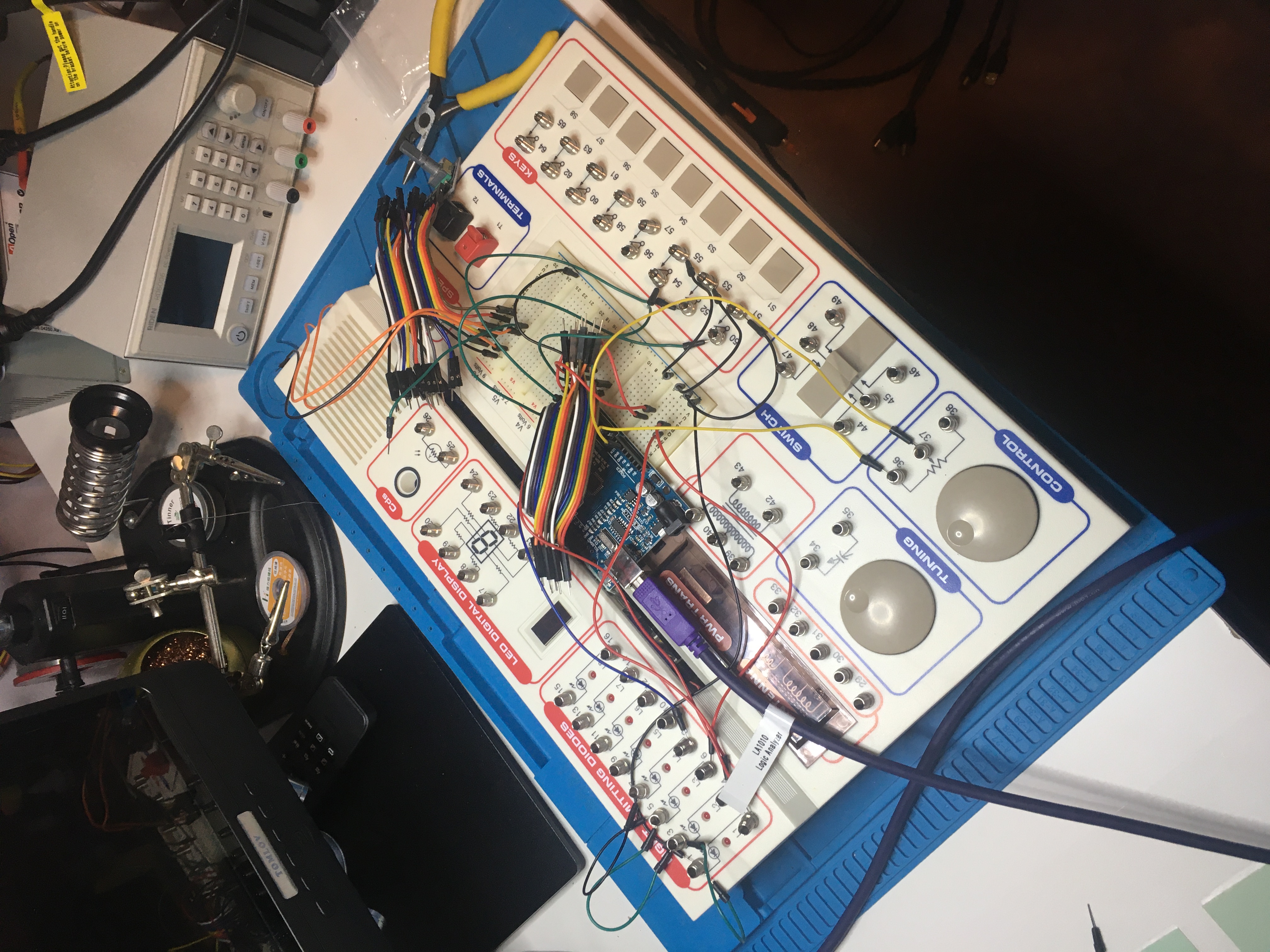
Today via r/programming: How does USB device discovery work?. An interesting video of a dude using his pretty awesome looking oscilliscope…
Category Archives: Electronics
Teardown of a PC power supply
This via Lobsters today: Teardown of a PC power supply. Also Macbook charger teardown and Apple iPhone charger teardown.
My new MacBook Pro sucks
Let me count the ways…
So my old MacBook Pro was a 17-inch, Late 2011 model. It was great and worked for 10 years. I wouldn’t have “upgraded” at all except that one of the fans started playing up and was making a whirring noise I couldn’t stop (and also my version of Xcode was too old and no longer supported) so I bit the bullet and got myself a 16-inch, 2019 model. Of course I had to go from 17″ to 16″ because there is no 17″ model any more (that’s not better).
This is what cable management looked like on my old MacBook Pro:
See how everything is nice and tidy? This is what cable management looks like on my new MacBook Pro:
An untidy mess. That’s not better.
Then there’s the remote control situation. I used to have three remote controls for my old MacBook Pro. It was handy having one on my bedside table, one on my desk, and one on my other desk.
Of course my remote controls, which worked perfectly, aren’t compatible with my new MacBook Pro, so I had to buy this new Bluetooth thing (which cost me $47):
Of course the new Bluetooth thing doesn’t work very well. I press the button to pause my music and it “wakes up” and establishes a new Bluetooth connection, but doesn’t actually pause the music. So I press pause again, but the music doesn’t pause, so I press pause again, and the music goes off for a second and then back on, then I press once more and the music stops. You couldn’t make this stuff up. That’s not better.
I deliberately got myself an Intel CPU MacBook Pro, because I wanted my VMWare Fusion VMs to still work, and they do, but my copy of Doom III doesn’t work on my new MacBook Pro, and I can’t find a copy that will, so that sucks. That’s not better.
When I go to play StarCraft II it takes longer to load on my new computer than it did on my 10 year old computer. Then when I’m playing the game I can’t press F2 to select my army because they’ve gone and replaced the function keys with a ridiculous “touch bar” and after several months’ use my muscle memory still hasn’t got used to the new layout. I would prefer not to have a touch bar, it’s not better.
So my old MacBook Pro was awesome and one of the best computers I have ever owned. And my new MacBook Pro is a step backwards in almost every way. :(
So how does a PS/2 keyboard interface work?
Watched some of this great video: So how does a PS/2 keyboard interface work?
Intel Processor Names and Numbers
Today I discovered Intel Processor Names and Numbers. Documentation about how Intel names its CPU chips.
The AMD Radeon Graphics Driver Makes Up Roughly 10.5% Of The Linux Kernel
This popped up on Hacker News today: The AMD Radeon Graphics Driver Makes Up Roughly 10.5% Of The Linux Kernel. I wonder if we can infer from this that AMD Radeon graphics cards are well supported on Linux..? I might buy one for my next workstation…
App Consoles
This discussion of App Consoles came up on Lobsters today.
Bridge sniffer
I’ve been having trouble getting my Pioneer FreedomBox to work and I found myself wanting a network protocol analyser so I could see what was going on.
I got myself two of these Simplecom USB 3.0 to Gigabit RJ45 Ethernet LAN Adapters and attached them to my MacBook Pro, like this:
Then I spun up a Kubuntu system in a VMWare Fusion virtual machine and created a bridge like this (thanks to my mate Raz for the instructions):
ifconfig eth0 up ifconfig eth1 up brctl addbr br0 brctl addif br0 eth0 brctl addif br0 eth1 ifconfig br0 up
Then I was able to run WireShark to monitor traffic across the br0 bridge which helped me to diagnose the issues I was facing.
…and in the end I got my FreedomBox operational, so got to be happy about that! :)
The problem I was having was that my FreedomBox would work okay for a few minutes and then lose network connectivity. I confirmed this with my WireShark logs. You could see the DHCP and MDNS working at first and then see things stop working after some time.
The problem turned out to be related to the fact that I was running an old version of the FreedomBox software. The reason my software was out of date was that I had downloaded a “nightly build” which was well out of date. I think maybe the nightly builds are no longer maintained. After I upgraded to a stable build my networking problems went away.
Resetting a WASD Code keyboard
I have a CODE V3 104-Key Mechanical Keyboard with Cherry MX Green switches which I love. But unfortunately it has been my experience that they can be a bit finicky. I had to return one to WASD once because keys started producing “gibberish” if pressed the keys too hard. I know! Crazy!
Anyway I had a similar problem today. My Pause key, when pressed, would simultaneous ‘mute’ my audio *and* turn it either ‘up’ or ‘down’ (with a preference for ‘up’). Friggin weird. Anyway I was able to fix the issue by doing a keyboard reset.
To do a keyboard reset: unplug the keyboard, set SW4 to the “on” position, plug it back in. Wait until the solid green lights emit and then unplug, set SW4 back to the “off” position and then plug the keyboard back in and test. Easy peasy. :)
Make Android self-hosting
I read Make Android self-hosting today. It popped up on lobste.rs I think. Interesting read about what might need to be done to get Android to beat iOS.