Category Archives: Sys Admin
Sysmon added to Windows
Via Slashdot, Microsoft Adds Sysmon To Windows we hear from The Register that, Microsoft actually does something useful, adds Sysmon to Windows. I don’t use Windows much these days but this seems like a sensible decision to me.
Operating Systems Textbooks
Some operating systems textbooks which came up on IRC today: Operating Systems: Three Easy Pieces, Dive into Systems, and Computer Systems: A Programmer’s Perspective.
Home Assistant
Looks like learning about Home Assistant is in my future.
Linux file-system naming semantics
I didn’t learn anything in this one that I didn’t already know, but it is a very good explanation for a beginner.
Re-enable the KDE titlebar buttons for Firefox
Today ChatGPT helped me to Re-enable the KDE titlebar buttons for Firefox.
Bottom line: Right-click on Hamburget menu, choose Customize Toolbar… then check the Title Bar checkbox in the bottom-left hand side of the screen.
Everything is easy when you know how!
Mail Call #36: QuickStudy Cheatsheets and Soldering Stuff from Amazon | In The Lab With Jay Jay
This post is part of my video blog and you can find more information about this video over here.
You can support this channel on Patreon: patreon.com/JohnElliotV
Silly Job Title: Electronics Guru.
In this video we see what arrived in the mail from Amazon. The main haul was my QuickStudy cheatsheets. But I also go this stuff too:
Thanks very much for watching! And please remember to hit like and subscribe! :)
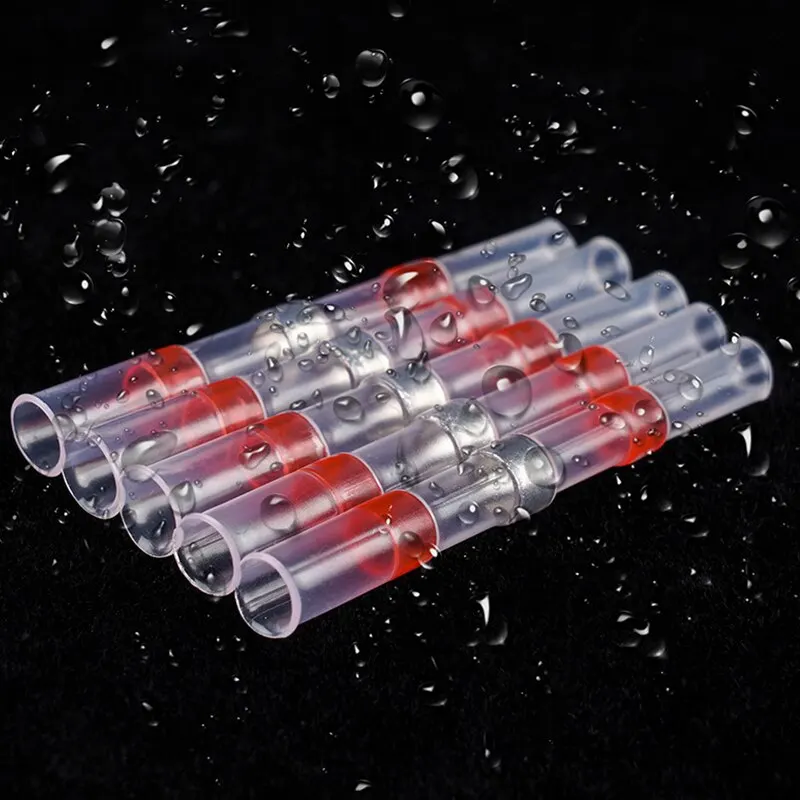
Following is a product I use picked at random from my collection which may appear in my videos. Clicking through on this to find and click on the green affiliate links before purchasing from eBay or AliExpress is a great way to support the channel at no cost to you. Thanks!
Yum Cha 100pcs Heat Shrink Wire Connectors![]() |
Let’s go shopping!
bpftrace One-Liner Tutorial
An introduction to bpftrace over here: bpftrace One-Liner Tutorial.
Destroying single disk ZFS zpool
This is a note for Future John. I followed the instructions from ChatGPT. They looked reasonable enough. Now I have a spare 2TB SATA drive that has no purpose in life. I am always sad when things have no purpose in life. Who knows. Maybe one day…
-------------------
Tue Jul 01 03:33:54 [bash:5.2.15 jobs:0 error:0 time:0]
root@charisma:/home/jj5
# zpool status sata
pool: sata
state: ONLINE
config:
NAME STATE READ WRITE CKSUM
sata ONLINE 0 0 0
ata-ST2000DM008-2UB102_ZFL7BGR8 ONLINE 0 0 0
errors: No known data errors
-------------------
Tue Jul 01 03:34:00 [bash:5.2.15 jobs:0 error:0 time:6]
root@charisma:/home/jj5
# zpool destroy sata
-------------------
Tue Jul 01 03:34:08 [bash:5.2.15 jobs:0 error:0 time:14]
root@charisma:/home/jj5
# cat /proc/partitions
major minor #blocks name
...snip...
8 48 1953514584 sdd
8 49 1953505280 sdd1
...snip...
-------------------
Tue Jul 01 03:34:23 [bash:5.2.15 jobs:0 error:0 time:29]
root@charisma:/home/jj5
# wipefs -a /dev/sdd
/dev/sdd: 8 bytes were erased at offset 0x00000200 (gpt): 45 46 49 20 50 41 52 54
/dev/sdd: 8 bytes were erased at offset 0x1d1c1115e00 (gpt): 45 46 49 20 50 41 52 54
/dev/sdd: 2 bytes were erased at offset 0x000001fe (PMBR): 55 aa
/dev/sdd: calling ioctl to re-read partition table: Success
-------------------
Tue Jul 01 03:34:58 [bash:5.2.15 jobs:0 error:0 time:64]
root@charisma:/home/jj5
# sgdisk --zap-all /dev/sdd
Creating new GPT entries in memory.
GPT data structures destroyed! You may now partition the disk using fdisk or
other utilities.
-------------------
Tue Jul 01 03:35:28 [bash:5.2.15 jobs:0 error:0 time:94]
root@charisma:/home/jj5
# parted /dev/sdd --script mklabel gpt
-------------------
Tue Jul 01 03:35:50 [bash:5.2.15 jobs:0 error:0 time:116]
root@charisma:/home/jj5
# wipefs /dev/sdd
DEVICE OFFSET TYPE UUID LABEL
sdd 0x200 gpt
sdd 0x1d1c1115e00 gpt
sdd 0x1fe PMBR
-------------------
Tue Jul 01 03:36:02 [bash:5.2.15 jobs:0 error:0 time:128]
root@charisma:/home/jj5
# lsblk /dev/sdd
NAME MAJ:MIN RM SIZE RO TYPE MOUNTPOINTS
sdd 8:48 0 1.8T 0 disk
-------------------
Keyboard settings for KDE Plasma
This is a note for Future John. In KDE Plasma: System Settings -> Input Devices -> Keyboard.
Then:
- Delay
- 200 ms
- Rate
- 50.00 repeats/s