
Readme Driven Development popped up on HN today. Nice thought.
Drug danger and dependence
Found this great chart:

Vagrant
There are a bunch of great examples of using vagrant for testing purposes in
High Availability for the LAMP Stack: Eliminate Single Points of Failure and Increase Uptime for Your Linux, Apache, MySQL, and PHP Based Web Applications by Jason Cannon which I have on my Kindle.
Single page website
This is great: A JavaScript-free way to easily make dynamic HTML sites.
Scattered Thoughts on Distributed Systems
Pat Helland has a new blog! Scattered Thoughts on Distributed Systems
Optimizing Your Web App 100x is Like Adding 99 Servers
An article that popped up on lobste.rs today: Optimizing Your Web App 100x is Like Adding 99 Servers, it has a few performance optimization tips.
Is High Quality Software Worth the Cost?
Martin Fowler with Is High Quality Software Worth the Cost?. Yes, he says; sort of.
What’s New in PHP 8
This on r/programming today: What’s New in PHP 8.
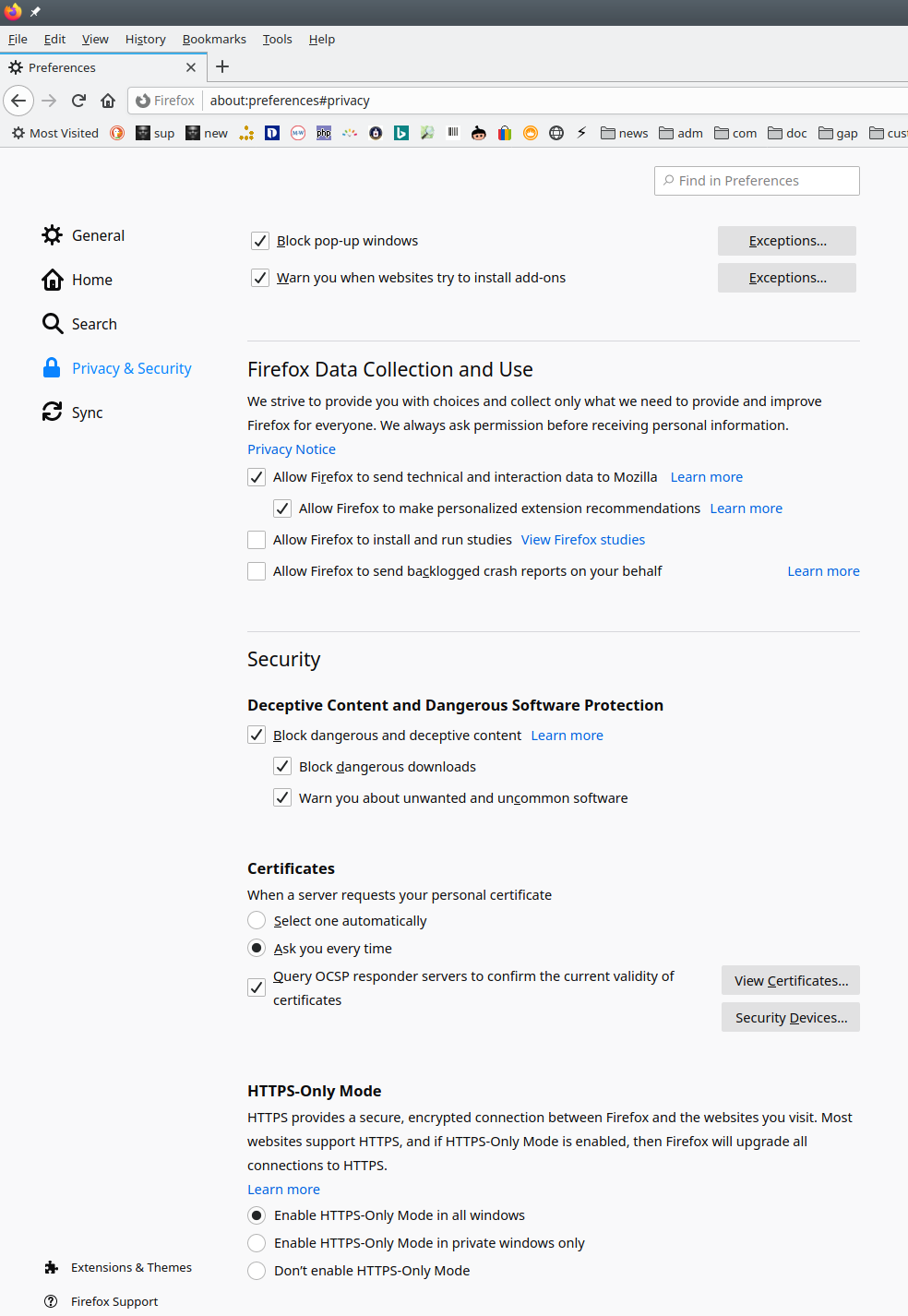
Firefox HTTPS-Only Mode
Today is a historic day! I’m now running Firefox 83 an have enabled the new HTTPS-Only mode!
What Gödel Discovered
I love a little pop Gödel: What Gödel Discovered.