In this video I do the seventh Maxitronix 10in1 Electronic Project Lab project: Wireless Continuous Wave Transmitter.
While conducting this experiment I made some notes over here: Maxitronix/10in1/7.
I made a bunch of mistakes while building and testing this circuit, and a lot of the footage I took didn’t make it into the final video. In particular in between the construction part of the video at the beginning, and the testing part of the video at the end, I added a ceramic capacitor at the base of the transistor; I hadn’t understood the instructions to install this capacitor as it wasn’t wired in using spring terminals like all the other components.
Thanks very much for watching! And please remember to hit like and subscribe!
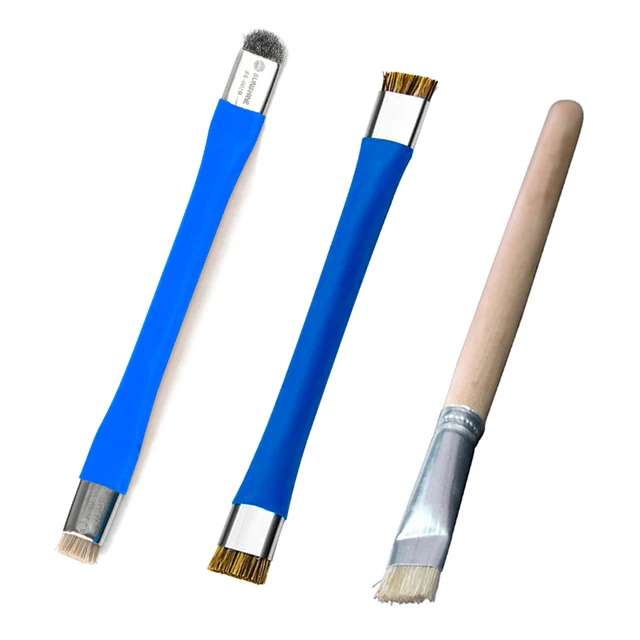
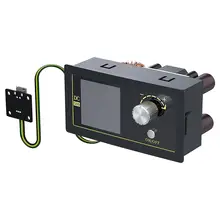
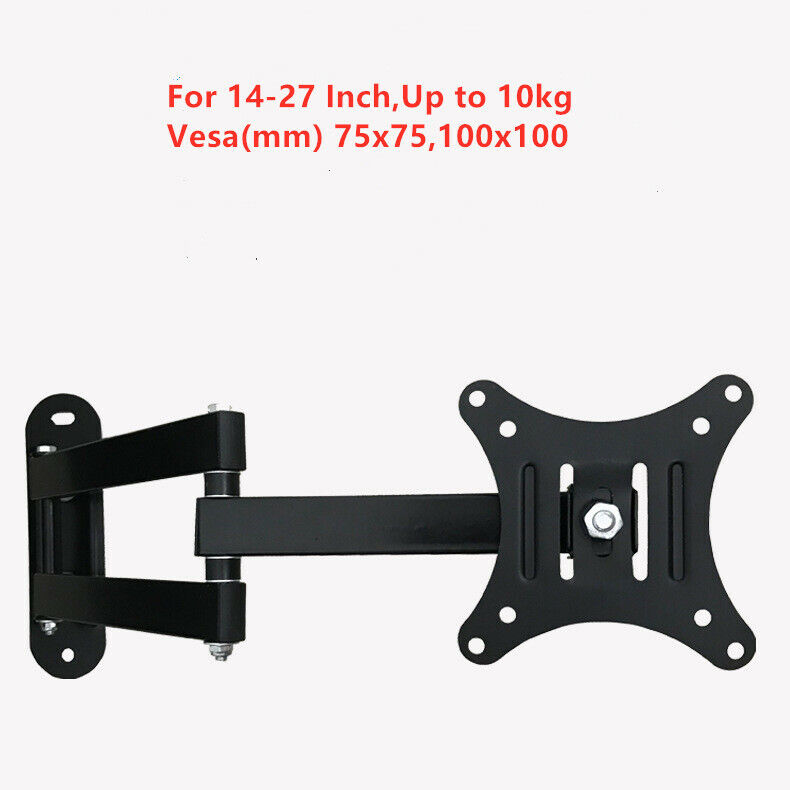
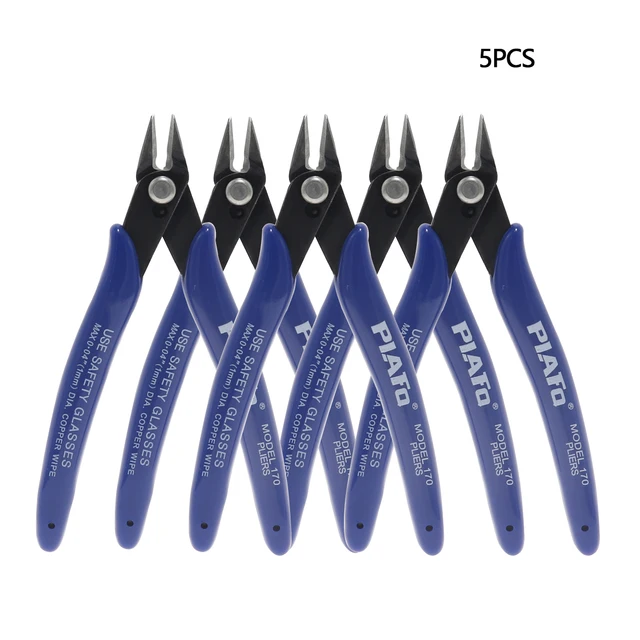
Following is a product I use picked at random from my collection which may appear in my videos. Clicking through on this to find and click on the green affiliate links before purchasing from eBay or AliExpress is a great way to support the channel at no cost to you. Thanks!
In this video I do the sixth Maxitronix 10in1 Electronic Project Lab project: 1-Transistor Radio With Diode.
Thanks very much for watching! And please remember to hit like and subscribe!
Following is a product I use picked at random from my collection which may appear in my videos. Clicking through on this to find and click on the green affiliate links before purchasing from eBay or AliExpress is a great way to support the channel at no cost to you. Thanks!
In this video I do the fifth Maxitronix 10in1 Electronic Project Lab project: 1-Transistor Radio.
This is the second radio circuit and just like the previous radio circuit I wasn’t able to make this one work either! But at least this time I did get some static noise out of the circuit, which was better than the “nothing” which I got out of the previous circuit.
Also, I did learn how to setup a frequency measurement on my oscilloscope: Measure -> Add -> Freq. Easy peasy! :)
Thanks very much for watching! And please remember to hit like and subscribe!
Following is a product I use picked at random from my collection which may appear in my videos. Clicking through on this to find and click on the green affiliate links before purchasing from eBay or AliExpress is a great way to support the channel at no cost to you. Thanks!
In this video I do the fourth Maxitronix 10in1 Electronic Project Lab project: Diode Radio.
This experiment is a little disappointing, I couldn’t make it work in the end.
But I did learn not to leave my coffee cup on my project mat because it interferes with the thermal cam!
Thanks very much for watching! And please remember to hit like and subscribe!
Following is a product I use picked at random from my collection which may appear in my videos. Clicking through on this to find and click on the green affiliate links before purchasing from eBay or AliExpress is a great way to support the channel at no cost to you. Thanks!
This video is part of the New Book Teardown feature of my video blog.
In this video I tear down The Internet With Windows by Glyn Moody. This book was published in Great Britain in 1996 and is about accessing various Internet services using Windows 95 and Windows 3.1.
Thanks very much for watching! And please remember to hit like and subscribe!
Following is a product I use picked at random from my collection which may appear in my videos. Clicking through on this to find and click on the green affiliate links before purchasing from eBay or AliExpress is a great way to support the channel at no cost to you. Thanks!
This video is part of the New Book feature of my video blog.
In this video I review the venerable The Art of Electronics 3rd Edition by Paul Horowitz by Winfield Hill published in 2015. This monstrous tome includes some 1,220 pages.
This is a long video, because this is a long book!
While I was writing up these notes for the video I found a wealth of fun stuff. Here are a few links:
Thanks very much for watching! And please remember to hit like and subscribe!
Following is a product I use picked at random from my collection which may appear in my videos. Clicking through on this to find and click on the green affiliate links before purchasing from eBay or AliExpress is a great way to support the channel at no cost to you. Thanks!
In this video I do the third Maxitronix 10in1 Electronic Project Lab project: Diode Experiment.
When I looked at the resistor on the bottom I thought it was red – brown – black – gold which would have been 21Ω but I think I misread brown and that was actually purple which would be 27Ω which stacks better with the two measurements I made both of which said 27Ω.
In the video we examine the forward voltage of our germanium diode and get various readings. Typically a germanium diode should be around 0.3V versus silicon diodes which are usually around 0.7V.
On the FNIRSI component tester the Ir is the “reverse current”, also known as the “leakage current”. This is the small amount of current which flows through the diode when it is reverse biased (that is, basically, connected the wrong way around).
I asked ChatGPT a few questions about diodes and their specifications which you can read here: Germanium Diode Forward Voltage if you’re at all interested in such things. Of course you should be doubly suspicious of anything you read on the internet. :)
The really amazing learning for me in this experiment was how hot the germanium diode got versus the lamp, which was so surprising. Just goes to show how good an idea it is to actually do experiments and measure things! The thermal imager we used was the UNI-T UTi260B.
Also I think I’m coming around to the view that an oscilloscope is a pretty poor voltmeter. My oscilloscope is an MSO5074 70MHz 4 Channel MIXED SIGNAL OSCILLOSCOPE and I love it but I think in future I will limit my use of the oscilloscope to situations where I’m actually dealing with some sort of oscillator. I think simple digital multimeters would have been better test equipment to use for the kinds of readings I was trying to take in this experiment.
I hope you enjoy the video. Stay tuned for the upcoming projects. If you’re interested in seeing them don’t forget to subscribe!
Also, if you’re interested in getting any of these Maxitronix kits yourself the best place I know to look is on eBay. Let me know if you find them somewhere else!
Thanks very much for watching! And please remember to hit like and subscribe!
Following is a product I use picked at random from my collection which may appear in my videos. Clicking through on this to find and click on the green affiliate links before purchasing from eBay or AliExpress is a great way to support the channel at no cost to you. Thanks!
In this video I do the second Maxitronix 10in1 Electronic Project Lab project: Morse Code Oscillator.
In this video when I’m talking about the tuning capacitor I say that 0.001uF is 1,000 picofarads, but of course it is 1,000 nanofarads; I would have put a correction into the video but I didn’t notice the error until I had already published it.
There was some follow up discussion about topics raised in this video over here: propagation of electricity.
Stay tuned for the upcoming projects. If you’re interested in seeing them don’t forget to subscribe!
Also, if you’re interested in getting any of these Maxitronix kits yourself the best place I know to look is on eBay. Let me know if you find them somewhere else!
Thanks very much for watching! And please remember to hit like and subscribe!
Following is a product I use picked at random from my collection which may appear in my videos. Clicking through on this to find and click on the green affiliate links before purchasing from eBay or AliExpress is a great way to support the channel at no cost to you. Thanks!

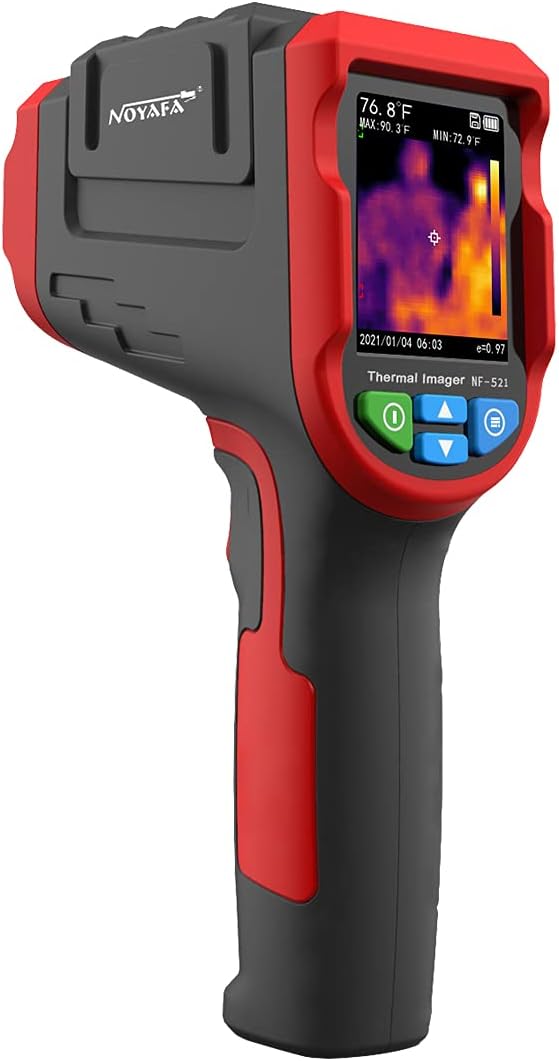 notes
notes