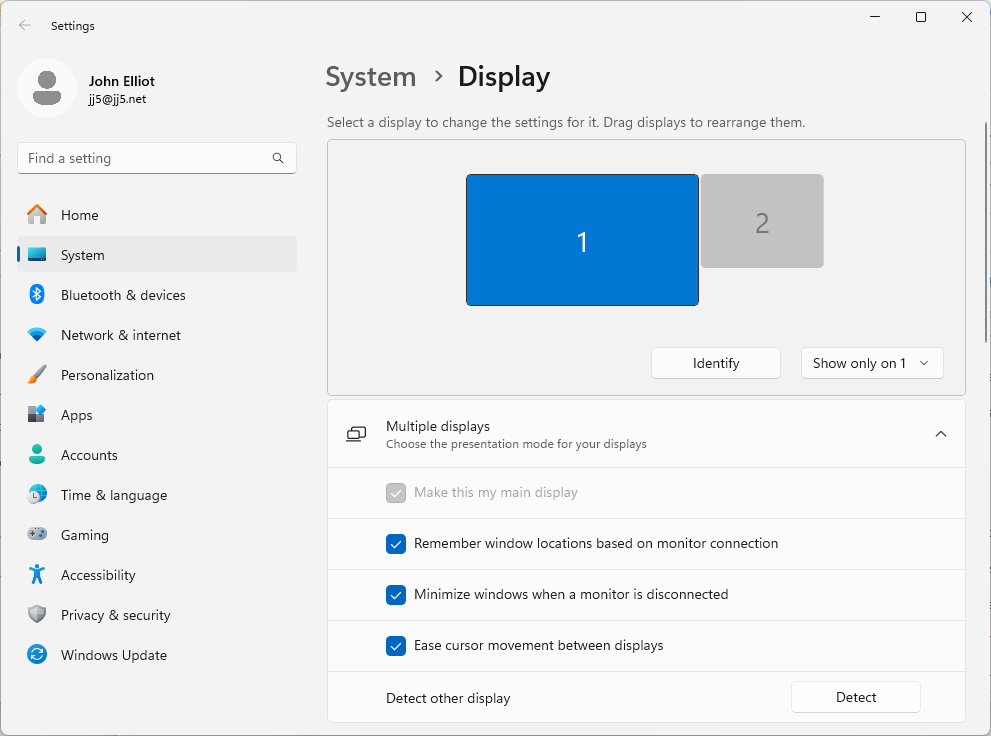
I have a problem with my TightVNC server where when I “unplug” the monitor (i.e. use my KVM to select a different workstation) then my display vanishes from my VNC client. To fix this I installed Virtual Display Driver. I downloaded and installed the Beta: Virtual Driver Control (25.7.23) (you should check for newer version at the previous link). I extracted VDD.Control.25.7.23.zip then ran the “VDD Control.exe” program and clicked “Install Driver”. After that I just had to tweak my graphics settings, which I did like this: