Am reading The C++ Programming Language, 4ed, by Bjarne Stroustrup and his sixteenth suggestion for Java programmers (pg 21) is:
A C++ nested class does not have access to an object of the enclosing class.
I didn’t know that!

Am reading The C++ Programming Language, 4ed, by Bjarne Stroustrup and his sixteenth suggestion for Java programmers (pg 21) is:
A C++ nested class does not have access to an object of the enclosing class.
I didn’t know that!
Am reading The C++ Programming Language, 4ed, by Bjarne Stroustrup and his sixth suggestion for Java programmers (pg 21) is:
Remember: a variable is never implicitly a reference.
I didn’t know that!
I think the tags cloud offers an interesting insight into what I’m interested in. Here’s what things looked like circa August 2015:
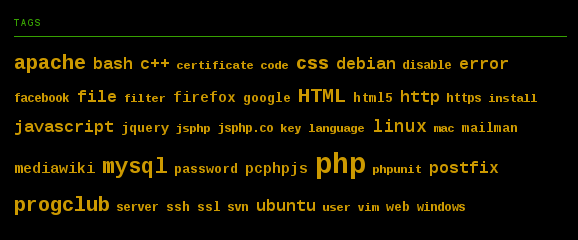
It’s probably been so long now that the tags have rusted on…
15 Sorting Algorithms in 6 Minutes is quite cool…
Check out Tufte CSS…
OK, this is creepy.
This evening I had some left over food in the fridge that I was going to reheat for dinner. As I was carrying it from the fridge to the microwave I considered how long I should reheat it for. I was thinking two minutes, but thought maybe that’s not quite enough, so a little over two minutes, that is: 2:22. That’s what I decided. Then, I put the food in the microwave and accidentally unconsciously pressed start twice, i.e. two minutes. I realised the mistake I made, but didn’t concern myself to fix it. Two minutes would be about enough (it was).
Shortly after my reheated dinner I started watching my weekly Mr Robot. About 14 minutes in to this week’s episode (7) the main character Elliot used his microwave:

You can’t make this shit up.
In vim, to search for next ‘>’ use: f>
To delete until next ‘”‘ use: df”
To delete an *ML attribute, e.g. use: df”.
If this happens:
$ man g++
No manual entry for g++
See 'man 7 undocumented' for help when manual pages are not available.
Fix with:
# apt-get install gcc-doc
Reading about ARM assembler in Raspberry Pi…