These are some notes I made about the pin-out of the HW-260 adapter boards I have for my ATtiny85 microcontrollers. I think my ATtiny45’s are also compatible. Not sure about my ATtiny13A’s.
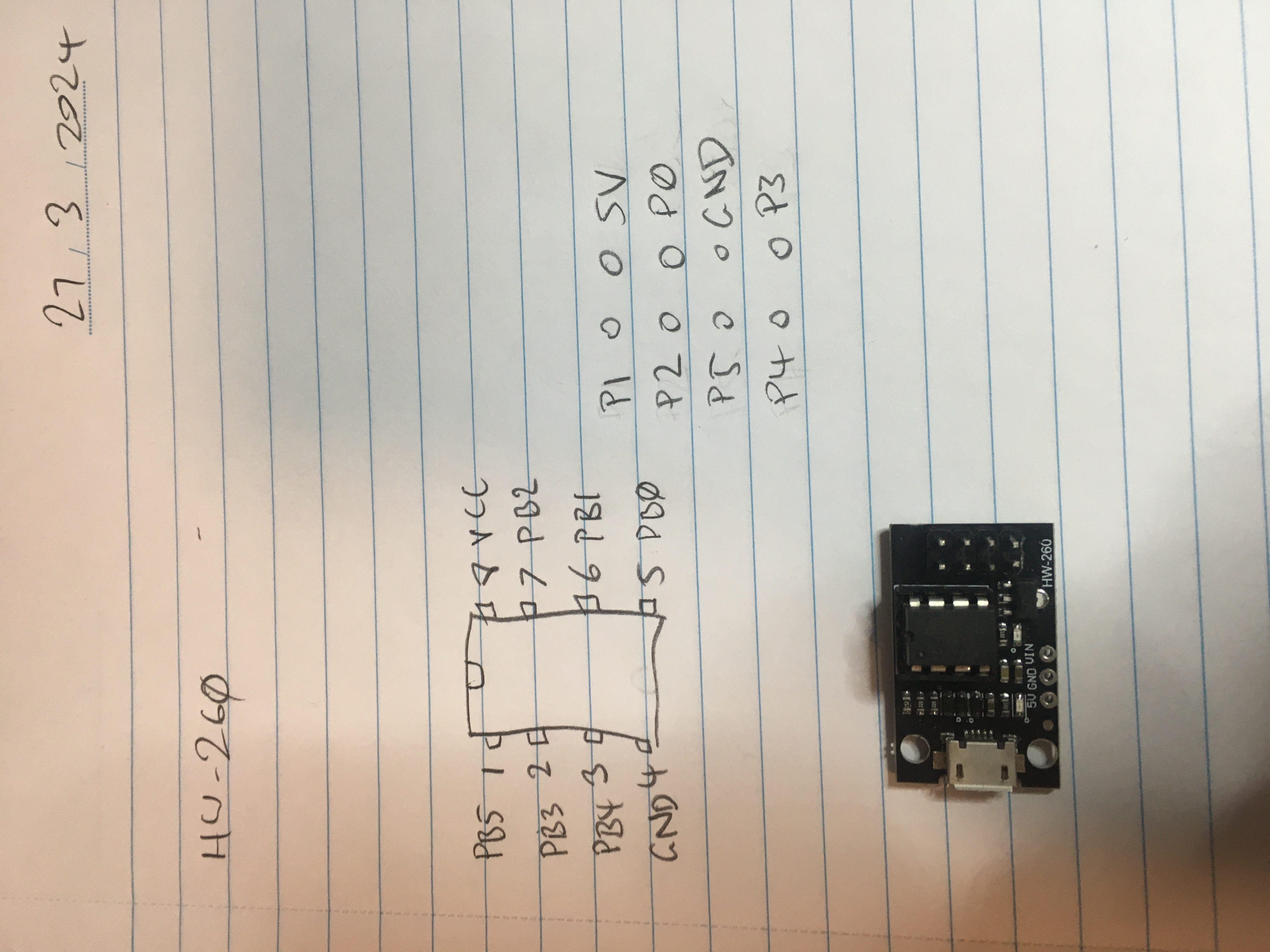
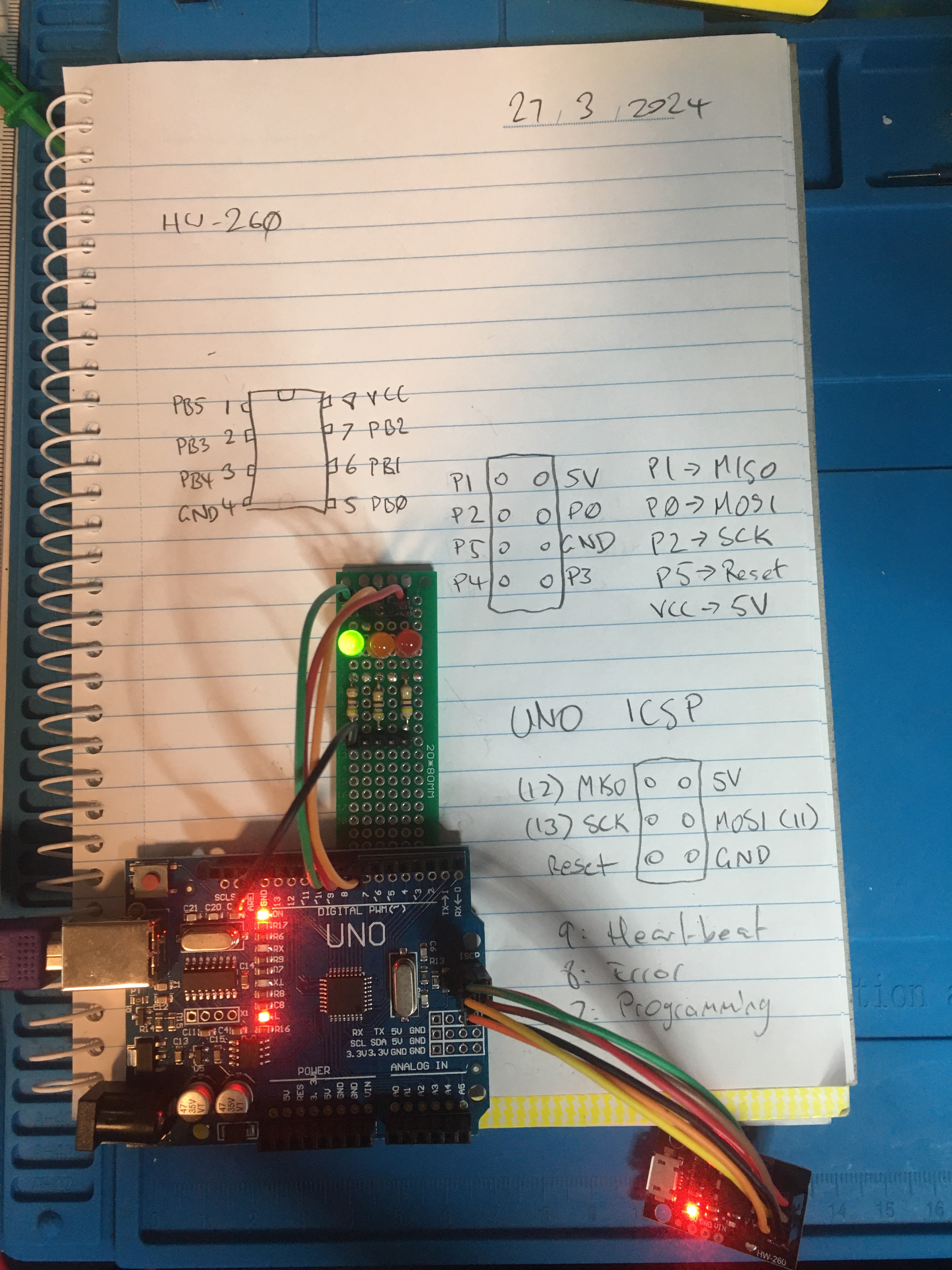
These are some notes I made about the pin-out of the HW-260 adapter boards I have for my ATtiny85 microcontrollers. I think my ATtiny45’s are also compatible. Not sure about my ATtiny13A’s.
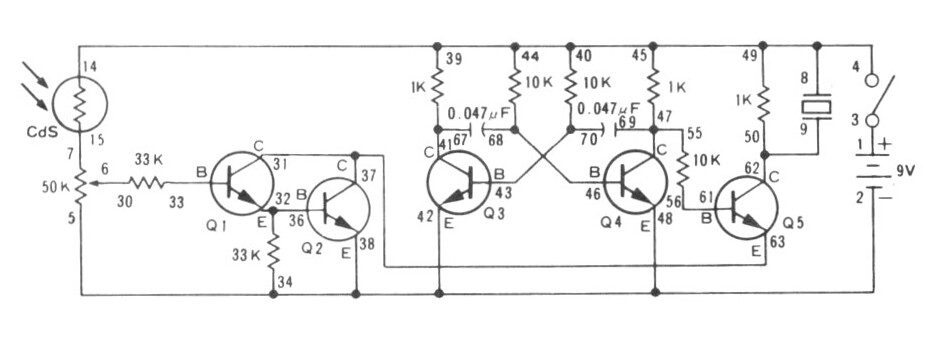
I finished the Maxitronix 10in1 and now I’ve started the Maxitronix Sensor Robot 20, which I am calling the Maxitronix 20in1.
For the 20in1 I will be scanning in the instructions, schematic, and wiring diagrams, as can be seen for example here.
The scans from the manual (which I make using my Epson Perfection V39 flatbed scanner) pick up the text from the overlapping page but I managed to use the `convert` program (part of ImageMagick) to fix them up, as can be seen in my script jj5-maxi. I also use the deskew feature to straighten the images up, and that seems to work well!
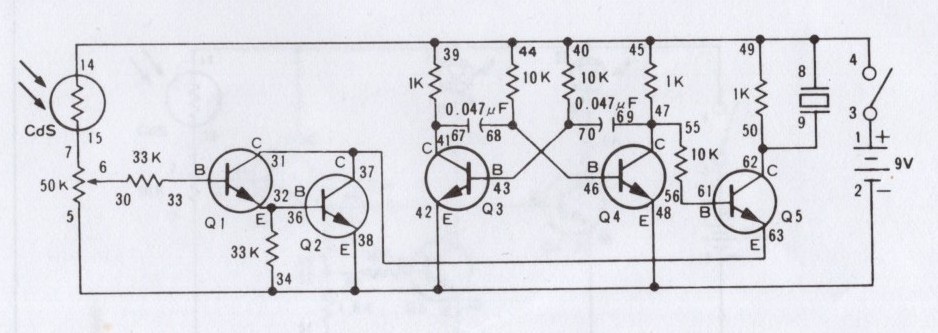
To give you an example of the difference, here are some before and after shots:
I wanted to record this conversation in which ChatGPT managed to convey to me an understanding of how an AM radio wave is demodulated.
User:
in a crystal radio why have a diode and not just send the full signal to the output?
ChatGPT:
In a crystal radio, the diode plays a crucial role by acting as a detector for the radio signal. Here’s why it’s necessary instead of just sending the full signal to the output:
- Demodulation of the Signal: A typical radio signal is a form of amplitude-modulated (AM) wave, where the information (voice, music, etc.) is carried in the amplitude variations of a high-frequency carrier wave. The diode in a crystal radio serves to demodulate this signal. It does so by allowing current to flow in only one direction, effectively removing one half of the alternating current (AC) waveform. This rectifies the signal, leaving behind a waveform that varies in amplitude in a way that directly represents the original audio content.
- Detection: The process described above is also known as detection. The diode detects the audio-modulated envelope of the AM radio signal. Without the diode, the radio would be incapable of converting the high-frequency modulated signal back into audio frequencies that can be heard through the earpiece or speaker.
- Simplicity and Efficiency: Crystal radios are prized for their simplicity and ability to operate without an external power source. The diode, being a passive component, does not require power to operate. It efficiently performs the detection of the signal without the need for active components or power supplies.
- Directivity: The diode’s unidirectional current flow property also helps in filtering out noise and improving the selectivity of the receiver to some extent, though crystal radios are generally known for having broad selectivity due to the lack of an amplification stage.
The most common type of diode used in crystal radios is a germanium diode. Germanium diodes have a lower forward voltage drop compared to silicon diodes, which makes them more suitable for the weak signals typically received by crystal radios. This allows for more efficient demodulation of the signal with minimal loss, making it possible to hear the broadcast with just the energy captured from the radio waves themselves.
User:
if the diode wasn’t there you would hear the carrier frequency?
ChatGPT:
If the diode wasn’t present in a crystal radio, you would not be able to hear the carrier frequency directly, but rather, you wouldn’t hear anything intelligible through the earpiece at all. Here’s why:
- Frequency of Carrier Waves: The carrier frequencies used in AM radio broadcasting are typically in the range of hundreds of kilohertz to several megahertz. Human hearing, however, is limited to frequencies approximately between 20 Hz and 20 kHz. The carrier frequency itself is far beyond what the human ear can perceive.
- Nature of the Signal: Without the diode to demodulate the signal, the radio would attempt to pass both the carrier frequency and the audio information as a combined signal. Since the earpiece or speaker in a crystal radio is designed to reproduce audio frequencies (the modulated information), it cannot reproduce the high-frequency carrier wave itself.
- Role of Demodulation: The process of demodulation (achieved by the diode) strips away the carrier, leaving behind the audio frequency variations that were impressed upon the carrier wave. These variations are within the human audible range and are what you actually hear as sound from the radio. Without the diode, the modulation on the carrier wave would not be converted into an audio signal.
- Energy Conversion: Even if somehow the carrier frequency could be directly converted to sound, the energy of the received signal in a crystal radio is typically too low to move the speaker diaphragm enough to produce an audible sound without the signal being demodulated and amplified in some way. The diode, by rectifying the signal, effectively extracts the modulated audio signal, which can then cause the diaphragm in the earpiece to vibrate and produce sound.
In summary, without the diode to demodulate the signal, the crystal radio would fail to convert the high-frequency AM radio signal into an audio signal that can be heard. The diode is essential for extracting the audio content from the modulated carrier frequency, enabling the crystal radio to produce sound.
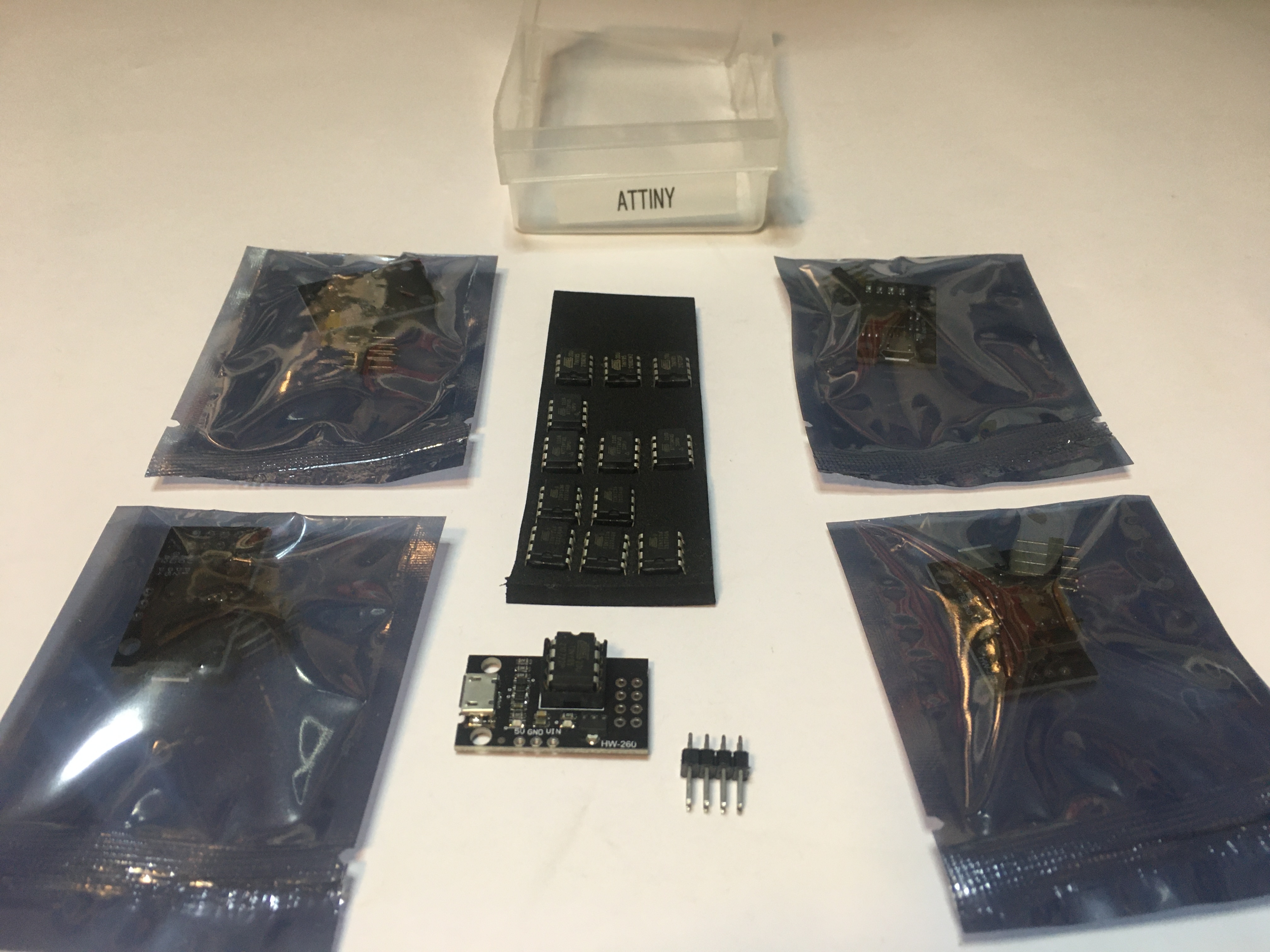
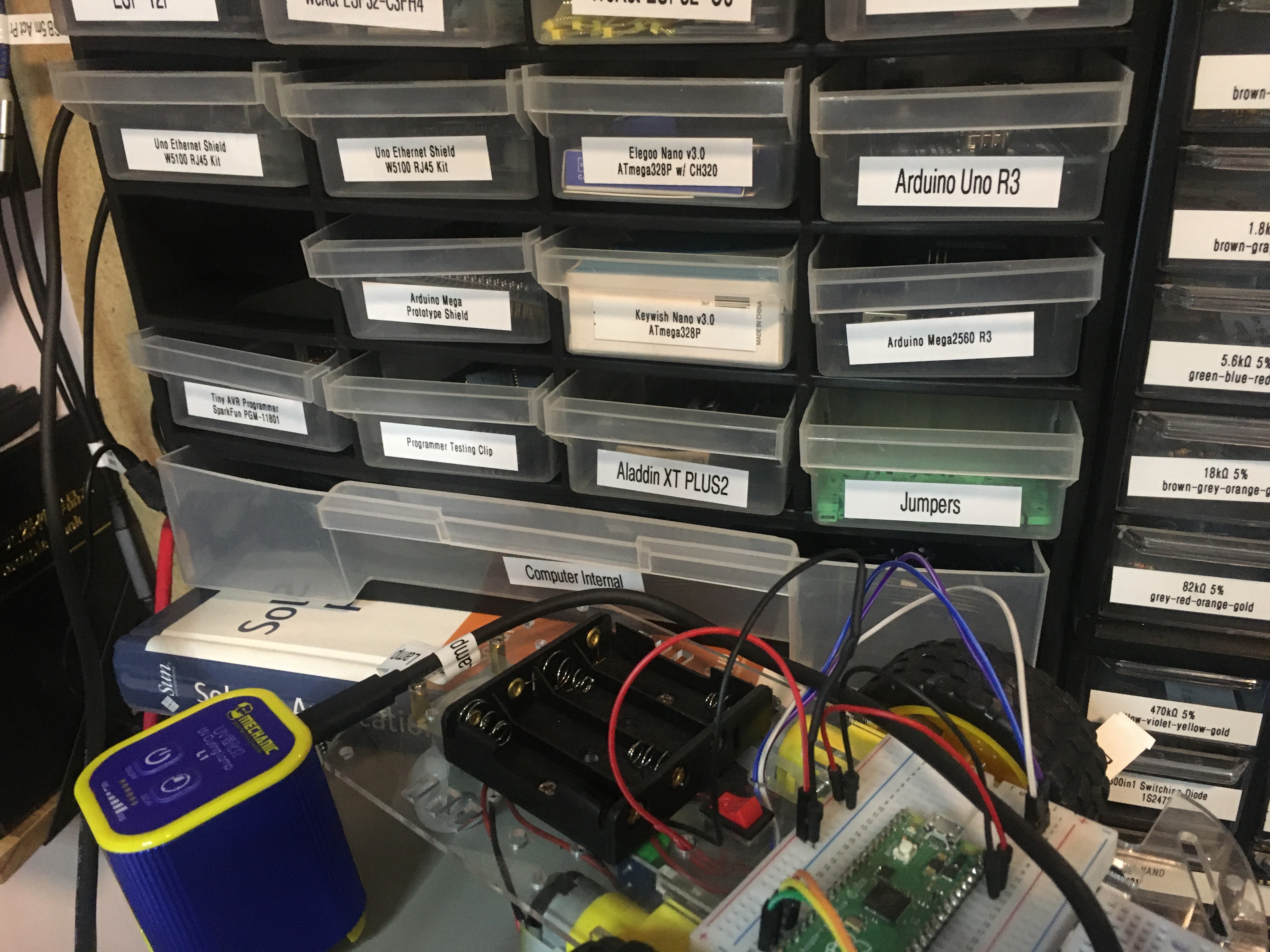
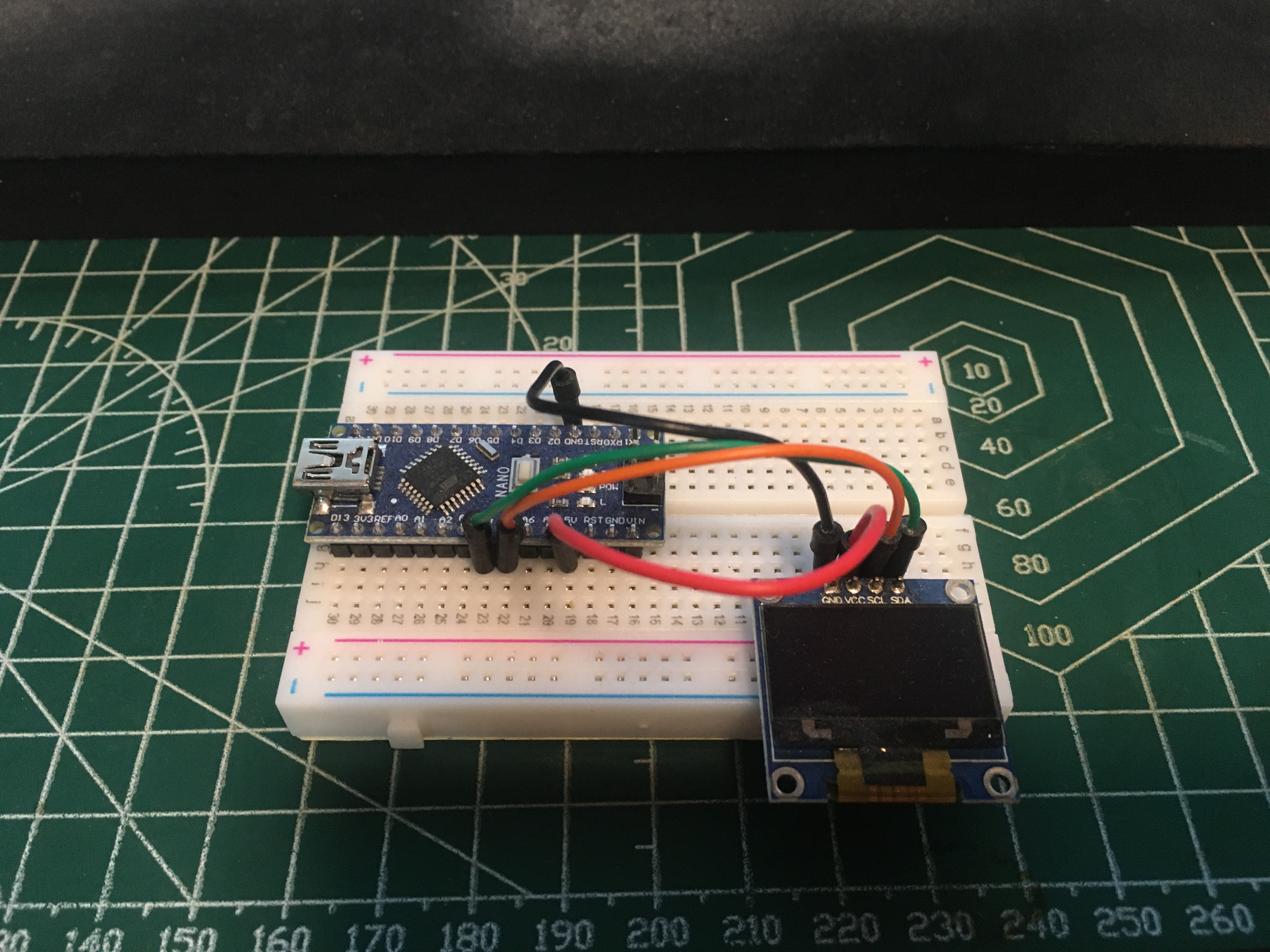
Some photos I took this morning of some of my microcontrollers and associated devices.
Man I had a lot of trouble figuring out what these things are called. I can tell you that they are not called F-Type, BNC, SMA, N-Type, or PL-259 connectors. In the I end I asked about this and learned these connectors are called Belling-Lee connectors, also known as IEC 169-2 Female/Male. But if you search for “IEC connector” (which these things are apparently sometimes called) you will only find the power adapters, not these aerial connectors.
Gonna have a go at this: Install Docker Desktop on Debian.
I have built a new computer ‘trail‘ out of my old workstation ‘tradition‘. I was able to do this because I migrated the VirtualBox VMs that were running on ‘tradition’ over to QEMU/KVM VMs now running on ‘lore‘.
My new computer ‘trail’ is setup as the recording workstation for the “booth” in my studio. This is good because now I can record at 4K in the booth!
I don’t use Windows much these days but this new studio workstation runs Windows 11 Pro. I haven’t used software RAID on Windows before but for this workstation I setup a RAID1 mirror using 2x 2TB NVMe drives. I was able to configure the block size for the NTFS file system so I picked 2MB (which was the maximum) as this RAID array will only be for storing video recordings (which are huge files).
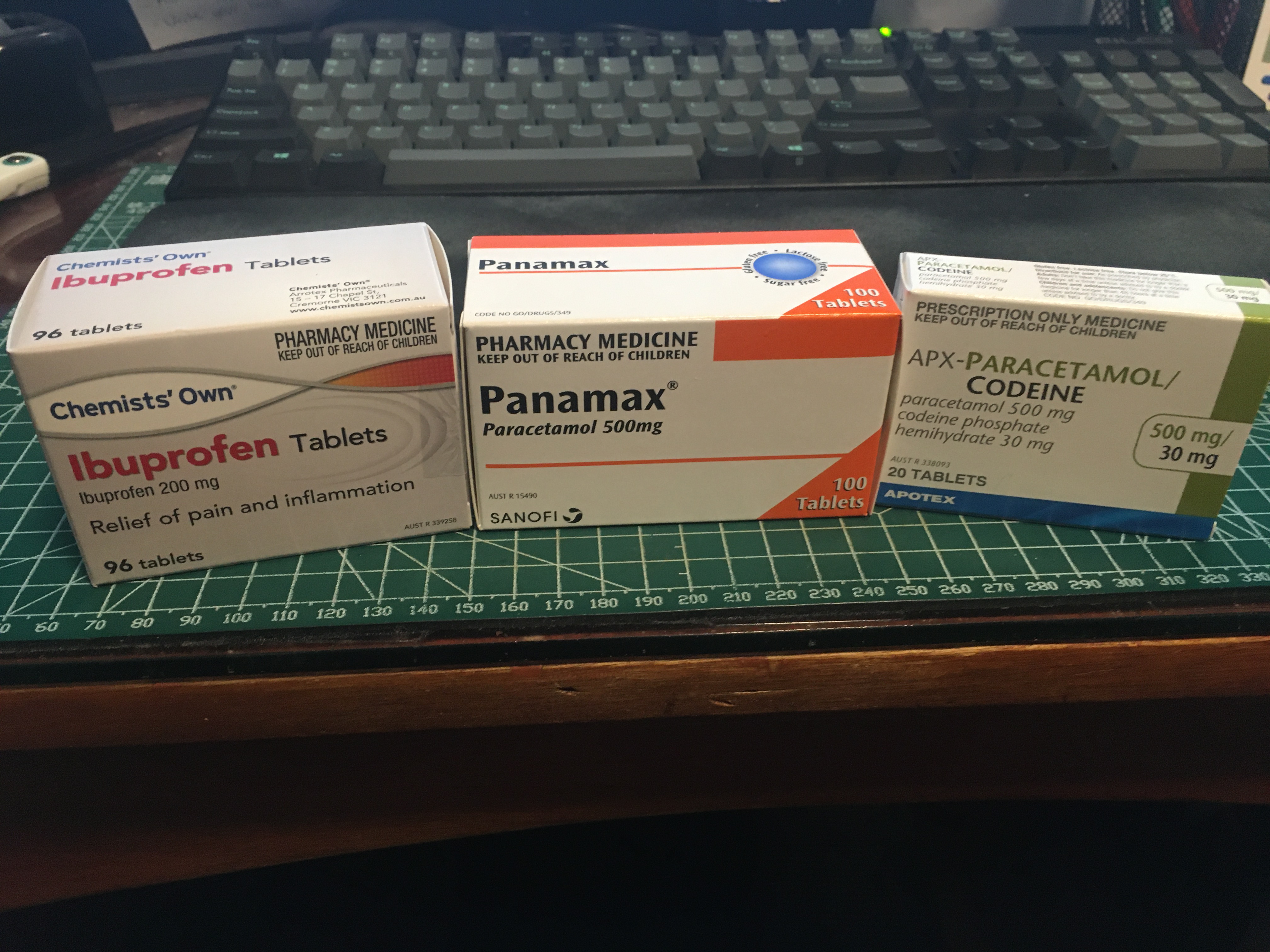
Full set!
User: explain profundity
ChatGPT:
Profundity refers to a state of being deep in thought or insight. It’s often associated with ideas, thoughts, or expressions that have significant depth of meaning, understanding, or insight. Profundity can apply to various contexts, including intellectual discussions, philosophical concepts, artistic works, and emotional experiences. When something is described as profound, it usually means it has a deep impact, is very thoughtful, or offers substantial wisdom or insight. Profundity involves layers of meaning that may not be immediately apparent and often requires contemplation or reflection to fully appreciate.
This post is part of my video blog.
I’m not sure what I should say about this. Or if I should say anything about it at all.