Guess who got fibre installed today?
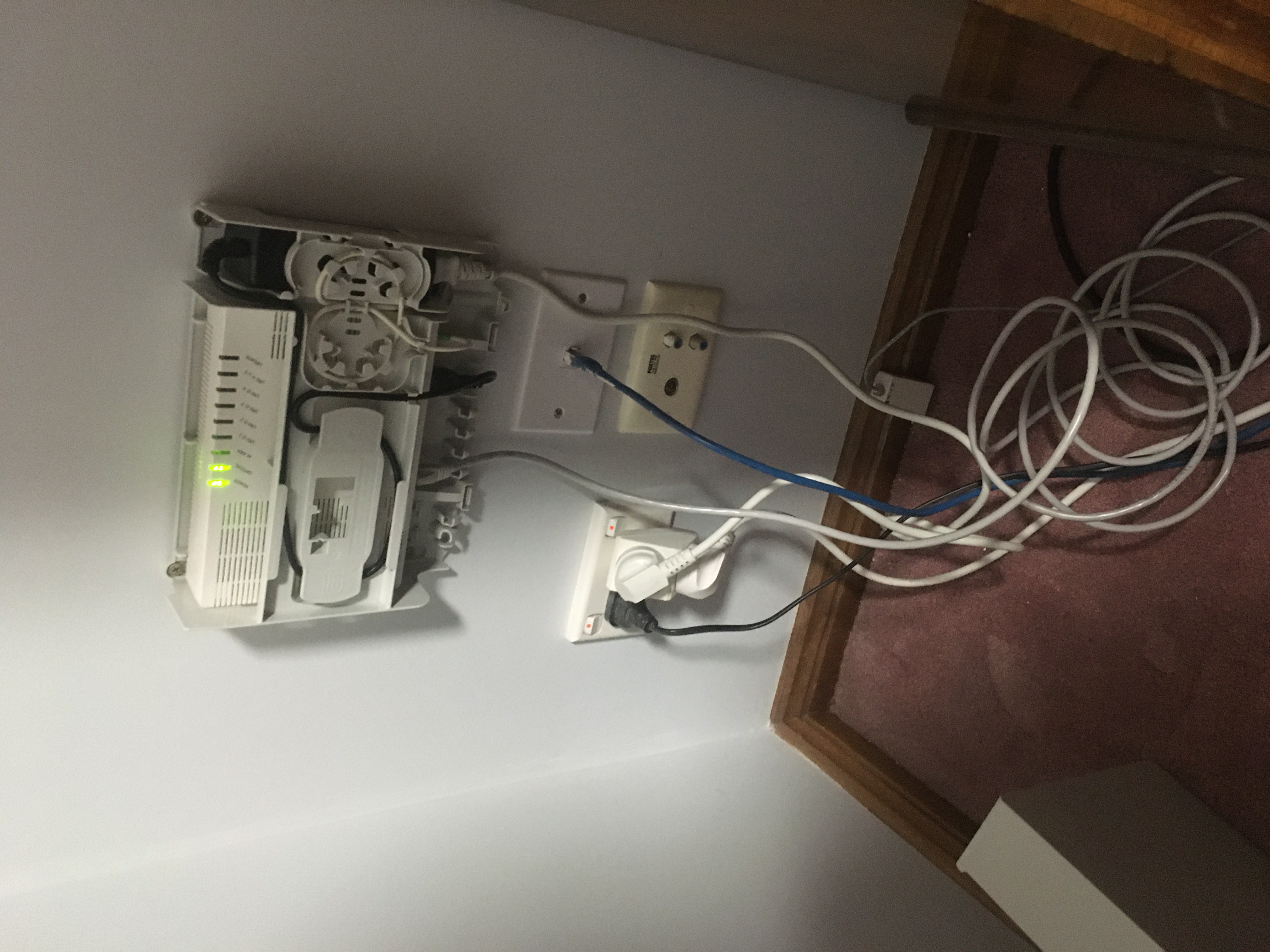
We’ve gone from 100 Mbps down to 250 Mbps down. The fibre optic line can support more but we’re on a 250 Mbps plan.
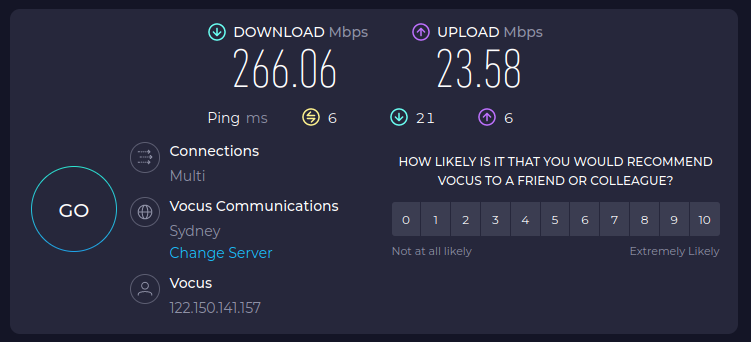

Guess who got fibre installed today?
We’ve gone from 100 Mbps down to 250 Mbps down. The fibre optic line can support more but we’re on a 250 Mbps plan.
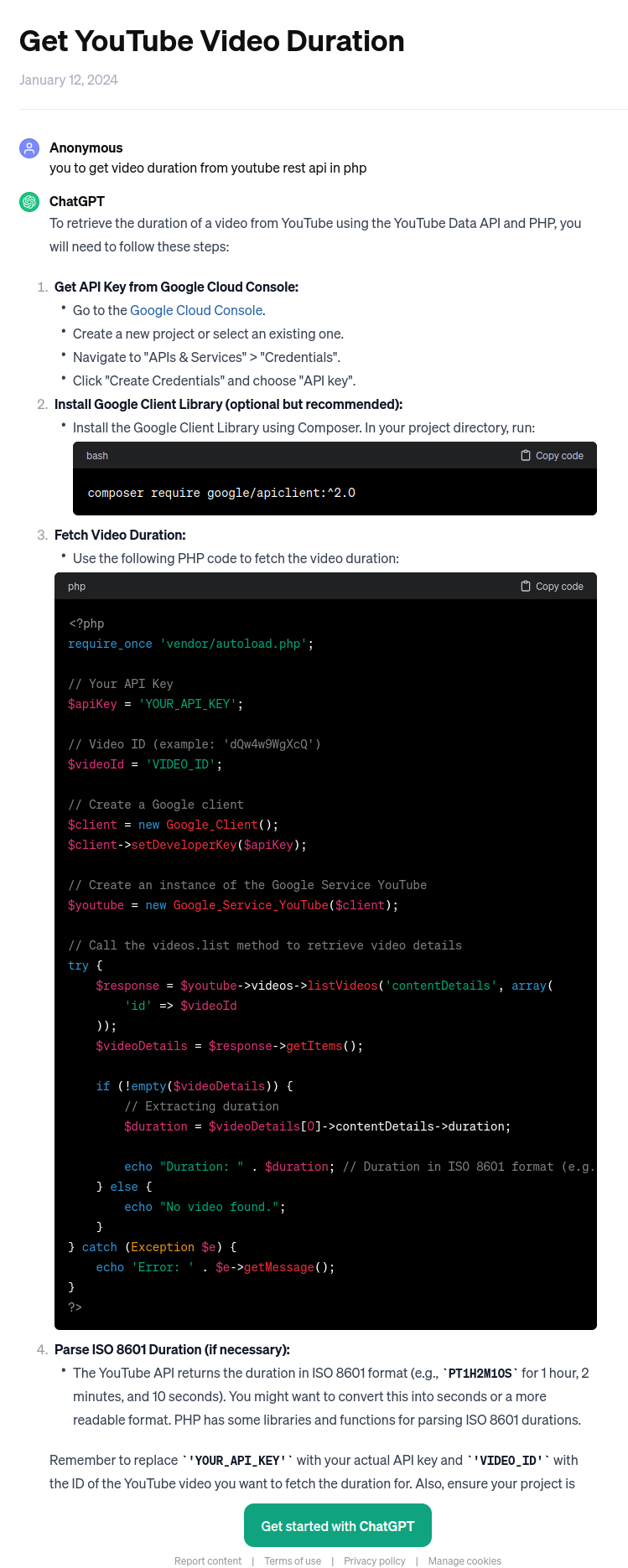
I’m learning to use GitHub Copilot. So far so good. Today I read:
Hey Craig. I’ve made some changes (hopefully improvements!) to the website:
Only the home page is working at the moment. I will get the other pages working soon, hopefully today.
Please do let me know (in no uncertain terms!) what you think of the new design. I’ve gone “mobile first”, so it should look respectable on your smart phone.
There’s been a little bit of spring cleaning around here today!
I’m trying to get my house in order so I can pass myself off as respectable when I start promoting my new show In The Lab With Jay Jay in earnest.
To that end I have reviewed the look and feel of my wiki. It no longer has that black, green, and orange monospaced font vibe going on, but now uses the relatively unoffensive default theme.
It’s not using the latest Vector theme, but rather the legacy one. This was deliberate because I have a lot of big tables in my wiki (such as on my computers and shopping pages) and the legacy theme plays nicer with those.
I’ve also been tweaking the website for my show, including an updated about page.
The blog, the wiki, and the show also now all use my new favicon which is my take on the Hacker Emblem:

I’ve been busy working away on the website for In The Lab With Jay Jay: https://www.inthelabwithjayjay.com/in-the-lab/
The bit that took the most time was getting the affiliate links for equipment working: https://www.inthelabwithjayjay.com/in-the-lab/equipment.php
This post is part of my video blog: In The Lab With Jay Jay.
You can support this channel on Patreon: patreon.com/JohnElliotV
There’s a little rebranding in progress. I’m changing my YouTube handle for the main channel from @JohnElliotV to @InTheLabWithJayJay. If you find any dead links please do let me know. <3
My Patreon remains the same: https://www.patreon.com/JohnElliotV
I’m slowly learning how to use my video production tools.
Yesterday I discovered the 2 pass audio normalization feature in kdenlive.
You seem to need to apply this effect to each clip separately.
This 2 pass effect is much easier to configure than the other normalization option, which requires more configuration settings.
With the 2 pass audio normalization you just nominate your desired volume, click Analyze, and you’re done. You need to do that for each clip.
Now that I know how to do this the audio on my videos shouldn’t be as terrible as it has been. Getting better. Slowly.
Here’s me making a USB cable: Making a USB breakout cable for intercepting USB signal data. This is 2nd channel content, watch at your peril. <3