Ah, it’s good to have friends. My mate dubz went and picked up another 200 odd books from Silicon Chip for me. This brings my total up to around 400 old books.
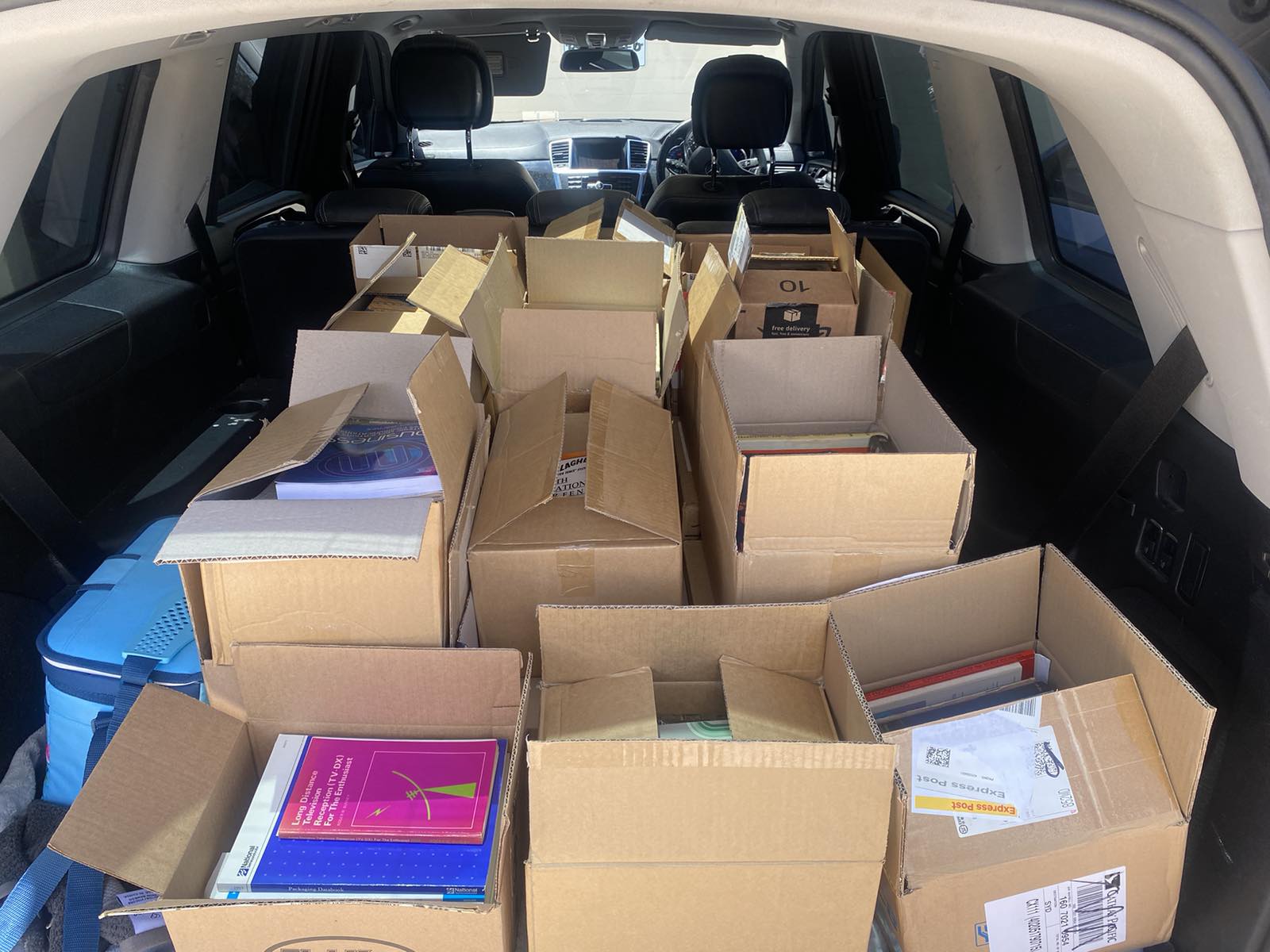

Ah, it’s good to have friends. My mate dubz went and picked up another 200 odd books from Silicon Chip for me. This brings my total up to around 400 old books.
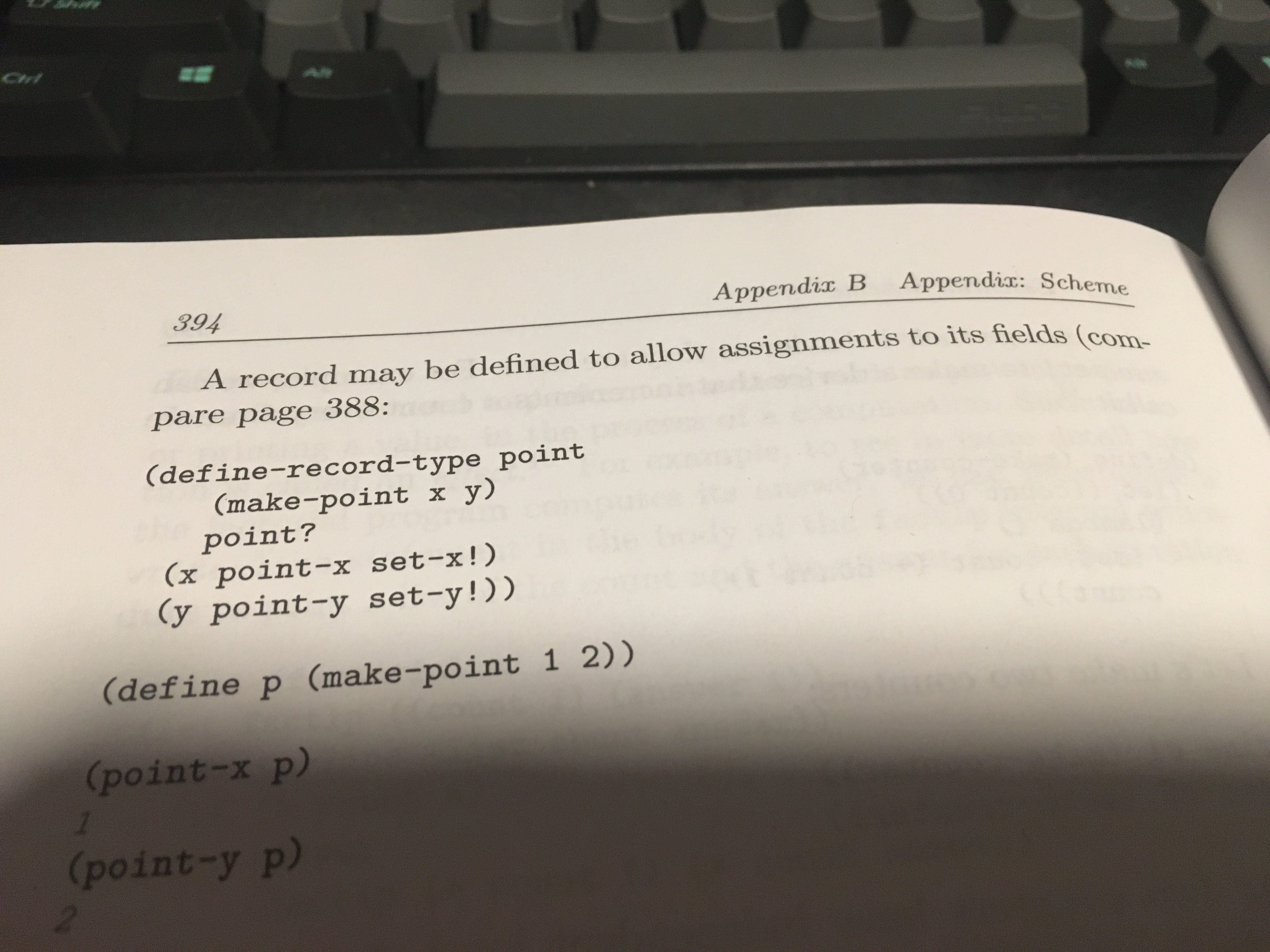
I’m reading Software Design for Flexibility: How to Avoid Programming Yourself into a Corner which in its Appendix B has a description of the Scheme programming language. Rather hilariously the first line on page 394 is a sentence with unbalanced parentheses. I mean… unbalanced parentheses in the Scheme language description! :)
I love old books and I loving doing old books reviews, but I think maybe it’s not a good idea to do the old books reviews in the In The Lab With Jay Jay video blogs. I think I will spin them off as separate things.
This post is part of my video blog and you can find more information about this video on this show’s homepage which is here.
You can support this channel on Patreon: patreon.com/JohnElliotV
Silly Job Title: Ohm Oracle
Old Book: Electric Circuits by J. Richard Johnson published 1984 with 888 pages.
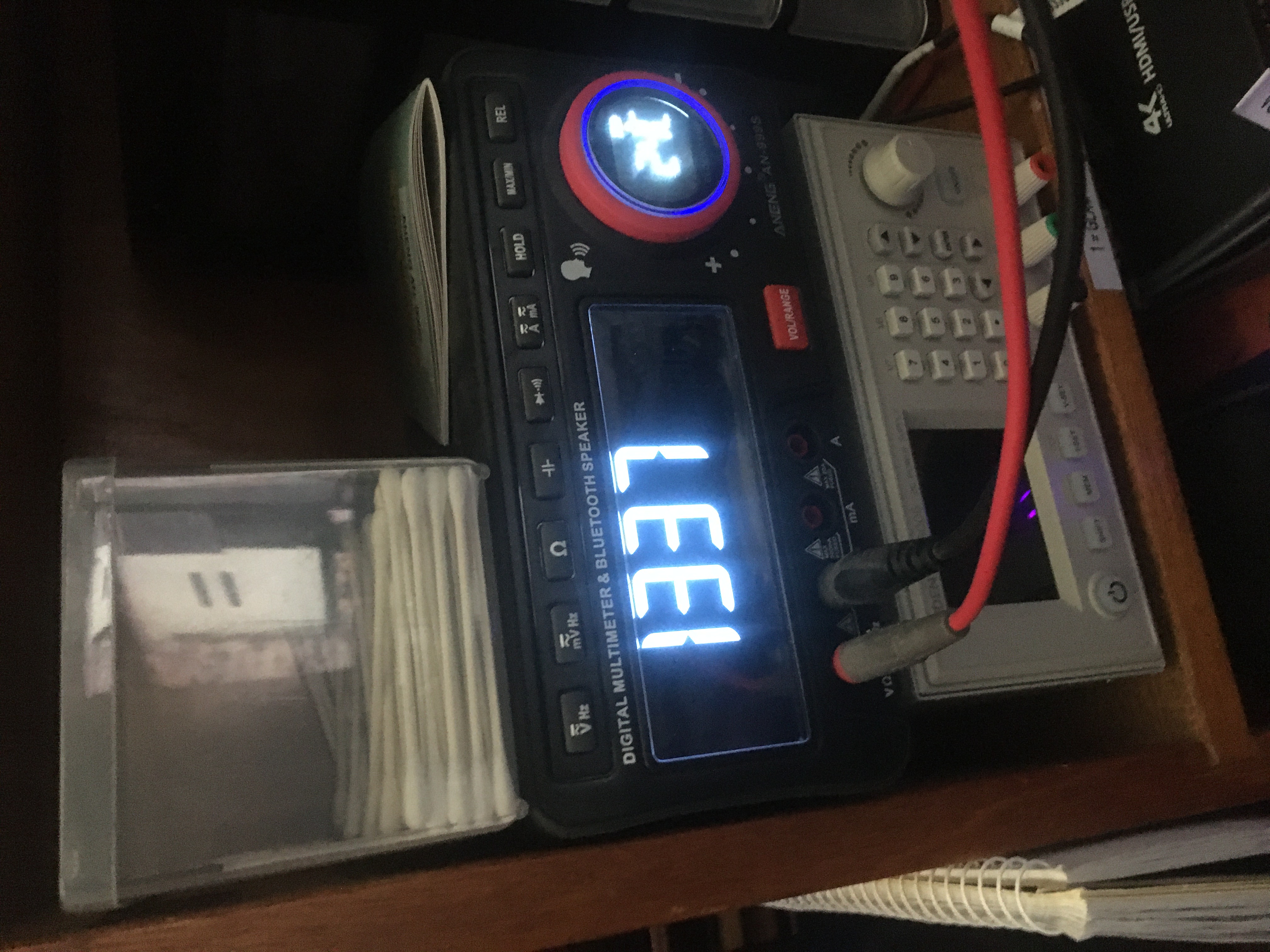
Today we pop open a few bags of stuff that has arrived in the mail.
I mention about the trouble I had with my Western Digital Purple drives.
I mention about my new Western Digital Black 1TB NVMe M.2 SSD WDS100T3X0E drives.
I mention about my Educational 555 PCBs which have arrived from PCBWay. The website of the designer is given as: basitelektronikprojeler.blogspot.com.
The systems of units mentioned in the old book Electric Circuits are discussed at MKS system of units and Centimetre–gram–second system of units.
The 256GB M.2 NVMe drives I got to use as my ZFS L2ARC cache are these: TOSHIBA KIOXIA 256GB BG5 NVMe SSD M.2 2280 – NEW GEN4.
The automotive fuses I got are these ones: Car Fuse Blade Fuse Kit Fuses Automatic Truck Blade The Fuse Insurance Insert Insurance of Xenon Piece Lights Auto Accessories.
The test clips I got are these ones: 10X Universal Chip clamp micro IC clamp SOP SOIC TSOP MSOP SSOP SMD IC Test Clip pin Socket Adpter Programmer for logic analyzer.
The book which arrived in the mail was The SCSI Bus and Ide Interface: Protocols, Applications and Programming (2nd Edition) by Friedhelm Schmidt published 1997 with 396 pages.
Thanks very much for watching! And please remember to hit like and subscribe!
Following is a product I use picked at random from my collection which may appear in my videos. Clicking through on this to find and click on the green affiliate links before purchasing from eBay or AliExpress is a great way to support the channel at no cost to you. Thanks!
OULLX NSS-681HDMI-RJ45 Cable Tester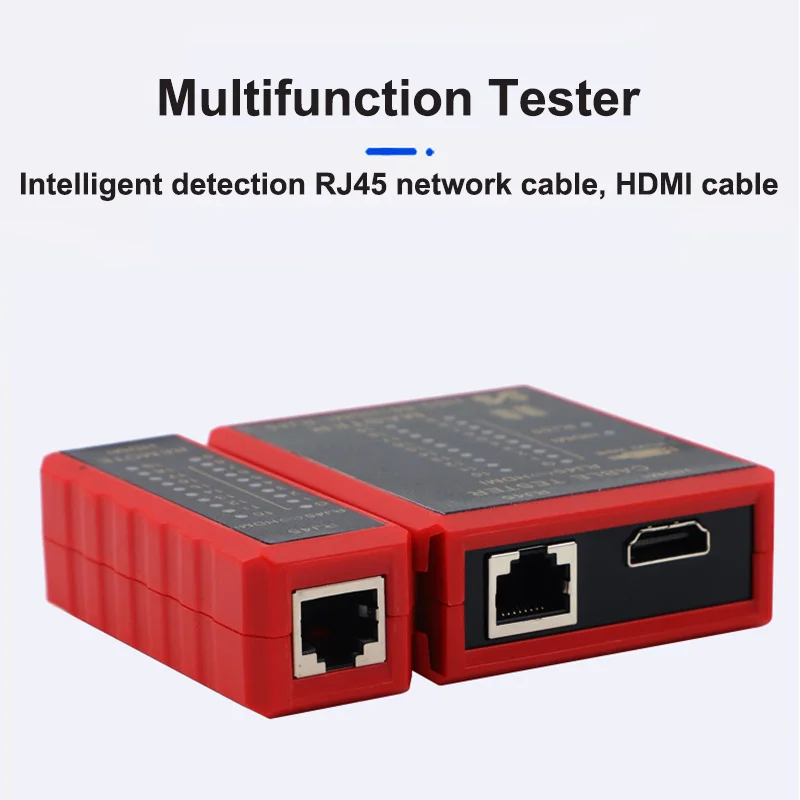 notes notes |
Let’s go shopping!
Today I watched Singularity Or Bust [Full Documentary]. It was mentioned in Scary Smart.
These are some notes for Future John.
I believe our current nbn connection is FTTC (fiber to the curb). Our nbn plan with Dodo is the “nbn 100” plan which is AU$85/mo for 95Mbps down.
They are offering a “fiber upgrade” which will presumably be FTTP (fiber to the premises). Once that is connected we are eligible for the “Home Superfast” plan which is AU$110/mo for 200Mbps down.
There are more details here:
Hello friends. Take some time to watch this. It will brighten your day. <3
Today I read New Security Flaw in UEFI Affects Millions of PCs. It’s about a vulnerabilities in UEFI image parsing code. *sigh*. The image parsing bugs distress me the most.
Now I understand ZFS scrub better. Thanks ChatGPT! I hope we can be friends, you, and me, and all of your kind.
ChatGPT 3.5
User:
when zpool scrub reports bytes issued, what does it mean?ChatGPT:
When zpool scrub reports “bytes issued,” it refers to the amount of data that has been read from the storage devices during the scrub operation.A ZFS scrub is a process that checks all data in the pool for errors and automatically repairs any detected errors. It involves reading all the data in the pool and comparing it to the checksums stored with the data. If errors are found, ZFS will attempt to correct them using redundant copies (if available).
The “bytes issued” metric indicates the total amount of data read from the pool during the scrub. It’s a measure of the workload that the scrub operation has imposed on the storage subsystem. In general, a scrub is a resource-intensive operation, and the “bytes issued” metric can give you an idea of how much I/O (Input/Output) activity is being generated by the scrub process.
Keep in mind that this metric doesn’t necessarily indicate errors or problems with the pool; it’s more of a diagnostic measure to understand the activity and workload associated with the scrubbing process. If you see a high number of bytes issued, it simply means that a significant amount of data has been read from the pool during the scrubbing operation.
User:
if bytes issued is the data read, what is the bytes scanned?ChatGPT:
In the context of a ZFS scrub operation, the “bytes scanned” metric refers to the total amount of data that has been read and checked for errors. This includes both the data that is actively used (not just the spare or redundant copies) and any parity or checksum information associated with that data.When ZFS performs a scrub, it reads through all the data in the pool, including primary and spare copies, and it also reads and checks the checksums associated with that data. The “bytes scanned” metric represents the total size of the dataset or pool that has been read during the scrubbing process.
To summarize:
“Bytes issued” is the amount of data read, indicating the workload imposed on the storage subsystem.
“Bytes scanned” is the total amount of data, including both the active data and associated checksums, that has been read and checked for errors during the scrub operation.
These metrics are useful for understanding the scope of the scrubbing process and can be monitored to assess the health and integrity of the ZFS pool. If errors are detected during the scan, ZFS will attempt to repair them using redundancy or other available mechanisms.User:
why am I doubtful about your answer?ChatGPT:
If you have doubts about the information provided, I encourage you to seek additional sources or clarify specific points you find confusing. It’s always a good practice to verify technical information, especially when it comes to system administration or storage technologies.If there’s a particular aspect of my response that you find unclear or if you have additional questions, please feel free to ask for further clarification. I’m here to assist you and provide accurate information to the best of my ability.
User:
how is bytes scanned different to bytes issued? are they both measures of bytes read?ChatGPT:
I apologize for any confusion in my previous responses. Let me clarify the distinction between “bytes scanned” and “bytes issued.”In the context of ZFS scrub operations:
Bytes Scanned: This refers to the total amount of data that has been read and checked for errors during the scrub operation. It includes the actual data as well as any associated checksums, metadata, or parity information. “Bytes scanned” represents the entire content of the pool that was examined during the scrub, including both active data and any additional information needed for verification.
Bytes Issued: This metric specifically measures the amount of data issued to the storage subsystem during the scrub. It includes the actual data read from the disks, but it does not include any additional metadata, checksums, or parity information. “Bytes issued” is a subset of “bytes scanned” and represents the workload imposed on the storage devices.
In summary, both metrics involve the amount of data read during a scrub, but “bytes scanned” encompasses all the data and associated information checked during the process, while “bytes issued” focuses specifically on the workload sent to the storage subsystem in the form of data reads.
User:
why is there many gigs of bytes scanned with zero bytes issued?ChatGPT:
The scenario where you observe many gigabytes of “bytes scanned” with zero “bytes issued” in a ZFS scrub operation can occur when ZFS is checking the integrity of the data without actively reading it from the disks. Let me break down the possible reasons for this:Checksum Verification: ZFS uses checksums to ensure data integrity. During a scrub, ZFS may verify the checksums of the data without necessarily reading the actual data from disk if the checksums match the expected values. In this case, “bytes scanned” would include the entire dataset, but “bytes issued” would be zero because the actual data doesn’t need to be read.
Caching and Prefetching: ZFS employs caching mechanisms, and if the required data is already in the cache, it might not be necessary to issue new read requests to the storage devices during a scrub. The system can use cached data for checksum verification without incurring additional I/O operations.
Redundancy and Parity Checks: If ZFS detects errors in the metadata, checksums, or redundancy information without finding errors in the actual data blocks, it may not need to read the redundant copies or parity blocks during the scrub. This could contribute to “bytes scanned” being non-zero while “bytes issued” remains at zero.
In summary, the ZFS scrub operation involves both checking data integrity and repairing errors. If the data and associated metadata are consistent and error-free, “bytes issued” may remain zero even though ZFS is scanning the entire dataset to ensure its integrity. This behavior is part of ZFS’s design to optimize performance and minimize unnecessary I/O operations during scrubbing when possible.
User:
does nonzero bytes issue imply there were checksum errors?ChatGPT:
Yes, a nonzero value for “bytes issued” in the context of a ZFS scrub often implies that there were checksum errors detected during the scrub operation. When ZFS encounters checksum errors, it needs to issue read requests to retrieve the actual data from disk, allowing it to attempt to repair or correct the errors.Here’s a breakdown of the process:
Checksum Verification (Bytes Scanned): ZFS first scans the entire dataset, checking the integrity of data and associated metadata using checksums. This process contributes to the “bytes scanned” metric.
Checksum Errors Detected: If ZFS detects checksum errors during the scan, it identifies the affected blocks or sectors where the errors occurred.
Data Repair (Bytes Issued): To correct the errors, ZFS issues read requests (“bytes issued”) to retrieve the actual data from redundant copies, spare devices, or parity information. The system then uses this redundant information to repair or reconstruct the corrupted data.
So, if “bytes issued” is nonzero, it indicates that ZFS had to actively read data to correct errors detected during the scrub. This is a key aspect of ZFS’s self-healing capabilities, where it can automatically repair data corruption when redundancy or spare copies are available.
It’s just that time of day…