I have a new post on Hackaday: 2025 Component Abuse Challenge: Reverse Biasing An NPN BJT.
2025 Component Abuse Challenge: Reverse Biasing An NPN BJT
Reply

I have a new post on Hackaday: 2025 Component Abuse Challenge: Reverse Biasing An NPN BJT.
This post is part of my video blog and you can find more information about this video.
You can support this channel on Patreon: patreon.com/JohnElliotV
Silly Job Title: Current Connoisseur. I am the Current Connoisseur!
In this video we continue to work through our Maxitronix 30in1, today doing project #4: The “Invisible Power” Radio. In this project we make a simple radio but it doesn’t work for us.
Thanks very much for watching! And please remember to hit like and subscribe! :)
Following is a product I use picked at random from my collection which may appear in my videos. Clicking through on this to find and click on the green affiliate links before purchasing from eBay or AliExpress is a great way to support the channel at no cost to you. Thanks!
Yum Cha Macro Programmable 8-Key Mechanical Keyboard |
Let’s go shopping!
This post is part of my video blog and you can find more information about this video.
You can support this channel on Patreon: patreon.com/JohnElliotV
Silly Job Title: Hack in Residence. I am the Hack in Residence!
In this video we take a look at what arrived in the mail:
We use the Pro’sKit SS-331H Desoldering Pump to talk about the cleaning spikes.
We use the Peak Electronic Design Atlas DCA75 Pro Semiconductor Analyzer to test our 10A10 rectifying diodes.
We use the Brother P-Touch D210 Label Maker for labeling.
We use the Hakko CHP 3C-SA Precision Tweezers to clean up.
We use the Victorinox Swiss Champ Red Swiss Army Knife to open envelopes.
We use the Kaisi S-160 45x30cm Repair Mat as our workspace.
Thanks very much for watching! And please remember to hit like and subscribe! :)
Following is a product I use picked at random from my collection which may appear in my videos. Clicking through on this to find and click on the green affiliate links before purchasing from eBay or AliExpress is a great way to support the channel at no cost to you. Thanks!
3ELIGHTING 14″-42″ VESA Wall Mount |
Let’s go shopping!
This post is part of my video blog and you can find more information about this video.
You can support this channel on Patreon: patreon.com/JohnElliotV
Silly Job Title: Electron Enchanter. I am the Electron Enchanter!
In this video we continue to work our way through Learning the Art of Electronics. In this video we start 1L Lab: DC Circuits.
Today we do some experiments to determine the voltage burden of our DVM when it is in current-measuring mode.
We use the Riden RD6006 Bench Power Supply to power our test circuit.
We use the Fluke 17B+ Digital Multimeter to measure current and voltage.
We use the EEVblog BM2257 Digital Multimeter to measure current and voltage.
We use the EEVblog BM036 Digital Multimeter to measure current.
We use the Multicomp Pro MP701033 Resistor Decade Box as our variable resistor.
We use the Carpenter Mechanical Pencil to take notes.
We use the Kaisi S-160 45x30cm Repair Mat as our workspace.
Thanks very much for watching! And please remember to hit like and subscribe! :)
Following is a product I use picked at random from my collection which may appear in my videos. Clicking through on this to find and click on the green affiliate links before purchasing from eBay or AliExpress is a great way to support the channel at no cost to you. Thanks!
Maxitronix 10in1 Electronics Project Lab Kit notes notes |
Let’s go shopping!
This post is part of my video blog and you can find more information about this video.
You can support this channel on Patreon: patreon.com/JohnElliotV
Silly Job Title: Master Planner. I am the Master Planner!.
In this video we take a look at the KY-024 Linear Magnetic Hall Sensor Board Switch Speed Counting Hall Sensors Module For Arduino Diy KY024 Hall Sensor.
You can learn more about the Hall effect which is basically a magnetism detector.
The code for this Arduino sketch is here: 2025-11-03-KY-024-digital-hall-effect.ino.
Thanks very much for watching! And please remember to hit like and subscribe! :)
Following is a product I use picked at random from my collection which may appear in my videos. Clicking through on this to find and click on the green affiliate links before purchasing from eBay or AliExpress is a great way to support the channel at no cost to you. Thanks!
Yum Cha 13pcs Blades |
Let’s go shopping!
This post is part of my video blog and you can find more information about this video.
You can support this channel on Patreon: patreon.com/JohnElliotV
Silly Job Title: Plugerinerer. I am the Plugerinerer!
In this video we continue to work our way through Learning the Art of Electronics. In this video we finish the first chapter 1N DC Circuits.
Today we do some experiments to verify Kirchhoff’s Voltage Law.
We use the Riden RD6006 Bench Power Supply for power.
We use the Fluke 17B+ Digital Multimeter to measure current.
We use the EEVblog BM2257 Digital Multimeter to measure voltage.
We use the EEVblog BM036 Digital Multimeter to measure current.
We use the Sharp EL-546L Scientific Calculator to crunch some numbers.
We use the Multicomp Pro MP701033 Resistor Decade Box for variable resistance.
We use the Carpenter Mechanical Pencil to make our notes.
We use the Kaisi S-160 45x30cm Repair Mat as our workspace.
Thanks very much for watching! And please remember to hit like and subscribe! :)
Following is a product I use picked at random from my collection which may appear in my videos. Clicking through on this to find and click on the green affiliate links before purchasing from eBay or AliExpress is a great way to support the channel at no cost to you. Thanks!
Wozniak Solder Lugs notes notes |
Let’s go shopping!
This post is part of my video blog and you can find more information about this video.
You can support this channel on Patreon: patreon.com/JohnElliotV
Silly Job Title: Buzz Boss. I am the Buzz Boss!
In this video we take a look at the 1-10pcs KY-035 Analog Hall Magnetic Sensor Module 49E For Arduino.
You can learn more about the Hall effect which is basically a magnetism detector.
The code for this Arduino sketch is here: 2025-10-27-KY-035-analog-hall-effect.ino.
Thanks very much for watching! And please remember to hit like and subscribe! :)
Following is a product I use picked at random from my collection which may appear in my videos. Clicking through on this to find and click on the green affiliate links before purchasing from eBay or AliExpress is a great way to support the channel at no cost to you. Thanks!
Damotk 5pcs Crevice Cleaning Brush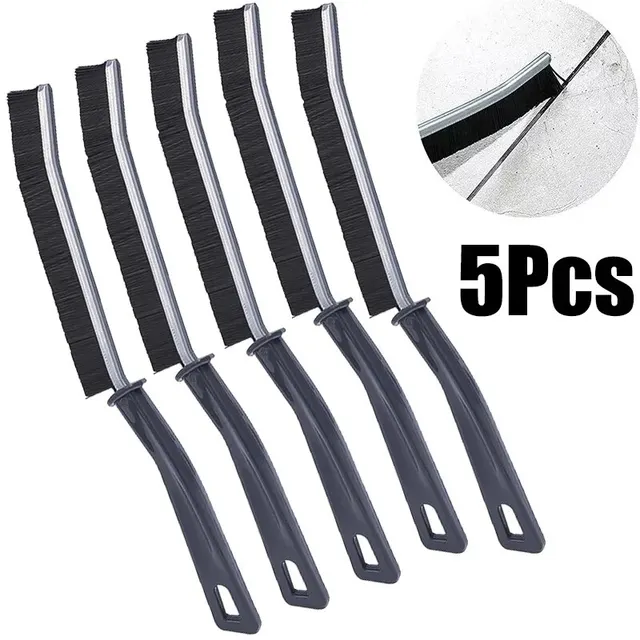 notes notes |
Let’s go shopping!
This post is part of my video blog and you can find more information about this video.
You can support this channel on Patreon: patreon.com/JohnElliotV
Silly Job Title: Connector Kingpin. I am the Connector Kingpin!
In this video we take a look at the Knock Sensor Module For Arduino 3Pin KY-031 Percussion Knocking Knock Sensor Module Diy Starter Kit KY031.
The demo code is here: 2025-10-20-KY-031-Knock-Sensor.ino.
Thanks very much for watching! And please remember to hit like and subscribe! :)
Following is a product I use picked at random from my collection which may appear in my videos. Clicking through on this to find and click on the green affiliate links before purchasing from eBay or AliExpress is a great way to support the channel at no cost to you. Thanks!
14500pa Cordless Hand Held Vacuum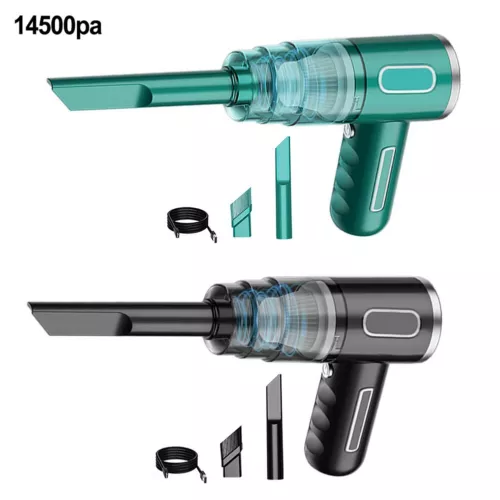 |
Let’s go shopping!
This post is part of my video blog and you can find more information about this video.
You can support this channel on Patreon: patreon.com/JohnElliotV
Silly Job Title: Amp Alchemist. I am the Amp Alchemist!
In this video we demo the KY-002 Vibration Switch Module. There’s more info here: KY-002 Vibration Switch Module on ArduinoModulesInfo.
Source code is here: 2025-10-13-KY-002-Vibration-Switch.ino.
We use the Rigol MSO5074 Mixed Signal Oscilloscope to check the output signals.
We use the Riden RD6006 Bench Power Supply for power.
We use the EEVblog BM2257 Digital Multimeter to test voltage.
We use the Kaisi S-160 45x30cm Repair Mat as our workspace.
Thanks very much for watching! And please remember to hit like and subscribe! :)
Following is a product I use picked at random from my collection which may appear in my videos. Clicking through on this to find and click on the green affiliate links before purchasing from eBay or AliExpress is a great way to support the channel at no cost to you. Thanks!
Aussishop Calipers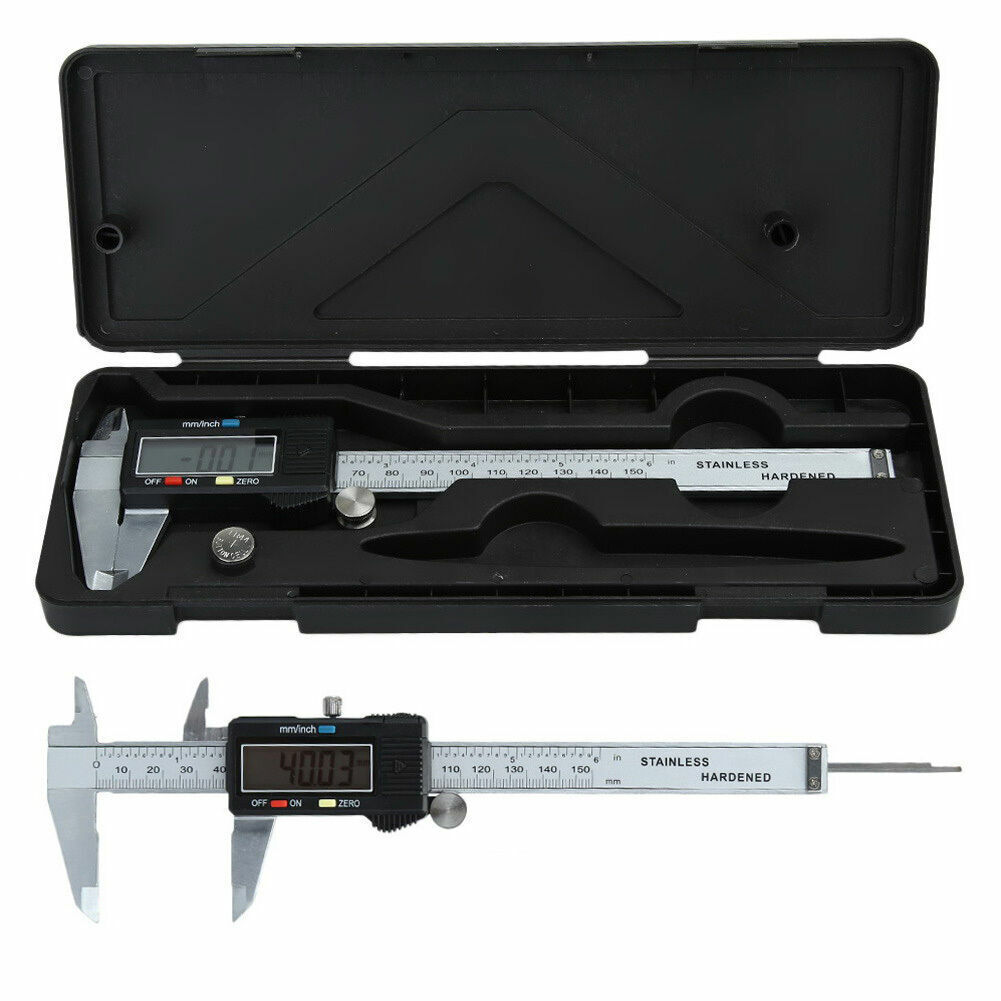 notes notes |
Let’s go shopping!
This post is part of my video blog and you can find more information about this video.
You can support this channel on Patreon: patreon.com/JohnElliotV
Silly Job Title: Chief Fuse Blower. I am the Chief Fuse Blower!
In this video we continue to work through our Maxitronix 30in1, today doing project #3: The One-Way Street. In this project we learn a little more about diodes and LEDs.
We use the EEVblog BM2257 Digital Multimeter to investigate voltages within our circuit.
We use the Sharp EL-546L Scientific Calculator to do some basic calculations.
We use the Carpenter Mechanical Pencil to make our notes.
We use the Kaisi S-160 45x30cm Repair Mat as our workspace.
Thanks very much for watching! And please remember to hit like and subscribe! :)
Following is a product I use picked at random from my collection which may appear in my videos. Clicking through on this to find and click on the green affiliate links before purchasing from eBay or AliExpress is a great way to support the channel at no cost to you. Thanks!
Fluke 17B+ Digital Multimeter |
Let’s go shopping!