I have a new post on Hackaday: Back To The Future, 40 Years Old, Looks Like The Past.
Back To The Future, 40 Years Old, Looks Like The Past
Reply

I have a new post on Hackaday: Back To The Future, 40 Years Old, Looks Like The Past.
This is a note for Future John. I followed the instructions from ChatGPT. They looked reasonable enough. Now I have a spare 2TB SATA drive that has no purpose in life. I am always sad when things have no purpose in life. Who knows. Maybe one day…
-------------------
Tue Jul 01 03:33:54 [bash:5.2.15 jobs:0 error:0 time:0]
root@charisma:/home/jj5
# zpool status sata
  pool: sata
 state: ONLINE
config:

        NAME                               STATE     READ WRITE CKSUM
        sata                               ONLINE       0     0     0
          ata-ST2000DM008-2UB102_ZFL7BGR8  ONLINE       0     0     0

errors: No known data errors
-------------------
Tue Jul 01 03:34:00 [bash:5.2.15 jobs:0 error:0 time:6]
root@charisma:/home/jj5
# zpool destroy sata
-------------------
Tue Jul 01 03:34:08 [bash:5.2.15 jobs:0 error:0 time:14]
root@charisma:/home/jj5
# cat /proc/partitions
major minor  #blocks  name
...snip...
   8       48 1953514584 sdd
   8       49 1953505280 sdd1
...snip...
-------------------
Tue Jul 01 03:34:23 [bash:5.2.15 jobs:0 error:0 time:29]
root@charisma:/home/jj5
# wipefs -a /dev/sdd
/dev/sdd: 8 bytes were erased at offset 0x00000200 (gpt): 45 46 49 20 50 41 52 54
/dev/sdd: 8 bytes were erased at offset 0x1d1c1115e00 (gpt): 45 46 49 20 50 41 52 54
/dev/sdd: 2 bytes were erased at offset 0x000001fe (PMBR): 55 aa
/dev/sdd: calling ioctl to re-read partition table: Success
-------------------
Tue Jul 01 03:34:58 [bash:5.2.15 jobs:0 error:0 time:64]
root@charisma:/home/jj5
# sgdisk --zap-all /dev/sdd
Creating new GPT entries in memory.
GPT data structures destroyed! You may now partition the disk using fdisk or
other utilities.
-------------------
Tue Jul 01 03:35:28 [bash:5.2.15 jobs:0 error:0 time:94]
root@charisma:/home/jj5
# parted /dev/sdd --script mklabel gpt
-------------------
Tue Jul 01 03:35:50 [bash:5.2.15 jobs:0 error:0 time:116]
root@charisma:/home/jj5
# wipefs /dev/sdd
DEVICE OFFSET        TYPE UUID LABEL
sdd    0x200         gpt
sdd    0x1d1c1115e00 gpt
sdd    0x1fe         PMBR
-------------------
Tue Jul 01 03:36:02 [bash:5.2.15 jobs:0 error:0 time:128]
root@charisma:/home/jj5
# lsblk /dev/sdd
NAME MAJ:MIN RM  SIZE RO TYPE MOUNTPOINTS
sdd    8:48   0  1.8T  0 disk
-------------------
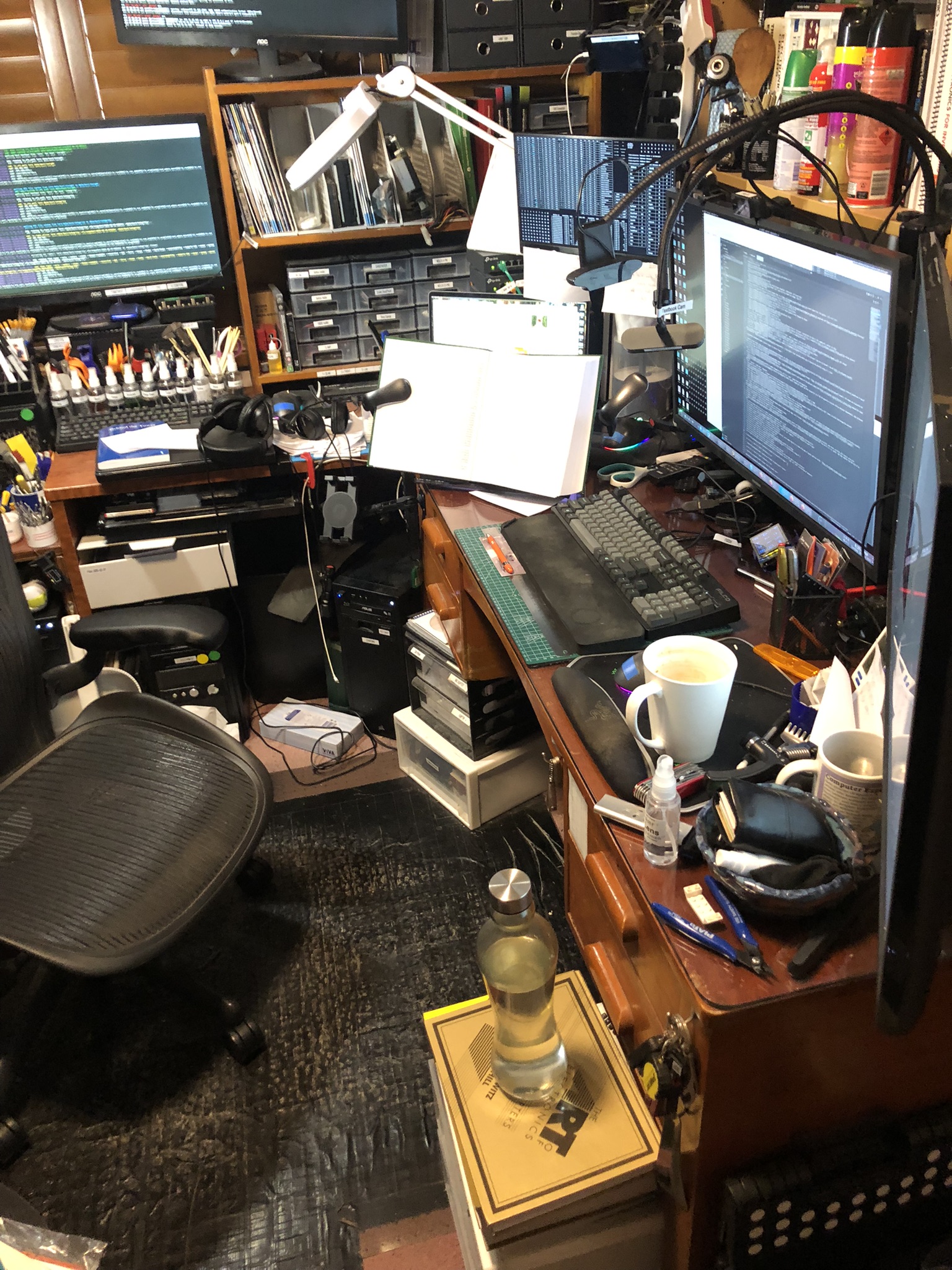
This is what doing physics looks like. Theoretical physics, that is!
Yesterday I was talking to my friends on IRC about how I should use a proper RDBMS for ad hoc data analysis more often. Then I found myself a job.
The hard disks I use for my offsite backups are ready to be replaced. They are good reliable drives (Western Digital Ultrastar 8TB) but they have been in service for five years and the warranty is just about to expire.
So I wanted to get some new drives which will do me for the next five years. I needed to know: what are good reliable drives to buy?
It turns out Backblaze maintains Hard Drive Data and Stats.
I downloaded their data for Q1 2025 and wrote a few scripts to process it. The output was this report:
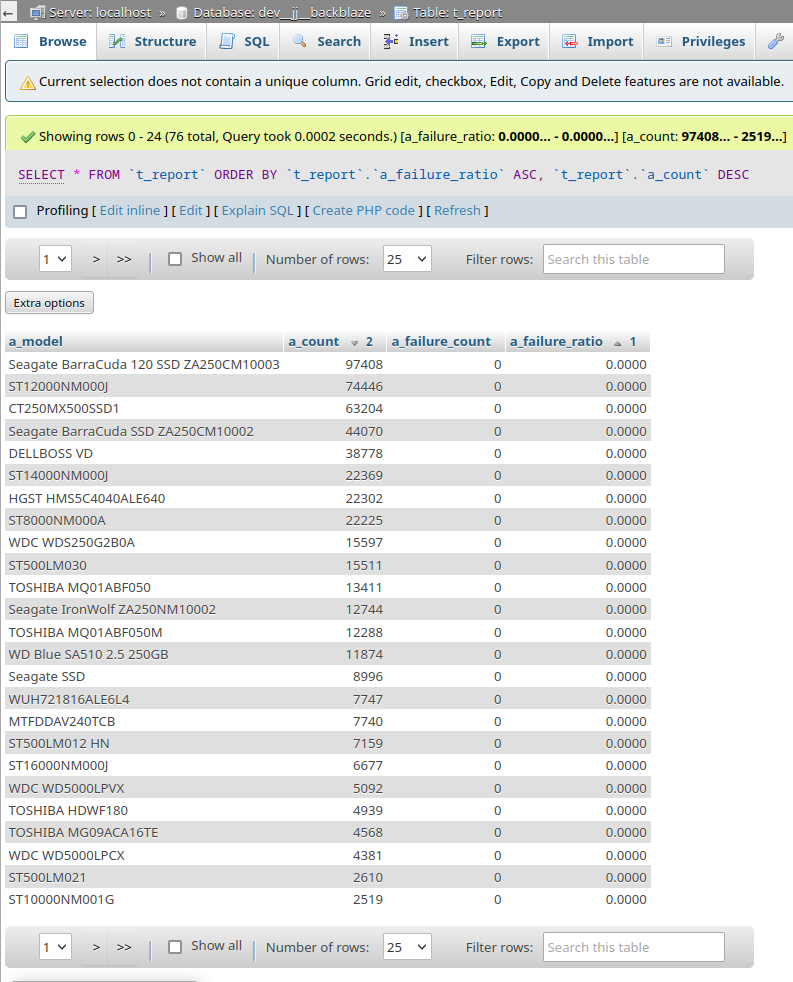
The first drive listed in the above report is an SSD, but I want an ordinary spinning rust HDD. The second drive listed is ST12000NM000J which is Seagate Exos X18 12 TB. I found them on Amazon for AU$499 and on eBay for AU$280. So I purchased three drives from eBay.
Time well spent. Thanks d0nk`! <3
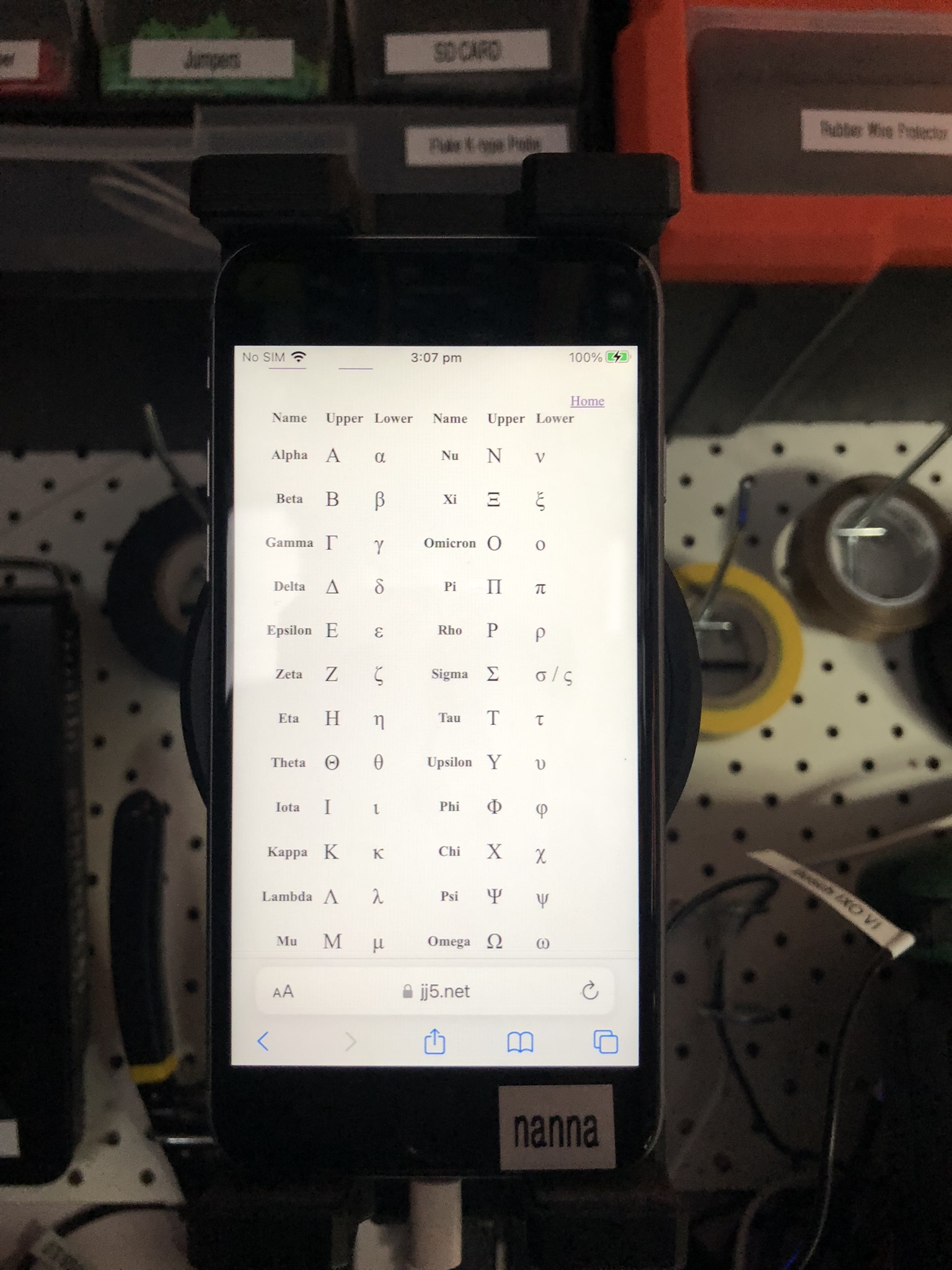
I use old iPhone 6 smartphones in my lab as computers with small screens. I use them to display notes while I’m working. Recently I added some notes about the Greek letters:
This post is part of my video blog and you can find more information about this video over here.
You can support this channel on Patreon: patreon.com/JohnElliotV
Silly Job Title: Chief Fuse Blower.
In this video we take a look at what has arrived in the mail from AliExpress:
Thanks very much for watching! And please remember to hit like and subscribe! :)
Following is a product I use picked at random from my collection which may appear in my videos. Clicking through on this to find and click on the green affiliate links before purchasing from eBay or AliExpress is a great way to support the channel at no cost to you. Thanks!
Yum Cha Multifunction Hook Tools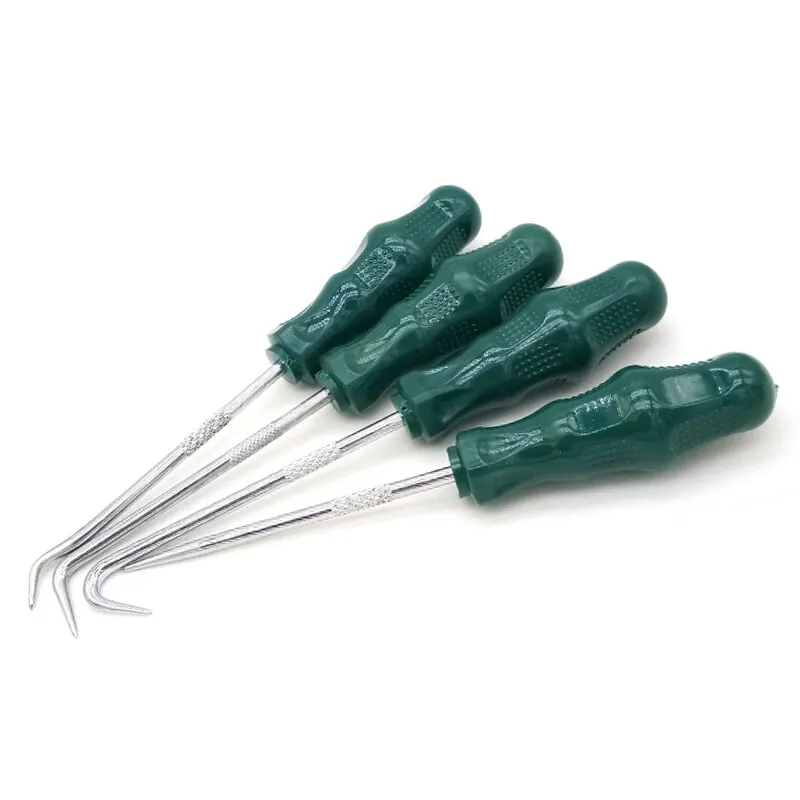 |
Let’s go shopping!
This post is part of my video blog and you can find more information about this video over here.
You can support this channel on Patreon: patreon.com/JohnElliotV
Silly Job Title: Note Taker.
In this video we teardown an old Sanyo RM6018 clock radio which I found on the street when I was walking home the other day. A search for LM8560 datasheet turns up a lot of interesting info. The LM8560 is what implements the clock part of the circuit. The radio is separate. We’re looking at the clock first, might have a look at the radio some other time. I have ordered some parts from AliExpress so that I can do part 2 of this video, so stand by for that.
We use the METCAL PS-900 Soldering Station for some spot soldering.
We use the Pro’sKit SS-331H Desoldering Pump to to remove some wires.
We use the Fluke 17B+ Digital Multimeter to test the battery.
We use the Riden RD6006 Bench Power Supply to deliver power for testing.
We use the Bosch IXO VI Electric Screwdriver to remove the screws from the case.
Shout out to my mate @nanofix who I mention in this video. If you’re interested in reballing he has a lot to teach you! Check out his Ultimate Microsoldering Tool Guide, particularly for hints about cleaning supplies.
Thanks very much for watching! And please remember to hit like and subscribe! :)
Following is a product I use picked at random from my collection which may appear in my videos. Clicking through on this to find and click on the green affiliate links before purchasing from eBay or AliExpress is a great way to support the channel at no cost to you. Thanks!
Damotk 5pcs Crevice Cleaning Brush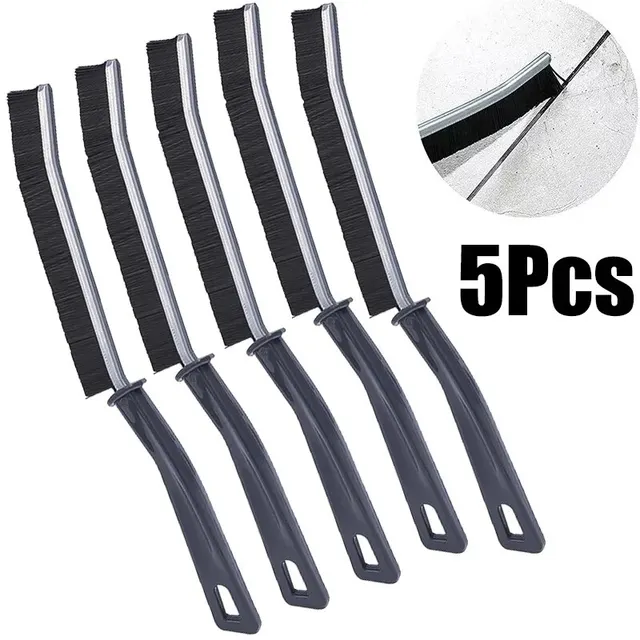 notes notes |
Let’s go shopping!
This post is part of my video blog and you can find more information about this video over here.
You can support this channel on Patreon: patreon.com/JohnElliotV
Silly Job Title: Fixeruperer.
In this video we take a look at what has arrived in the mail from AliExpress. Also a few things I picked up from the local hardware store: True Value Hardware.
Thanks very much for watching! And please remember to hit like and subscribe! :)
Following is a product I use picked at random from my collection which may appear in my videos. Clicking through on this to find and click on the green affiliate links before purchasing from eBay or AliExpress is a great way to support the channel at no cost to you. Thanks!
Yum Cha J15026-2 6-Knob Resistor Box |
Let’s go shopping!
This post is part of my video blog and you can find more information about this video over here.
You can support this channel on Patreon: patreon.com/JohnElliotV
Silly Job Title: Spark Specialist.
In this video we take a look at what has arrived from AliExpress and Amazon:
Thanks very much for watching! And please remember to hit like and subscribe! :)
Following is a product I use picked at random from my collection which may appear in my videos. Clicking through on this to find and click on the green affiliate links before purchasing from eBay or AliExpress is a great way to support the channel at no cost to you. Thanks!
Maxitronix 500in1 Electronics Project Lab Kit notes notes |
Let’s go shopping!