Demo #3: Peak Electronic Design Atlas DCA75 Pro Semiconductor Analyzer | In The Lab With Jay Jay

This post is part of my video blog and you can find more information about this video over here.

You can support this channel on Patreon: patreon.com/JohnElliotV

In this video we put the Peak Electronic Design Atlas DCA75 Pro Semiconductor Analyzer through its paces.

My notes about this device are on my personal wiki, here: Peak Electronic Design Atlas DCA75 Pro Semiconductor Analyzer.

The DCA75 can measure triac and thyristor devices but the Peak Electronic Design Atlas SCR100 Triac And Thyristor Analyzer can do a better job of it.

If you want to measure zener diodes the DCA75 can do it but the Peak Electronic Design Atlas ZEN50 Zener Diode Analyzer can do a better job of it.

While reading the manual we learn about the PCA23 SOT-23 test adapter, while searching for that I found this behind-the-scenes deeplink from Peak Electronic Design: https://www.peakelec.co.uk/resources/pca23.html

The manual mentions the International Electrotechnical Commission – IEC 60617 – Graphical Symbols for Diagrams, which is an international standard for graphical symbols of electromechanical devices.

The support page is DCA75 (DCA Pro) Support, from there you can download software/firmware.

Thanks very much for watching! And please remember to hit like and subscribe! :)

Following is a product I use picked at random from my collection which may appear in my videos. Clicking through on this to find and click on the green affiliate links before purchasing from eBay or AliExpress is a great way to support the channel at no cost to you. Thanks!

Yum Cha CrowbarThis is an image of the product.

Let’s go shopping!

Unboxing #21: ATPK3 – Atlas Pro Pack – LCR45 + DCA75 + Case | In The Lab With Jay Jay

This post is part of my video blog and you can find more information about this video over here.

You can support this channel on Patreon: patreon.com/JohnElliotV

In this video I unbox my ATPK3 – Atlas Pro Pack – LCR45 + DCA75 + Case which I ordered recently from element14. This bundle includes:

I will do a demo of the DCA75 and LCR45 in future videos.

I haven’t seen GP23 batteries before, but apparently they are 12V and can deliver 23A. Seems like rather a lot!

I’m not sure what is special about the specific test frequency of 14.9254 kHz, but I have asked on the EEVblog forum.

Thanks very much for watching! And please remember to hit like and subscribe! :)

Following is a product I use picked at random from my collection which may appear in my videos. Clicking through on this to find and click on the green affiliate links before purchasing from eBay or AliExpress is a great way to support the channel at no cost to you. Thanks!

Yum Cha IC Chip Pickup ToolThis is an image of the product.

Let’s go shopping!

“>

Ferromagnetic Substance Detector | Project 13/20 | Maxitronix 20in1 | In The Lab With Jay Jay

This post is part of my video blog and you can find more information about this video over here.

You can support this channel on Patreon: patreon.com/JohnElliotV

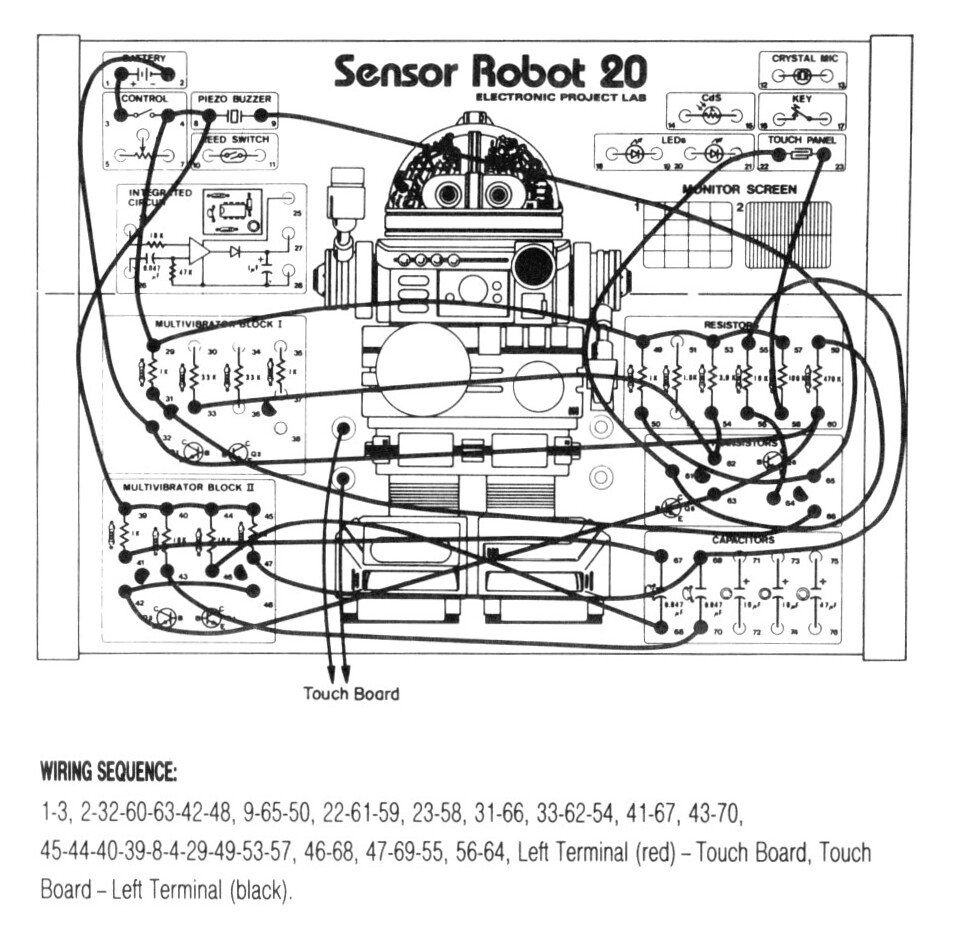
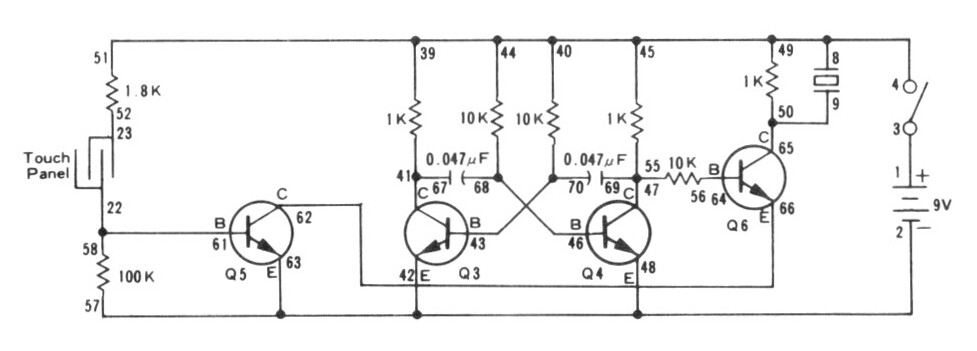
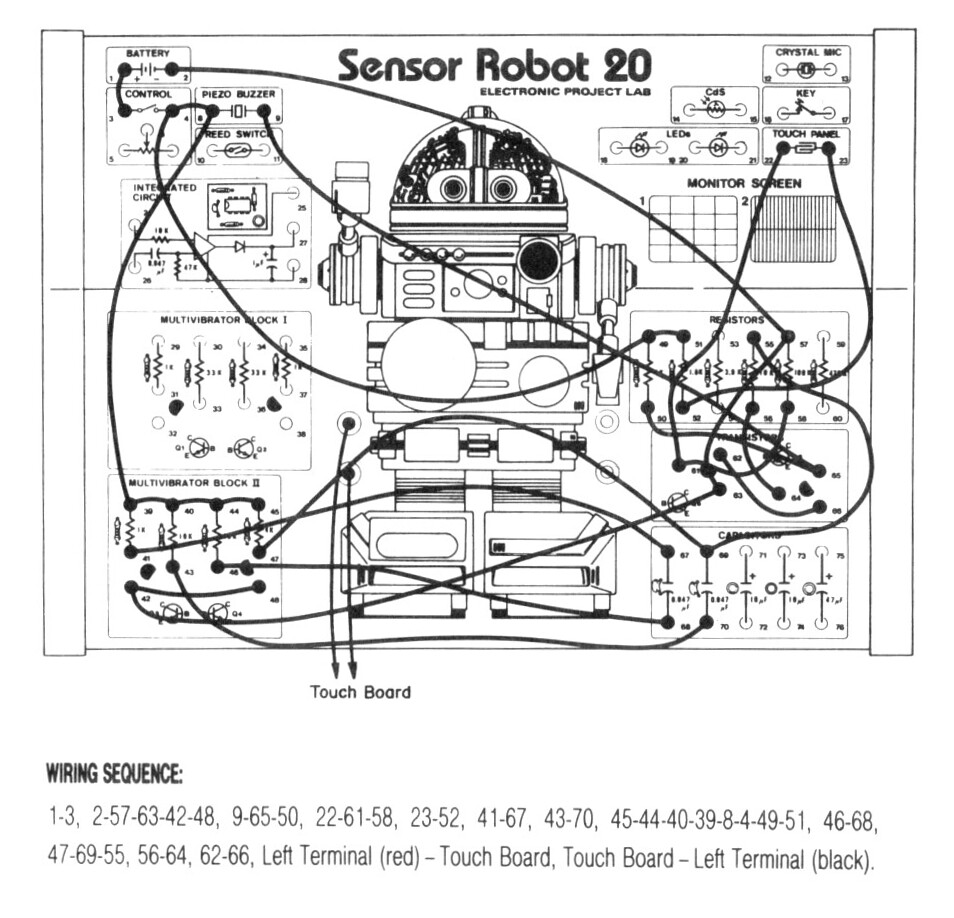
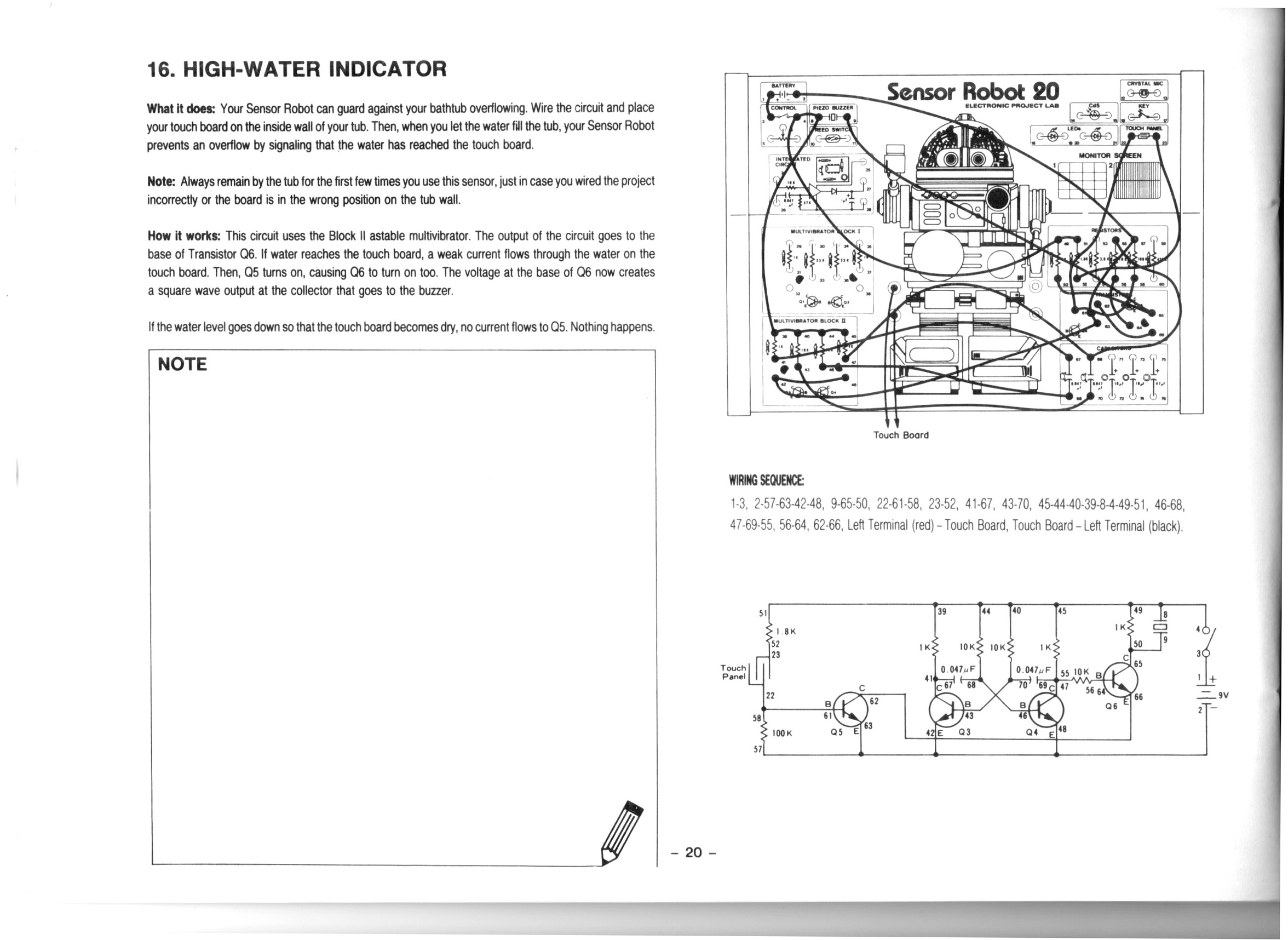
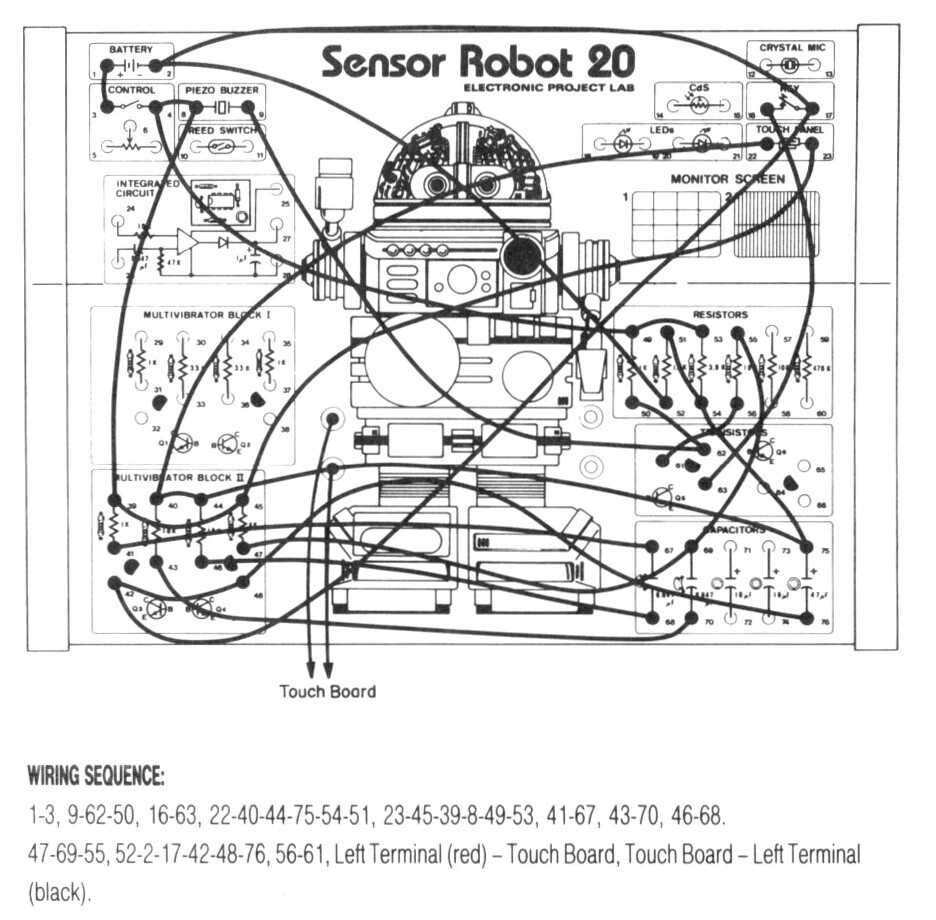
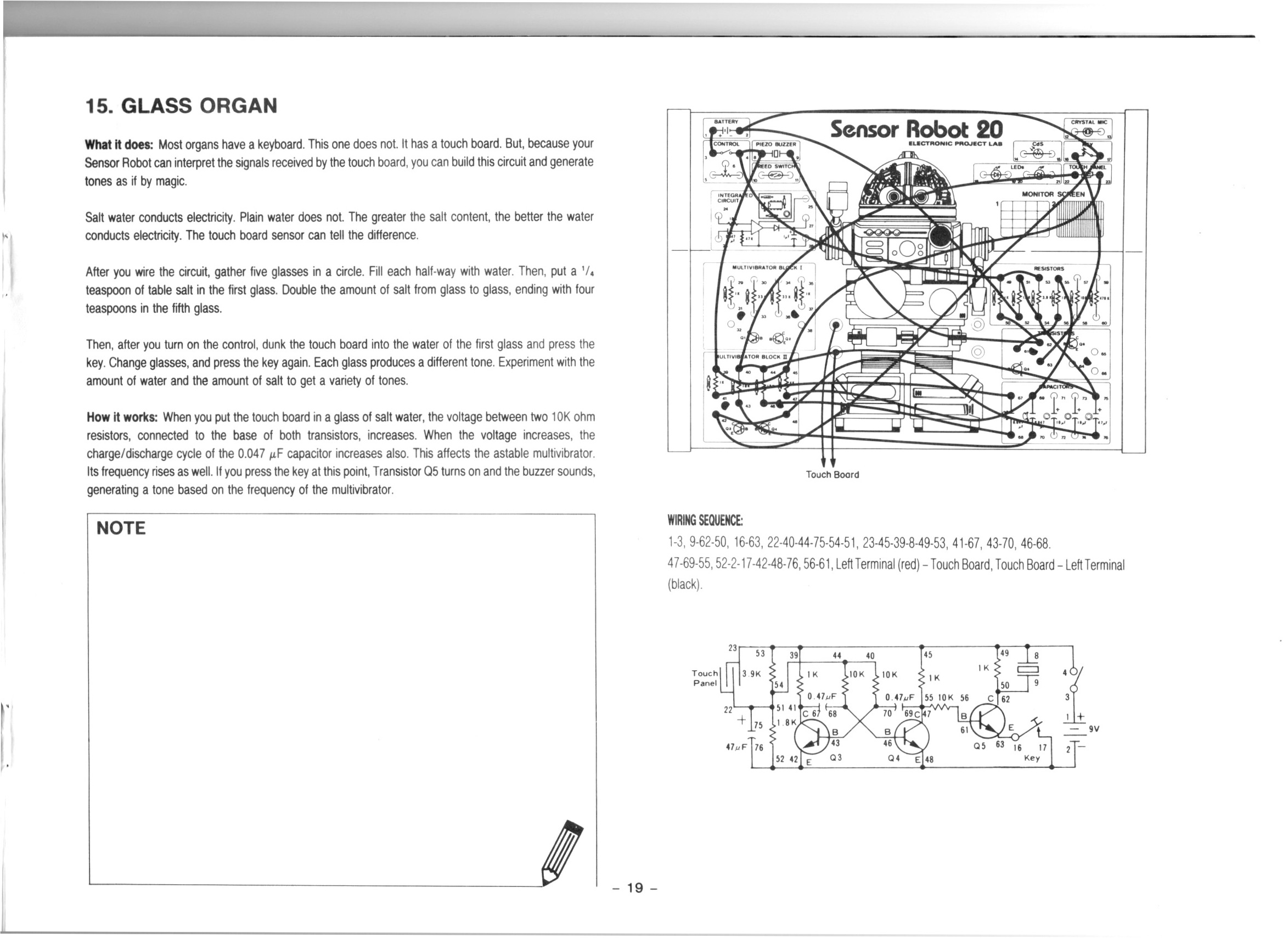
In this video we do the 13th project from the Maxitronix 20in1 (the Sensor Robot 20): Ferromagnetic Substance Detector.

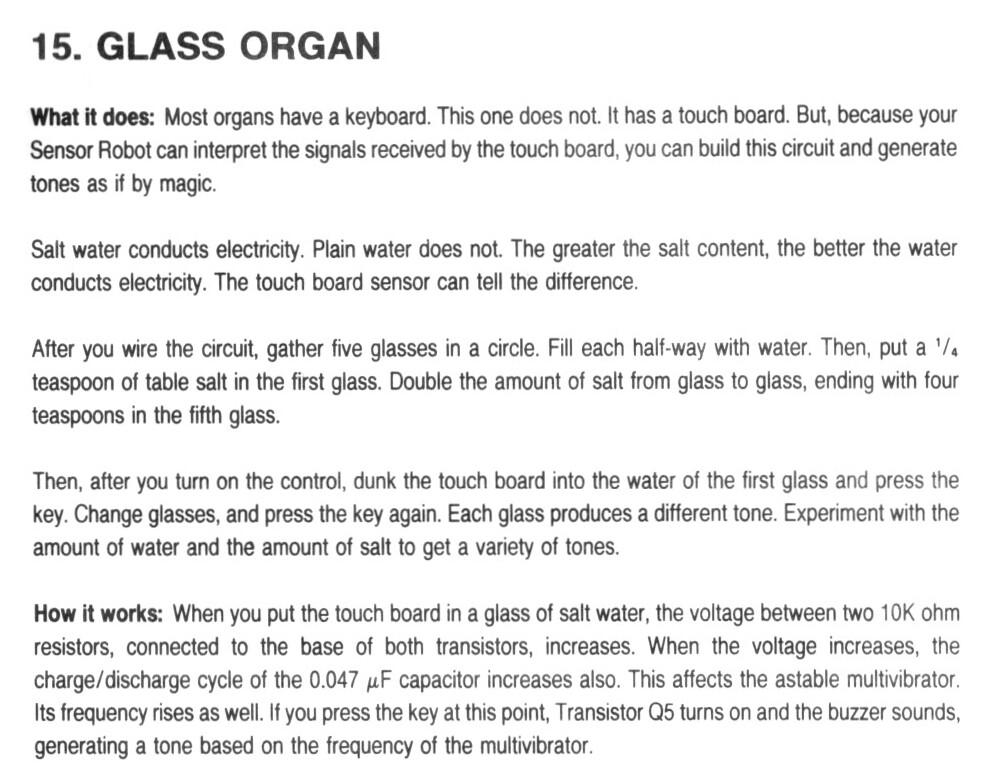
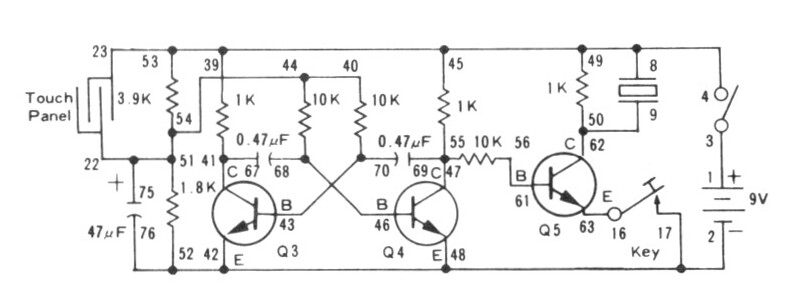
In this project we use the reed switch to detect magnetic material. We use an astable multivibrator to generate a tone which sounds when magnetic material is detected.

We use the Riden RD6006 Bench Power Supply to provide 9V for our test circuit.

We use the UNI-T UTi260B Thermal Imager to inspect the circuit board during operation and see the transistors for the astable multivibrator dissipating the most heat.

We use the Rigol MSO5074 Mixed Signal Oscilloscope to inspect the 1.5 kHz square wave which generates the tone for the buzzer.

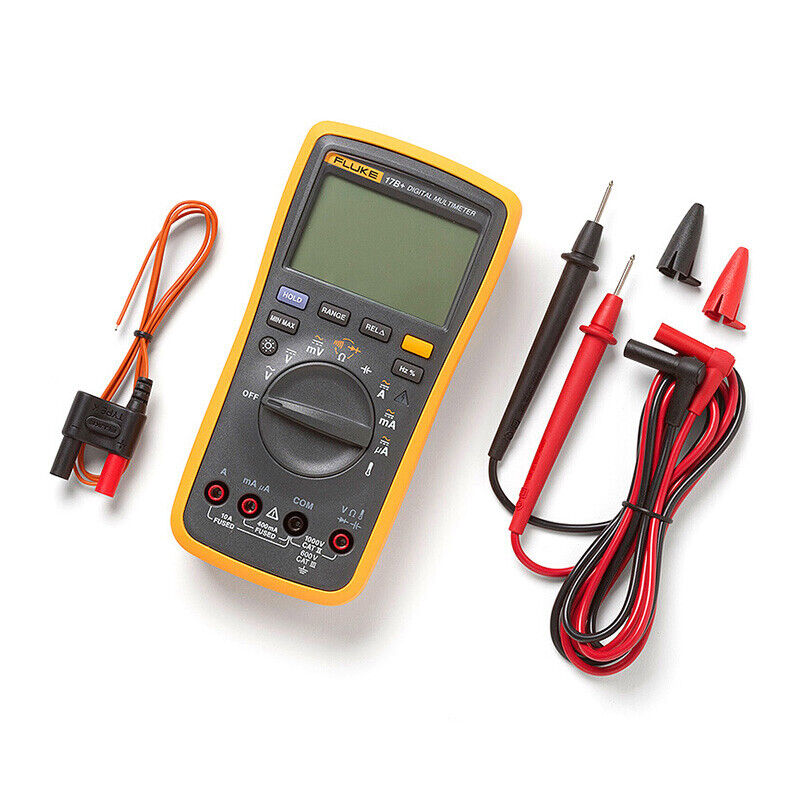
We use the Fluke 17B+ Digital Multimeter to investigate some currents and some voltages into the base of transistor Q5.

We use the METCAL PS-900 Soldering Station to tin some wire for the DuPont-female jumper.

We also use a breakout board to add a volume control to the buzzer and to substitute a LED for the buzzer.

I really enjoyed this project, I think it’s the best one so far!

Thanks very much for watching! And please remember to hit like and subscribe! :)


Following is a product I use picked at random from my collection which may appear in my videos. Clicking through on this to find and click on the green affiliate links before purchasing from eBay or AliExpress is a great way to support the channel at no cost to you. Thanks!

PowerShield Defender 1600 UPSThis is an image of the product.

Let’s go shopping!

Unboxing #20: METCAL PS-900 Soldering Station | Learning Electronics In The Lab With Jay Jay

This post is part of my video blog and you can find more information about this video over here.

You can support this channel on Patreon: patreon.com/JohnElliotV

In this video I unbox my new METCAL PS-900 Soldering Station which I ordered recently from element14.

I keep my notes about this equipment on my person wiki, over here: METCAL PS-900 Soldering Station.

Before I purchased this equipment I made some notes about my research and decisions and element14 had the best price by far.

As I mention in the video my new PS-900 soldering station uses the METCAL SmartHeat technology. You can read more about SmartHeat over here:

Per the above links the Metcal SmartHeat technology is available in various solutions:

The PS Series (which I got) is the entry level system. You can spend much more than I did!

I found this document Metcal – Tip Temperature Guide which describes the various tip options (Metcal calls the tips “cartridges”) along with their temperature specifications.

As promised the link for my electric scissors is here: Jackcat Electric Scissors.

Thanks very much for watching! And please remember to hit like and subscribe! :)

Following is a product I use picked at random from my collection which may appear in my videos. Clicking through on this to find and click on the green affiliate links before purchasing from eBay or AliExpress is a great way to support the channel at no cost to you. Thanks!

gku AC1009 Underdesk Keyboard DrawerThis is an image of the product.notes

Let’s go shopping!

New Book Teardown #6: God Created the Integers (2005) | Learning Electronics In The Lab With Jay Jay

This post is part of my video blog and you can find more information about this video over here.

You can support this channel on Patreon: patreon.com/JohnElliotV

In this video I take a look at God Created the Integers edited by Stephen Hawking and published in 2005.

Hawking’s other book which I mention in this video is On The Shoulders Of Giants.

I am sorry that my pronunciation of European names is kind of terrible. While working through the book I made some notes on my wiki about pronouncing various names: God Created the Integers.

At 12 hours (the YouTube maximum video length) this is my longest video so far! If you do watch the whole thing through to the end, you are my type of person, so please do let me know! :)

Thanks very much for watching! And please remember to hit like and subscribe! :)


Following is a product I use picked at random from my collection which may appear in my videos. Clicking through on this to find and click on the green affiliate links before purchasing from eBay or AliExpress is a great way to support the channel at no cost to you. Thanks!

Yum Cha 16MP USB CameraThis is an image of the product.

Let’s go shopping!

Electronics Project #10: TJ-56-428 4-Digit Digital DIY Clock | In The Lab With Jay Jay

This post is part of my video blog and you can find more information about this video over here.

You can support this channel on Patreon: patreon.com/JohnElliotV

Silly Job Title: Switch Sleuth

Happy New Year!

In this video, my first video for 2025, I construct a 4-digit digital clock I recently purchased from AliExpress: TJ-56-428 4-Digit Digital DIY Clock Kits with Acrylic Shell, DIY Alarm Clock Soldering Practice Kit for Learning Electronics.

I thought it might be nice to kick off the new year with an actual electronics project, as that is what this channel is supposed to be mostly about!

I translated the instructions from Chinese to English, and those are here: TJ-56-428. These include instructions for use of the complete and fully assembled clock.

This was a great chance to try out my new METCAL PS-900 Soldering Station and I am pleased to report that I am very happy with my new soldering iron! It is a pleasure to use.

The heart of this circuit is the STC15W404AS which is a microcontroller! It has been pre-programmed with the clock functionality, there was no software or source code that shipped with the kit.

Update: my mate @sadata777 pointed out that there was a protective coating on the acrylic and I remove that in this video: https://youtu.be/y9btakLOCHc

Update: my mate Joe pointed out that I had the case on back-to-front which you can see me fix here: https://youtu.be/IyJ3IHgRfiw

Thanks very much for watching! And please remember to hit like and subscribe! :)


Following is a product I use picked at random from my collection which may appear in my videos. Clicking through on this to find and click on the green affiliate links before purchasing from eBay or AliExpress is a great way to support the channel at no cost to you. Thanks!

Yum Cha IC Chip Pickup ToolThis is an image of the product.

Let’s go shopping!

Old Book Teardown #11: Interactive Television (1995) | Learning Electronics In The Lab With Jay Jay

This post is part of my video blog and you can find more information about this video over here.

You can support this channel on Patreon: patreon.com/JohnElliotV

Silly Job Title: Outlet Overlord

In this video I take a look at Interactive Television: A Comprehensive Guide for Multimedia Technologists by Winston William Hodge published in 1995.

Thanks very much for watching! And please remember to hit like and subscribe! :)


Following is a product I use picked at random from my collection which may appear in my videos. Clicking through on this to find and click on the green affiliate links before purchasing from eBay or AliExpress is a great way to support the channel at no cost to you. Thanks!

3ELIGHTING 14″-27″ With 2 Arms VESA Wall MountThis is an image of the product.

Let’s go shopping!

Magnetism Detector | Project 12/20 | Maxitronix 20in1 | Learning Electronics In The Lab With Jay Jay

This post is part of my video blog and you can find more information about this video over here.

You can support this channel on Patreon: patreon.com/JohnElliotV

In this video I do the 12th project from the Maxitronix 20in1 (the Sensor Robot 20): Magnetism Detector.

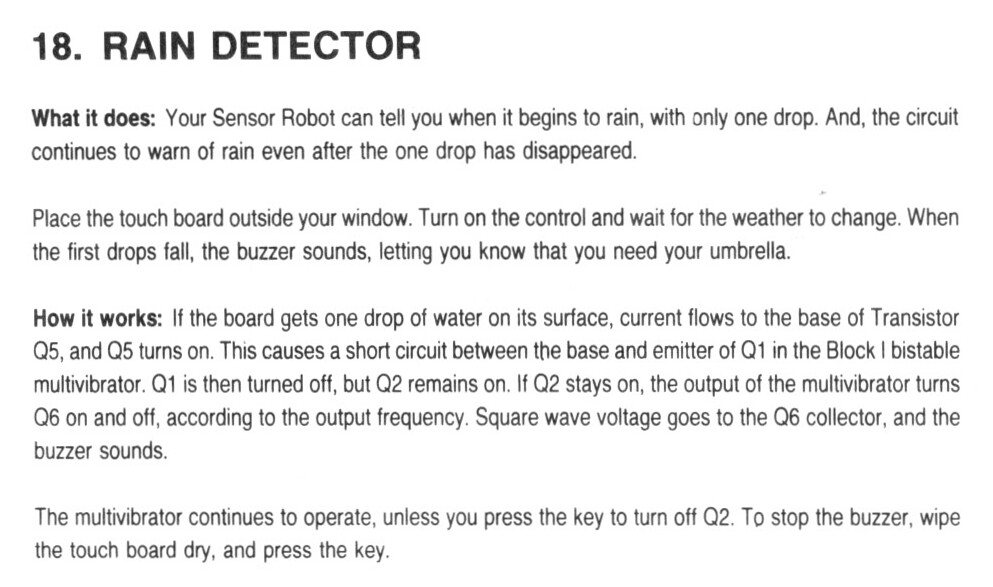
In this project we control a BJT transistor with a magnetic reed switch.

We use the thermal camera to observe heat in the transistors and LEDs during operation.

This is a plain DC circuit with no signals so there was no call for measuring anything with the oscilloscope.

I got myself a little confused about normally open and normally closed circuits during the video, but I think I was clear enough about that in the end.

Thanks very much for watching! And please remember to hit like and subscribe! :)


Following is a product I use picked at random from my collection which may appear in my videos. Clicking through on this to find and click on the green affiliate links before purchasing from eBay or AliExpress is a great way to support the channel at no cost to you. Thanks!

Yutiars Round Paint BrushesThis is an image of the product.notes

Let’s go shopping!

Mail Call #15: iPhone 6s, USB Accessories, Software Books, IEC Power Adapters, and More!

This post is part of my video blog and you can find more information about this video over here.

You can support this channel on Patreon: patreon.com/JohnElliotV

In this video I open the stuff that has arrived in the mail recently:

I mention that I’m working on a new book teardown for God Created the Integers.

The epaper modules I’m working with are these ones: WeAct 2.9” 2.13″ 2.9 2.13 Inch Epaper Module E-paper E-Ink EInk Display Screen SPI Black-White Black-White-Red and the microcontrollers I’m experimenting with are these ones: WeAct ESP32 ESP-32 ESP32C3 ESP32-C3FH4 Development Board Wireless WiFi Bluetooth-compatible Module Micropython.

The Arduino Nano you see is one of these: Mini / Type-C / Micro USB Nano 3.0 With the bootloader compatible Nano controller for arduino CH340 USB driver 16Mhz ATMEGA328P connected to an OLED display like this: 1.3″ OLED Display Module White/Blue Color Drive Chip SH1106 128X64 1.3 inch OLED LCD LED IIC I2C Communicate.

The video I mention about the test clips is this one: Unboxing #9: Unboxing of Sudake SDK07 and SKD08 IC Clip SMD Gripper Test Probe | In The Lab.

If you’re interested in the old iPhone 6s you can find more information at Wikipedia: iPhone 6s or from Apple: iPhone 6s – Technical Specifications.

My iPod touch is 7th generation, you can get more info from Apple: iPod touch (7th generation) – Technical Specifications.

I mention that I listen to di.fm. If you’re into electronic music, check it out.

I keep my notes which I display on my bench iPhones on the web, over here: https://www.jj5.net/display/

Thanks very much for watching! And please remember to hit like and subscribe! :)


Following is a product I use picked at random from my collection which may appear in my videos. Clicking through on this to find and click on the green affiliate links before purchasing from eBay or AliExpress is a great way to support the channel at no cost to you. Thanks!

3ELIGHTING 10″-26″ VESA Wall MountThis is an image of the product.

Let’s go shopping!

Unboxing #19: Kingston Fury Beast White XMP DDR5 128GB 5600MT/s CL40 RAM DIMM – KF556C40BWK4-128

This post is part of my video blog and you can find more information about this video over here.

You can support this channel on Patreon: patreon.com/JohnElliotV

In this video I unbox my new Kingston FURY Beast White 128GB (4x32GB) 5600MT/s CL40 DDR5 XMP DIMM | Overclocking | Plug N Play | Intel XMP 3.0 | Kit of 4 | KF556C40BWK4-128.

This is the replacement RAM I ordered after the Corsair RAM debacle (wherein they sold me scrap metal, not RAM, really, you wouldn’t dream of it!)

You can read about Kingston FURY Beast DDR5 Memory and find the KF556C40BWK4-128 specs (PDF). There is also warranty information and memory installation instructions.

You can learn more about memory timings, particularly CAS Latency.

Today I managed to double the RAM in ‘charisma‘ from 64GB to 128GB and also double the RAM in ‘treat‘ from 16GB to 32GB. A productive day!

Thanks very much for watching! And please remember to hit like and subscribe! :)


Following is a product I use picked at random from my collection which may appear in my videos. Clicking through on this to find and click on the green affiliate links before purchasing from eBay or AliExpress is a great way to support the channel at no cost to you. Thanks!

Eversure PB-10-HT3 Black 10-Way Power BoardThis is an image of the product.

Let’s go shopping!